
Proposal and payment flow
Create good/better/best proposals, attach add-ons or service plans, collect signatures, and take deposits or payments before leaving the job site.

Coperniq is AI software for contractors to manage sales, projects, service, monitoring, cash flow, and embedded AI agents in one system.
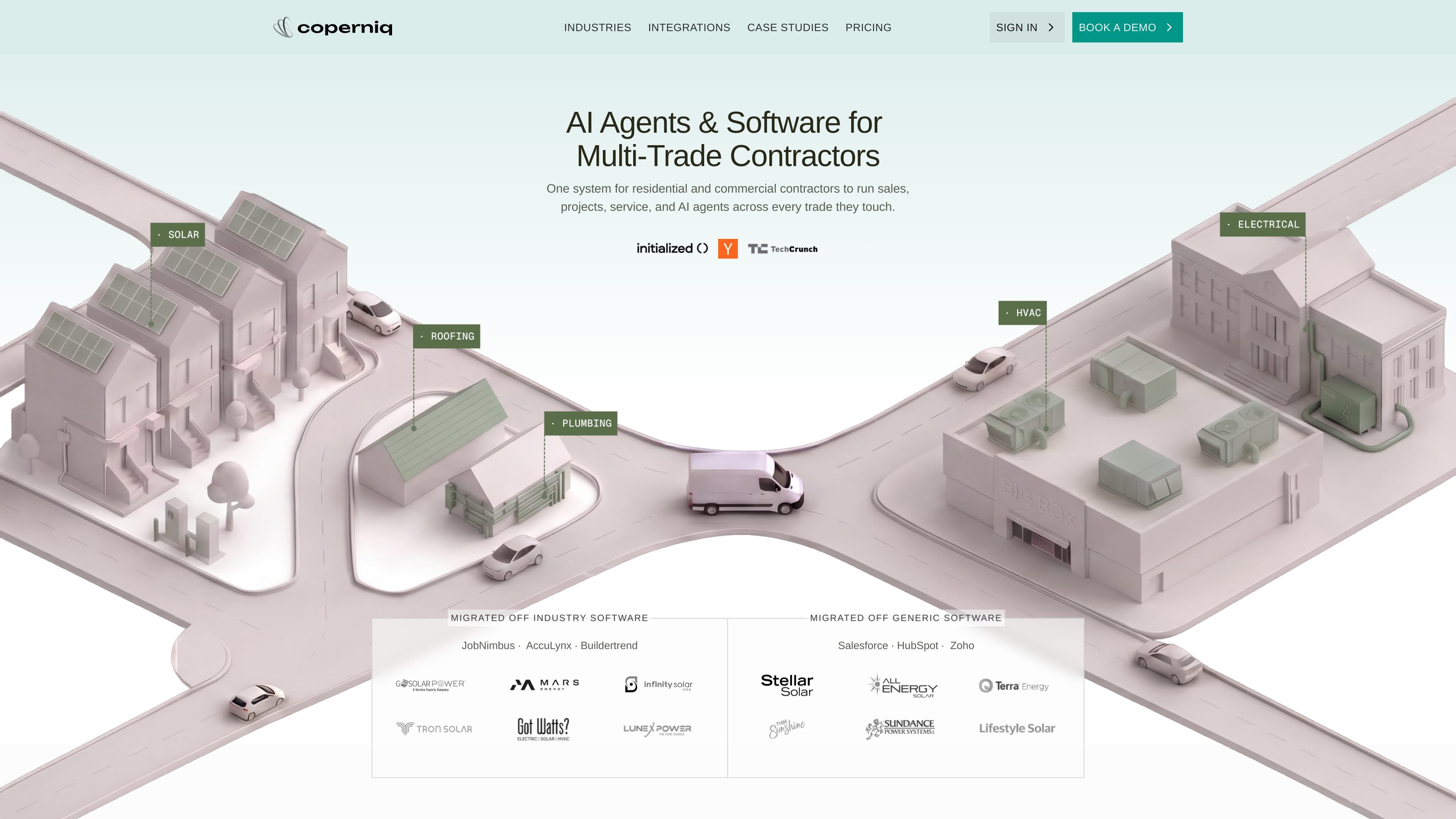
Coperniq is AI software for residential and commercial contractors. The site positions it as a single operating system for teams that sell work, manage projects, handle service, monitor assets, and get paid across multiple trades such as HVAC, electrical, plumbing, roofing, and solar.
The platform is organized around contractor workflows rather than a single department. Its homepage and pricing page emphasize separate seat types for field crews and office teams, plus AI agents and Coperniq Intelligence that can be added alongside the core system.
Create good/better/best proposals, attach add-ons or service plans, collect signatures, and take deposits or payments before leaving the job site.
Define multi-step processes with conditions, dependencies, blockers, and cross-trade coordination so work moves in the right order.
Route service jobs by skill, availability, and proximity, then track dispatch status and customer communication in one place.
Track service history, performance alerts, SLA enforcement, and asset status to identify issues before customers do.
Manage invoices, vendor purchase orders and bills, timesheets, job profitability, and QuickBooks sync from the office plan.
Use assignable AI agents that live inside the operating system for tasks such as answering calls, booking appointments, follow-up, accounting, and QA.
Use Coperniq to send good/better/best proposals, add service plans or add-ons, and collect signatures and deposits as part of the same sales flow.
Use the workflow builder to enforce task order, dependencies, and cross-trade handoffs when one trade depends on another.
Use the service tools to dispatch technicians by skill and proximity, track updates, and keep customers informed through a portal.
Use asset monitoring, service history, and performance alerts to spot issues early and manage ongoing maintenance work.
Use the Office plan to manage invoicing, vendor bills, timesheets, profitability, and QuickBooks-connected accounting workflows.
Coperniq is positioned as AI software for residential and commercial contractors. The site describes it as one system for running sales, projects, service, cash flow, and AI agents.
The pricing page shows two platform seat options: Field for technicians and field crews on mobile, and Office for office teams running CRM, dispatch, project management, and financials. AI is priced separately.
Coperniq says contractors can start without AI and add it later. The pricing page also separates platform seats from Coperniq Intelligence and voice agents.
The pricing page mentions a 2-way QuickBooks sync as part of the Office plan features.
The integrations page is linked from the site, and the pricing and homepage materials emphasize that Coperniq is meant to connect existing contractor workflows rather than replace every operational need with separate tools.