
One-click text-to-video creation
Enter a script or other text and the platform generates a full video from it, reducing the manual work of assembling a first cut.

CinemaFlow AI is a web-based AI video creation tool that turns scripts into cinematic videos and animations for creators, filmmakers, marketers, and teams.
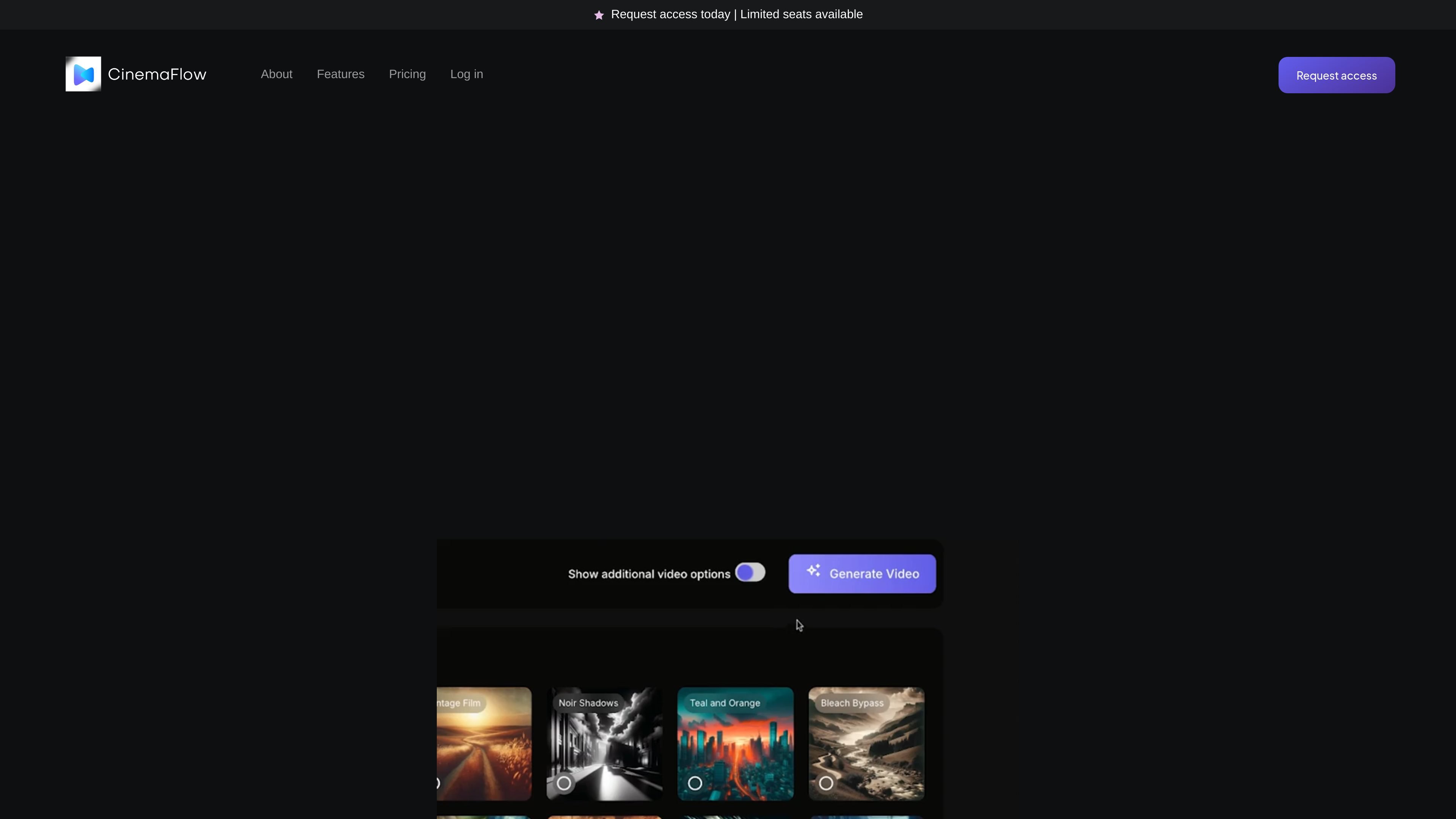
CinemaFlow AI is a browser-based AI video creation platform that turns written scripts into cinematic videos and animations. The homepage describes it as a way to create videos in one click, with the system handling scene selection, shot composition, rendering, and export settings.
The product appears aimed at creators who want a faster path from text to finished video without building every scene manually. Public-facing copy highlights use by filmmakers, marketers, content creators, and film students, and the site also points to a separate app at `app.cinemaflow.ai` for its services.
Enter a script or other text and the platform generates a full video from it, reducing the manual work of assembling a first cut.
The system interprets narrative, tone, and style from the source text and uses that analysis to guide the resulting video.
An AI cinematographer composes shots to match the story, aiming for framed scenes that fit the written content.
Users can choose from templates for different genres and styles, then adapt them to their own project needs.
The editing interface supports clip merging and real-time previews so users can combine generated segments and review changes as they work.
Rendering and export options include quick render, smart resolution adjustment, and selectable output quality from standard definition to ultra HD.
Draft a script, paste it into CinemaFlow AI, and generate a first-pass video that already includes scene structure and visual pacing.
Use the editing tools to merge generated clips, preview transitions in real time, and shape a longer sequence from AI-produced segments.
Choose a template and output settings to produce marketing videos or social-ready content with a style aligned to the project.
Adjust export quality and resolution for different delivery targets, from quick preview files to higher-resolution final exports.
Use the platform as a collaborative production tool for team projects, which the pricing summaries indicate are included across plans.
CinemaFlow AI is presented as a web-based AI video creation platform. The homepage references both the public site and an app at `app.cinemaflow.ai`, but it does not describe a separate desktop or mobile app.
The homepage says users can turn written scripts into complete videos with one click and that the AI also selects scenes based on the script. It does not spell out a detailed onboarding process beyond requesting access.
The homepage highlights AI-powered video creation, customizable templates, advanced editing tools, and AI-assisted rendering/export settings. It does not provide integration details with other editing suites or creative tools.
The pricing page is protected, but the public homepage shows three tiers: Starter, Professional, and Enterprise. The page also says annual billing is available and that plans can be modified or canceled anytime.
The homepage positions the product for creators, filmmakers, marketers, and storytellers who want to produce cinematic videos from text. Its examples and testimonials suggest it is meant for both solo creators and teams working on video content.