
Start from existing content
Paste raw notes, outlines, meeting docs, or existing decks and Chronicle pulls them into one presentation, which makes it easier to start from the material you already have.

Chronicle is an AI presentation maker for teams that need to turn notes, outlines, docs, or existing decks into professional slides. It supports AI generation, editing, branding controls, and exports to PPT, PDF, socials, or a website.
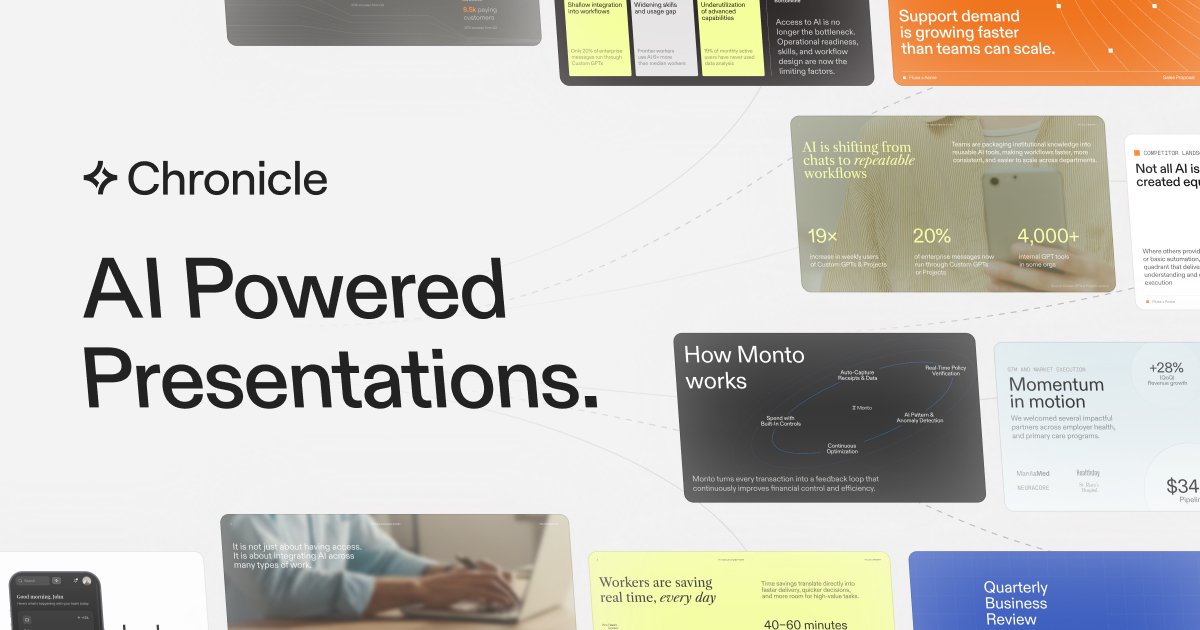
Chronicle is an AI presentation maker for creating professional slides and interactive decks. It is positioned for teams that need high-quality, on-brand presentations and a workflow that can move from rough input to finished presentation without starting from a blank slide.
The product accepts raw notes, outlines, meeting docs, or existing decks, then helps users generate slides, refine them with AI, and share the result in formats such as PPT, PDF, or a published website. The site also highlights support for custom branding, real-time collaboration, and enterprise-grade security.
Paste raw notes, outlines, meeting docs, or existing decks and Chronicle pulls them into one presentation, which makes it easier to start from the material you already have.
Generate polished slides from rough ideas, with Chronicle creating professional diagrams and visuals as part of the initial output.
Refine content with natural-language instructions inside a freeform canvas, giving you more direct editing control than a one-shot generator.
Export your work to PPT, PDF, or social formats, or publish it as a website when you need to share beyond the editor.
Set fonts, colors, visual rules, custom themes, and custom fonts so presentations stay aligned to a brand system across a team.
Use templates, shared workspaces, permissions, and collaboration controls to support team-based presentation workflows.
Turn rough notes, meeting docs, or an outline into a presentation that already has structure, visuals, and slide sequencing in place.
Prepare sales proposals, pitch decks, and pipeline updates using a presentation workflow that supports branded output and team review.
Build product roadmaps, planning decks, and stakeholder updates with tools for diagrams, charts, and collaborative editing.
Create board decks, investor updates, and company narratives when the final output needs to be polished and shareable in multiple formats.
Assemble client pitches, strategy decks, and deliverables with shared templates, permissions, and branding controls for team use.
Chronicle supports starting from raw notes, outlines, meeting docs, or existing decks, then turning them into a single presentation you can refine and share.
Yes. Chronicle is built for teams, with shared workspaces, permissions, shared templates, and consolidated billing and admin controls on paid plans.
Chronicle can export presentations to PPT and PDF, export to socials, and publish presentations as a website.
Chronicle uses a token-based system for AI features. Tokens are unique to each user in a workspace and reset at the end of each month if unused.
Chronicle offers Free, Pro, Plus, and Max plans, with a contact-sales path for enterprise pricing.