
Screenshot capture
Capture issues with a single click using screenshots that can be cropped, full-page, visible-screen, delayed by 3 or 6 seconds, and annotated. Incognito mode is also supported.

BetterBugs is a bug reporting and debugging tool for teams that need screenshots, recordings, logs, and browser context in one report.
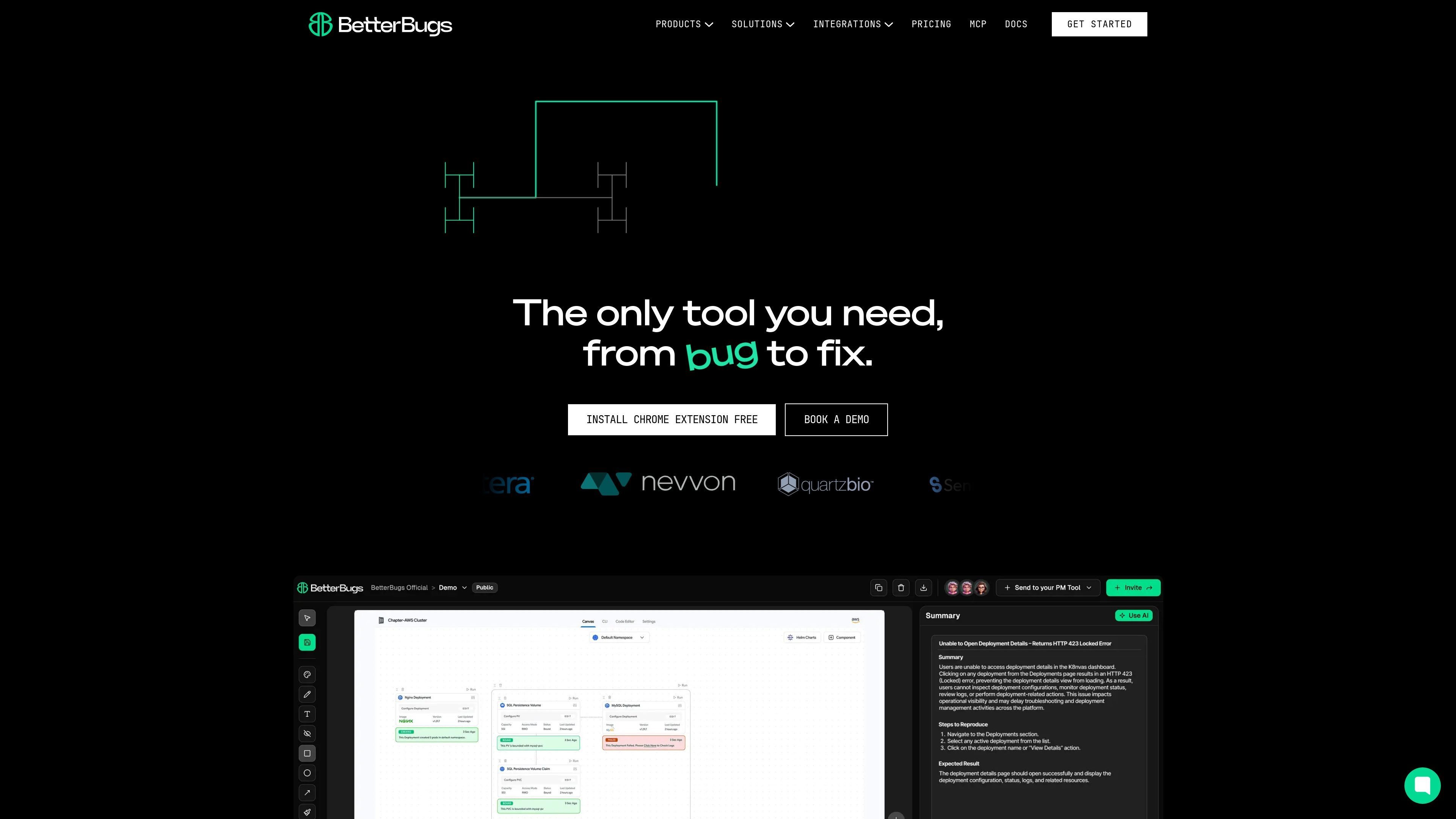
BetterBugs is a bug reporting and debugging tool that helps teams capture visual evidence, technical telemetry, and reproduction context in one place. The product is centered on fast bug capture from a Chrome extension, a browser-based recording flow, and a Rewind feature that can recover the last two minutes of browser activity when an issue occurs.
The core workflow is to collect screenshots or recordings, attach logs and environment details automatically, and send the report to a team or connected project tool. BetterBugs also includes an MCP server for sharing bug telemetry with AI coding tools, so developers can use the same report context when diagnosing and fixing issues.
Capture issues with a single click using screenshots that can be cropped, full-page, visible-screen, delayed by 3 or 6 seconds, and annotated. Incognito mode is also supported.
Record a tab or window for up to 15 minutes, with pause/resume controls, microphone support, annotation, and Incognito mode support.
Review the last 2 minutes of browser activity without manual recording. Rewind includes a master enable/disable switch, allowed and blocked site lists, and no auto-upload until you choose to upload.
Attach debugging context automatically, including console logs, network requests, device info, Sentry event logs, app state details such as cookies and local storage, and GraphQL error handling.
Generate report links, add basic metadata, and share bug reports directly into connected project tools. The source mentions Jira, Linear, Trello, Slack, ClickUp, and similar integrations.
Use the MCP server and AI assistant flow to pass full bug telemetry to AI tools and receive repro steps, RCA, or code-fix assistance from the shared context.
QA teams can capture a bug as it happens, add screenshots or recordings, and attach the technical details developers need without writing a long handoff note.
Support agents can generate a recording link for customers, collect a simple report with email and summary fields, and pass the issue into the team’s workflow.
Developers can review logs, network activity, and browser state alongside the report to reproduce issues faster and reduce manual back-and-forth.
Teams using project tools can push reports into Jira, Linear, Trello, Slack, or other connected workspaces so bug handling stays inside existing processes.
Teams using AI coding tools can share a BetterBugs report link with an MCP-compatible assistant or IDE to provide the full bug context for diagnosis.
BetterBugs is built to capture bug context in a few different ways: one-click screenshots, screen recordings, and a Rewind mode that can recover the last 2 minutes of browser activity. The right method depends on whether you need a static image, a walkthrough, or a short replay of what happened before the issue.
Yes. The product pages describe use for QA engineers, developers, project managers, designers, support teams, and founders. The workflow is designed so even non-technical users can submit a report with a link, while technical details are attached automatically.
BetterBugs can send reports into project tools such as Jira, Linear, Trello, Slack, ClickUp, and similar connected systems. The feature page also mentions report links that can be shared directly from the browser or dashboard.
The source shows a Chrome extension for capture, a web-based recording link flow for support use cases, and an MCP server for sharing bug telemetry with AI coding tools. The integration page also shows a Jira connection.
The source does not describe a full trial or plan structure in detail, but it repeatedly offers an 'Add to Chrome FREE' entry point and a 'Try for free' call to action.