
Text, image, and video inputs
Generate video from written prompts, still images, or reference video inputs. The homepage describes a single workflow for controlling composition, motion, and tone from these sources.

Bach 1.0 is an AI video generator for text prompts, images, and reference videos, creating cinematic clips in native 1080p, 30fps with synced audio.
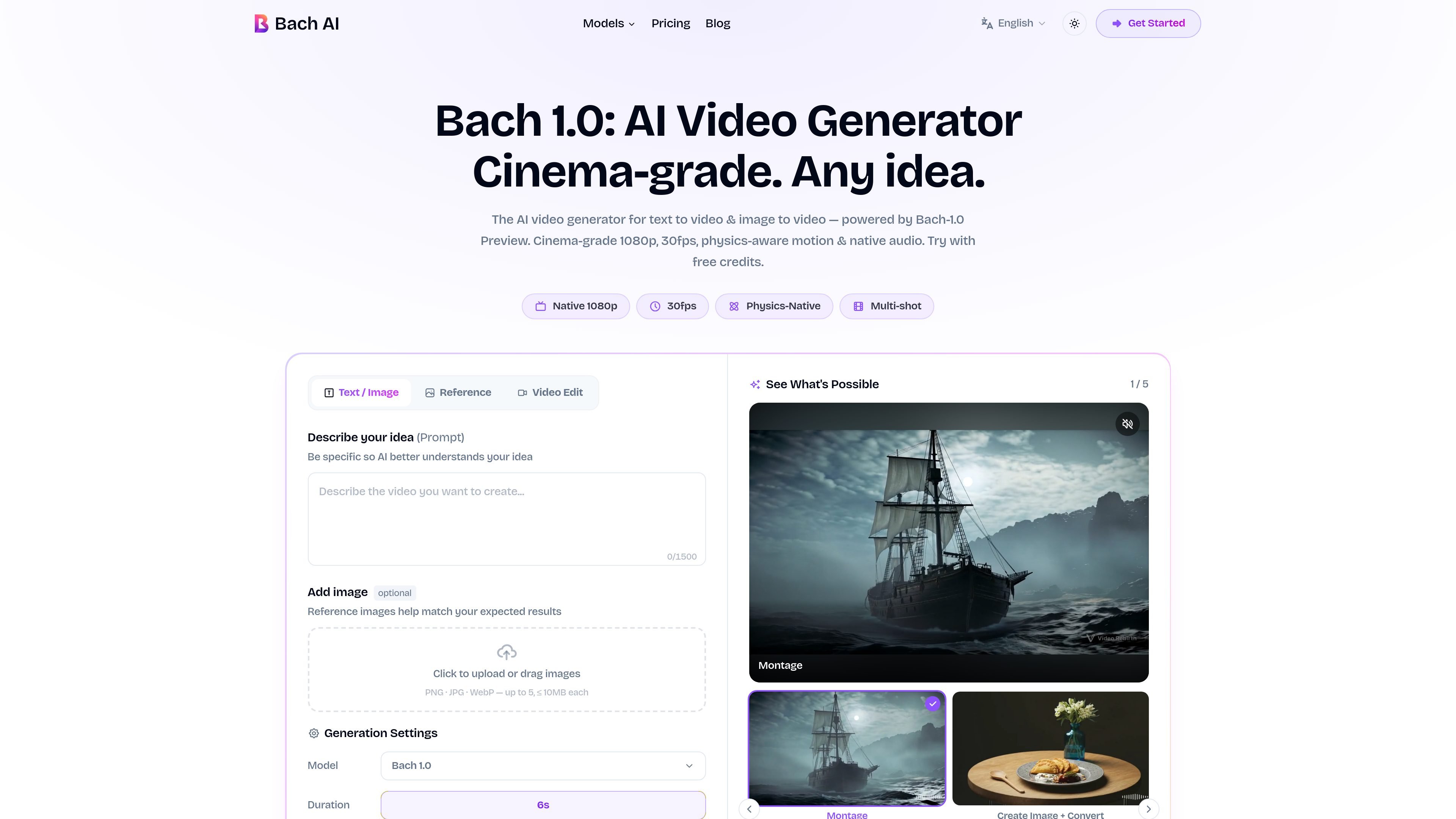
Bach 1.0 is an AI video generator for turning text prompts, still images, and reference videos into short cinematic clips. The homepage presents it as a text-to-video and image-to-video tool with native 1080p, 30fps output, synced audio, and a workflow that starts from a simple prompt or uploaded image.
A defining part of the product is its montage mode: the site says Bach 1.0 can generate multi-shot films up to 30 seconds from one prompt, with consistent characters and shot-to-shot continuity. The page also emphasizes camera control and physics-aware motion, which makes the product more suited to narrative or styled output than to basic slideshow-style animation.
The pricing page shows both subscription plans and credit packs, so Bach AI is not limited to a single billing model. For people testing the tool, the site says it is free to start with credits, then scale into higher-usage plans if needed.
Generate video from written prompts, still images, or reference video inputs. The homepage describes a single workflow for controlling composition, motion, and tone from these sources.
Create multi-shot sequences up to 30 seconds from one prompt. The product page emphasizes coherent cuts, narrative flow, and consistent characters across the montage.
Produce video at native 1080p and 30fps rather than upscaled output. The site also says audio is generated in the same pipeline, including sound effects and background music.
Apply cinematic camera language such as dolly, tracking, handheld movement, whip pans, and rack focus. The homepage frames these controls as part of the generation model rather than a separate editor.
Keep character identity consistent across frames and cuts. The product copy says the model is designed to preserve facial structure, skin tone, and movement consistency across a sequence.
Turn a short brief into a finished ad-style clip without moving into a separate editing pipeline. The site positions the tool for fast creative iterations and A/B testing.
Build short clips for feeds, reels, and TikTok-style publishing where speed and variety matter. The homepage frames this as a way to keep a content stream active with scroll-stopping video.
Animate a still product photo into a showcase clip for e-commerce or brand pages. The product copy specifically highlights image-to-video generation for product showcase and brand marketing workflows.
Create longer cinematic sequences from a prompt when the goal is a stylized scene rather than a simple animation. The montage mode is described as useful for film, music video, and storyboard-style work.
Use one tool to produce campaign assets across multiple formats and visual styles. The site suggests this for marketers and in-house teams that need consistent visuals across a brand campaign.
Bach 1.0 is an AI video generator that turns text prompts, still images, and video references into native 1080p, 30fps video. The homepage also describes a 30-second multi-shot montage mode for longer cinematic sequences.
The site shows five creation modes: Text to Video, Image to Video, Element to Video, Montage, and Create Image. The homepage text highlights text, image, and video references as inputs for the generation workflow.
The homepage says you can start with free credits, and the pricing page shows paid plans plus credit packs. That means you can try the product before committing to a subscription, although the exact free allowance is not specified in the source.
Bach AI states that output is native 1080p at 30fps, with synced audio included on the plans shown. The pricing page also notes that generation speed varies and that montage sequences can take longer.
The site positions Bach 1.0 for creators, marketers, filmmakers, and businesses, and the pricing page includes a benchmark section focused on production output. It does not provide a detailed policy statement in the collected text, so commercial-use specifics should be confirmed directly from the product's terms or FAQ.