
Voice-first journaling
Speak entries instead of typing them. AudioDiary turns spoken reflections into journal content so you can capture thoughts quickly.
AudioDiary is an intelligent voice journal for capturing thoughts by speaking, with entries, goals, exports, and privacy controls across web, iOS, Android, and macOS.
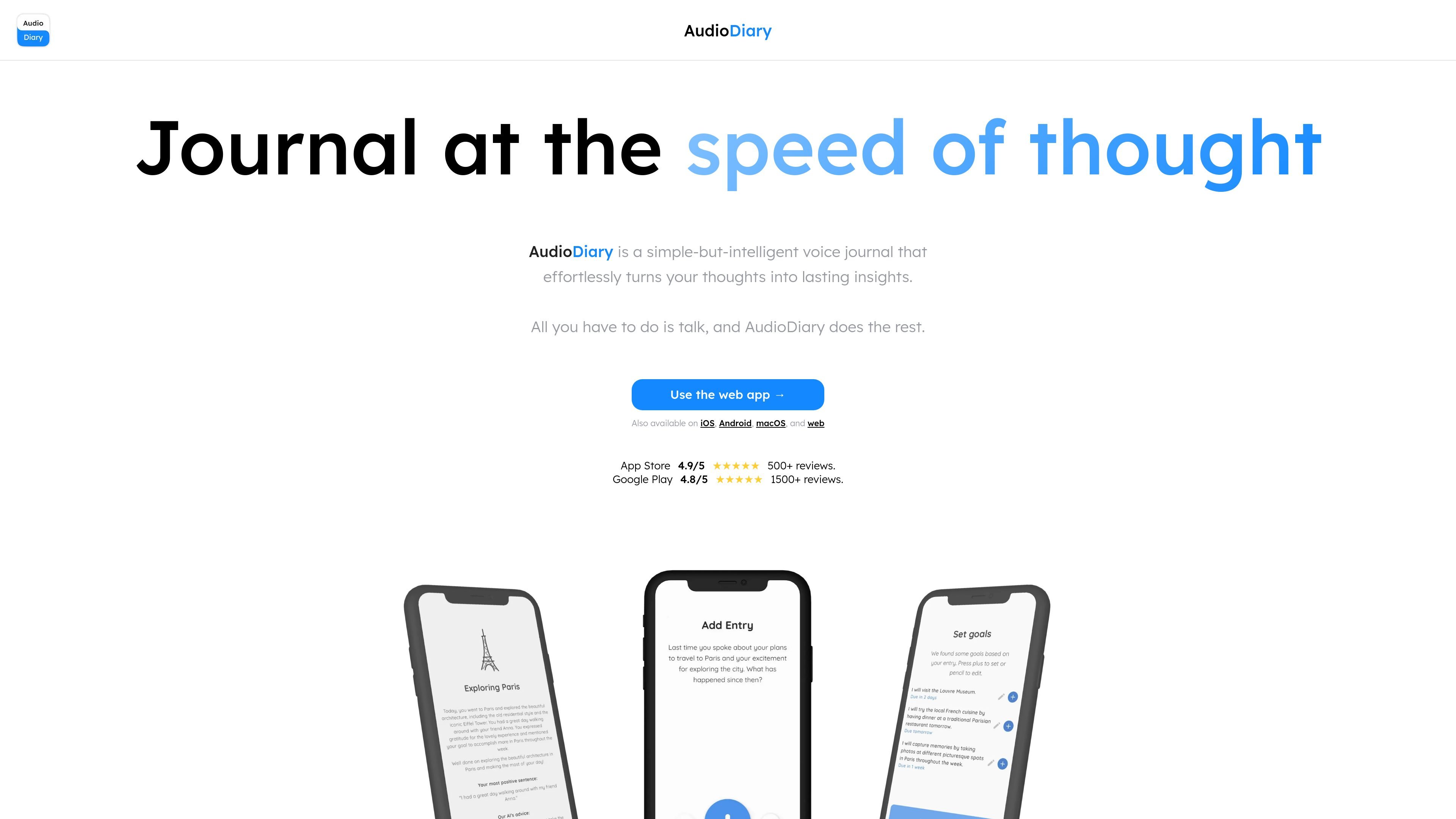
AudioDiary is an intelligent voice journal that turns spoken thoughts into diary entries and reflections. The homepage positions it as a simple-but-intelligent way to “journal at the speed of thought,” with the core workflow centered on speaking rather than typing.
The product says it helps users reflect on their day, look back over the past, and set goals based on what they say. It is available on the web app and also on iOS, Android, and macOS.
Speak entries instead of typing them. AudioDiary turns spoken reflections into journal content so you can capture thoughts quickly.
The product says it helps reflect on your day and can suggest goals based on what you say.
Available on the web app, iOS, Android, and macOS, so entries can be recorded across supported devices.
The paid plan is described as including custom tagging, custom themes, dream analysis, and 10 photo uploads per day.
Users can customize sessions in settings with a session designer and can disable AI features if they want a simpler workflow.
The product offers export of audio, transcripts, images, markdown, and a PDF diary for saving or reviewing entries outside the app.
Record thoughts quickly without sitting down to type, then review the session later as a written diary, transcript, or exported PDF.
Use the app to capture what happened in a day and get prompts for goals you might want to set next.
Save dream notes and personal reflections in the paid plan, which includes dream analysis and photo uploads.
Use the session designer to shape how the app behaves if you want a more tailored journaling routine, or turn off AI features for a simpler experience.
Yes. The product states that recordings are encrypted in transit and at rest, and that access to stored data is tightly restricted. It says recordings are stored with AWS, while account data such as email and preferences is stored separately with DigitalOcean.
The homepage says recordings are stored on Amazon AWS servers and account data is stored separately on DigitalOcean.
No. The product says it has a GDPR-compliant agreement with OpenAI that prohibits training on user recordings.
Yes. The product says you can export audio, transcripts, images, markdown, and a PDF of your full diary by email, and that export is available on both paid and free accounts.
Yes. The product says you can delete individual entries or your entire account in the app at any time.