
iOS and Android screenshot creation
Build screenshots for both App Store and Google Play rather than handling each store separately.

AppScreens is a screenshot generator for App Store and Google Play listings, with templates, localization, exports, and direct upload.
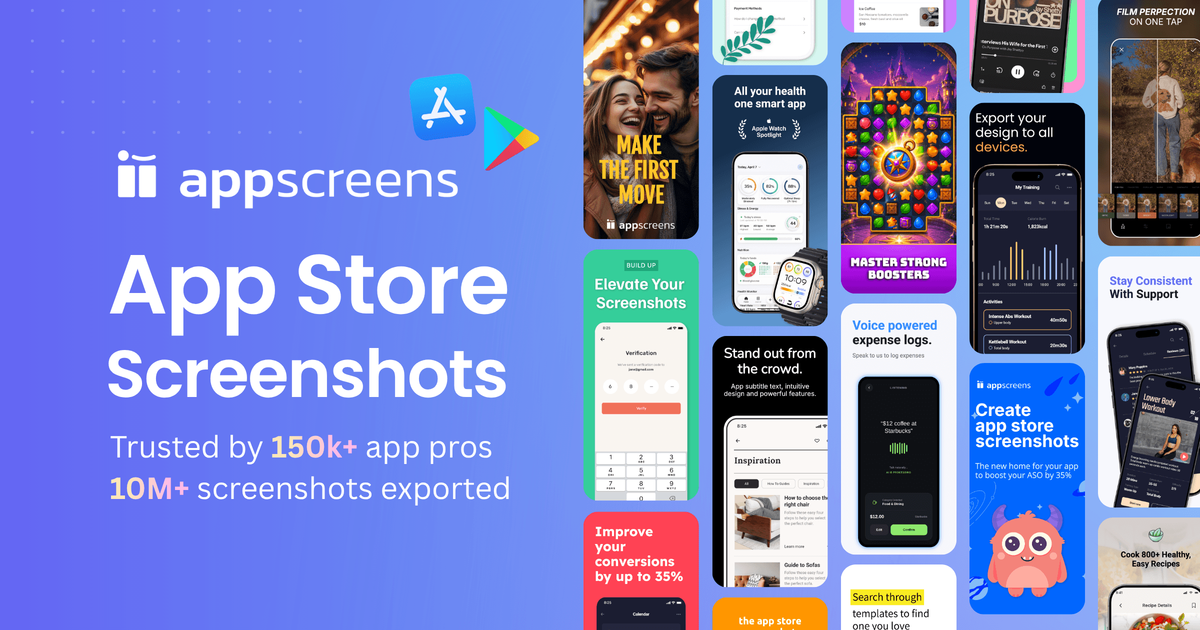
AppScreens is a screenshot generator for app store marketing assets, aimed at teams and individuals publishing on the Apple App Store and Google Play. The site presents it as a tool for creating screenshots in minutes, with a workflow centered on templates, localization, store-ready exports, and direct upload.
The product is positioned around practical asset production rather than general image editing. Its value is in helping users prepare screenshots that fit store requirements and update them efficiently when they need new language versions or revised promotional images.
Build screenshots for both App Store and Google Play rather than handling each store separately.
Start from templates to speed up layout creation and keep screenshots consistent across a set.
Adapt screenshot content for different languages or regions with localization support.
Export screenshots in a format ready for store submission, reducing final prep work.
Send finished assets directly instead of manually moving files between tools.
Design screenshots for a new app listing on the Apple App Store or Google Play without starting from a blank canvas.
Reuse a template across multiple screenshots to keep a listing visually consistent while reducing manual layout work.
Prepare localized versions of screenshots for different languages or markets when the same app is published in multiple regions.
Export store-ready assets and upload them directly as part of a shorter release or update workflow.
AppScreens is described as a screenshot generator for App Store and Google Play listings. The source does not show a required setup flow, but it presents the product as a browser-based tool for creating store screenshots.
The source says AppScreens supports templates, localization, store-ready exports, and direct upload, which suggests a workflow for building screenshots and preparing them for app store submission.
Yes. The product description explicitly mentions screenshots for both iOS and Android app stores.
The pricing page is available, but the provided page text does not include plan names, prices, or limits. The source only confirms that pricing information exists somewhere on the site.