
Multiple input sources
Generate slide decks from a topic, document, text, Markdown outline, Google Drive file, or URL, giving you multiple starting points for different workflows.
AiPPT is an AI presentation maker that turns topics, documents, text, URLs, and outlines into editable slide decks. Export in PPT, PDF, and PNG.
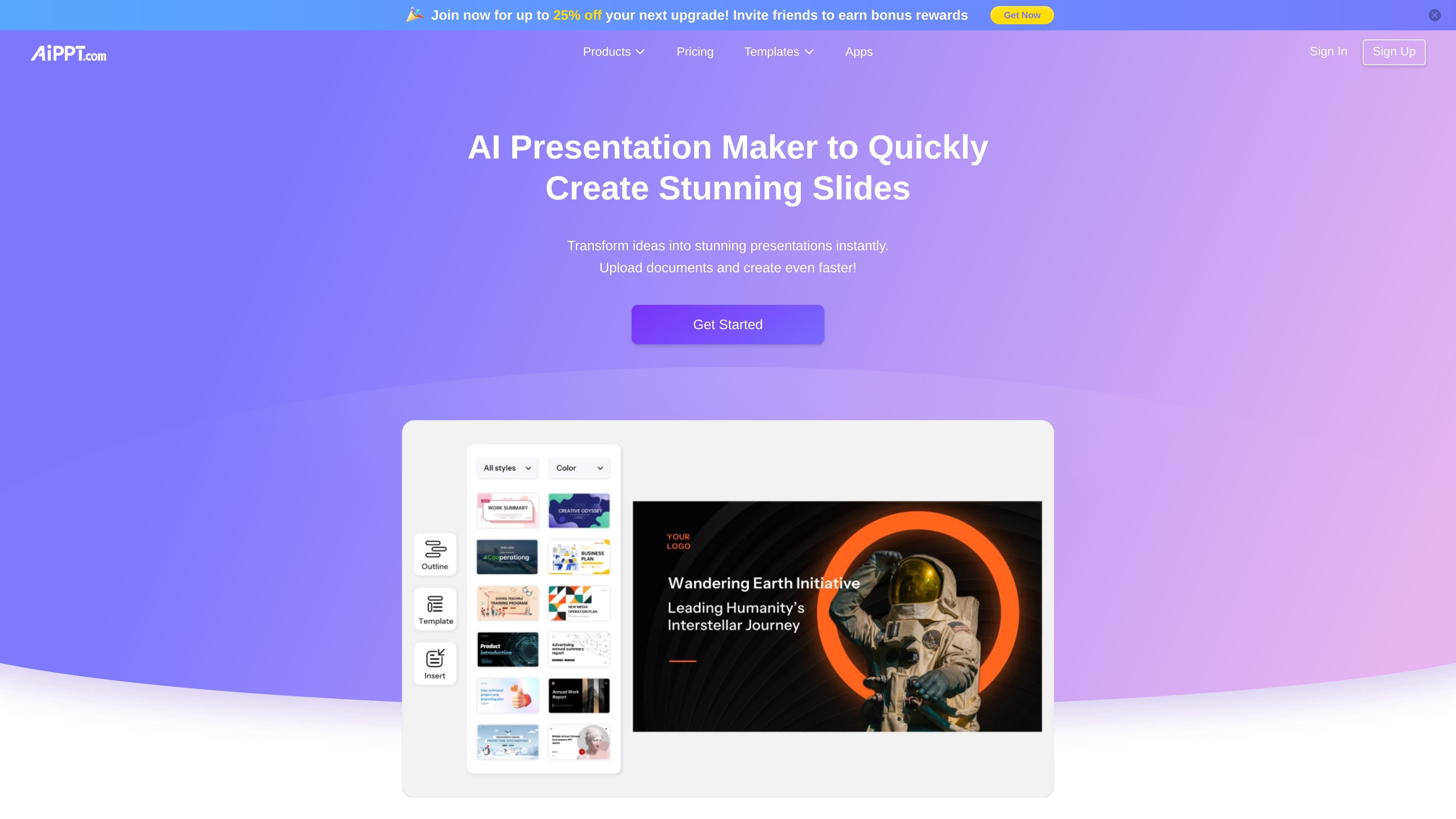
AiPPT is an AI presentation maker for creating PowerPoint-style decks from topics, files, text, web pages, and outlines. The site positions it as a fast way to turn source material into structured slides with themes, layout generation, and editable output.
The product line includes AiPPT Classic, AiPPT Flow, and AiPPT Visual. Across these variants, the platform emphasizes different ways to build presentations: classic fixed-format decks, a flexible canvas for adaptive slides, and a visual slide mode for image-driven storytelling.
Generate slide decks from a topic, document, text, Markdown outline, Google Drive file, or URL, giving you multiple starting points for different workflows.
Convert webpage URLs into organized presentation slides, which is useful when the source material already lives online.
Import local documents such as PDFs, TXT files, and Word documents, then turn them into structured presentation content.
Use AI to build presentation outlines and draft slide content quickly, reducing the amount of manual structuring needed before editing.
Edit themes, colors, fonts, and layouts after generation so the deck can be adjusted to the subject and audience.
Export finished decks in PPT, PDF, or PNG formats and share them from the editor when the slides are ready.
Turn notes, rough ideas, or a topic prompt into a first-draft slide deck when you need a presentation structure before polishing the content.
Convert reports, PDFs, Word files, or TXT notes into structured slides for meetings, classes, or reviews.
Use URL import to summarize web-based source material into a presentation when your content already exists on a webpage.
Create teaching materials, reports, product introductions, or business plans with a format that is already organized for professional presentation.
Choose between fixed-format, flexible-canvas, or visual slide workflows when the presentation needs vary by topic or design style.
AiPPT is an AI-driven presentation platform that turns topics, documents, text, URLs, and outlines into PowerPoint-style slide decks with editable layouts.
The source describes a free trial and a paid pricing page, but it does not provide a full public breakdown of plan names, limits, or user allowances in the captured text.
AiPPT can generate presentations from a topic, uploaded files, pasted text, Markdown outlines, Google Drive content, or a webpage URL, then export slides for further editing or sharing.
AiPPT Flow exports presentations in PPT, PDF, and PNG formats, and the platform also supports editing and sharing from the editor.
The source says AiPPT can be used for work reports, teaching materials, product introductions, and business plans, which suggests it fits structured presentations that need quick first drafts.