
Unified AI development workspace
The homepage describes AIGoCode as combining AI programming, usage management, and team collaboration in one software platform so developers can work without switching between multiple tools.

AIGoCode is an AI developer workspace for code assistance, intelligent Q&A, team collaboration, and subscription-based access for developers and teams.
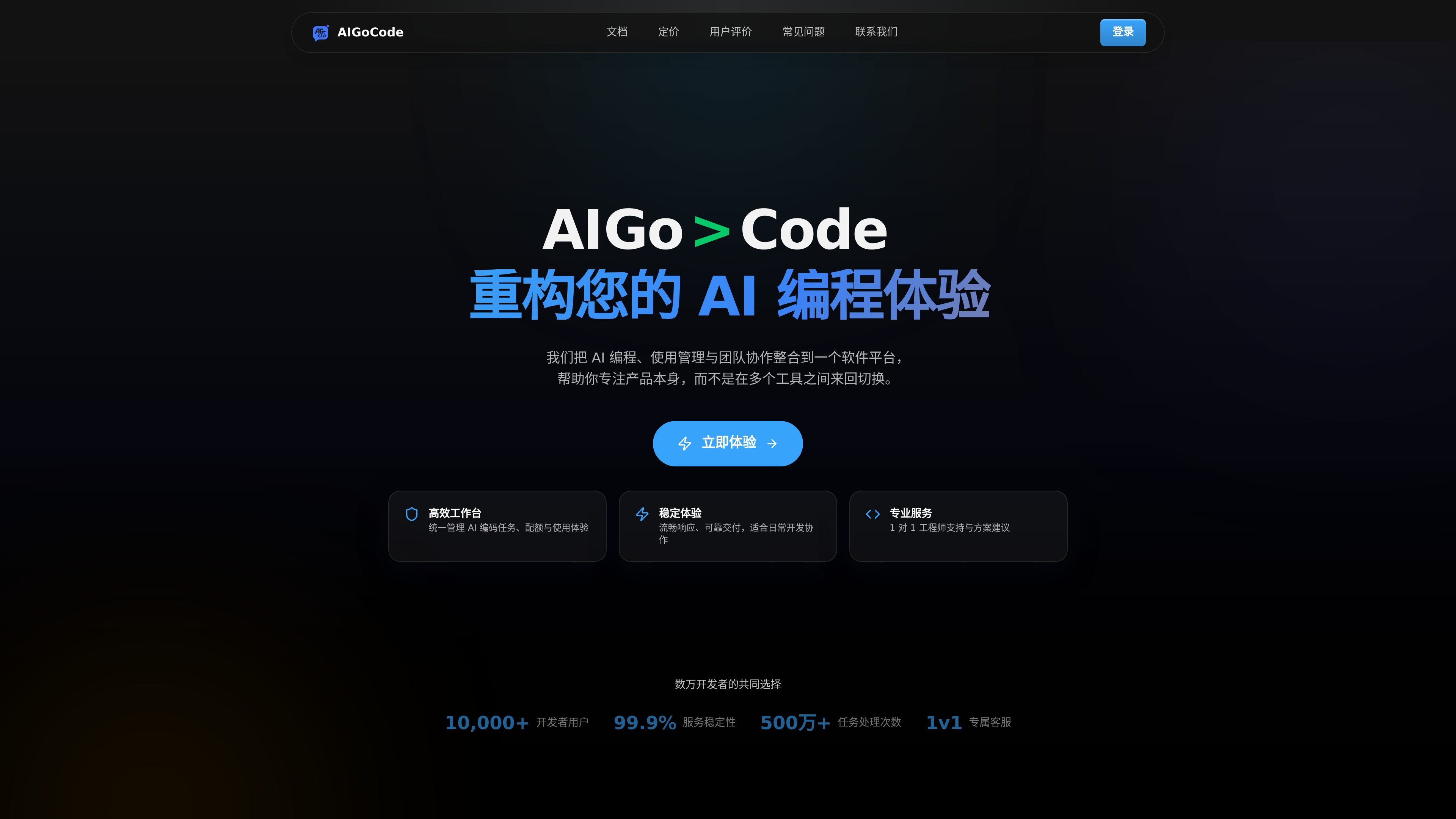
AIGoCode is an AI developer workstation for coding assistance, intelligent Q&A, team collaboration, and subscription-based access. The homepage presents it as a platform that brings AI programming, usage management, and collaborative work into one place for developers.
The service is positioned for both individual developers and teams. Its pricing page shows subscription plans for different usage levels, an enterprise option with custom team configuration, and a pay-as-you-go credit purchase path, while the usage and refund policies define how accounts, quotas, and refund eligibility are handled.
The homepage describes AIGoCode as combining AI programming, usage management, and team collaboration in one software platform so developers can work without switching between multiple tools.
The service presents code assistance and intelligent Q&A as core functions for everyday development tasks, helping users get help on coding work and technical questions within the same platform.
AIGoCode says it lets users manage AI coding tasks, quotas, and usage experience together, which is useful when tracking consumption during ongoing development work.
The site highlights team collaboration features, including sharing quota and managing member permissions, with enterprise options that add team-scale configuration.
The pricing page lists subscription plans and an enterprise option, and also offers pay-as-you-go credit purchase, giving users multiple ways to access the service.
The homepage and pricing page both emphasize 1:1 engineer support, with the enterprise plan adding dedicated support and priority handling for issues.
Individual developers can use the workspace to get code help and technical answers while keeping AI-related usage in one account instead of spreading work across separate tools.
Small teams can share quota and manage member permissions in one place, which the homepage frames as a way to reduce coordination overhead during collaborative development.
Organizations with higher usage needs can choose enterprise configurations that support custom team size, quota, concurrency, API access, and billing arrangements.
Users who want predictable paid access can choose a subscription plan, while those with different consumption patterns can buy credits and use them as needed.
Users who need help with setup or account issues can contact support by email and use the support process described on the site.
AIGoCode is an AI coding workstation for developers, offering code assistance, intelligent Q&A, team collaboration, subscription plans, and pay-as-you-go credit purchases.
It combines AI development capabilities, billing management, and customer support in one platform so individuals and teams can reduce switching between tools.
The site says users can register an account, choose a suitable plan, and start using the workstation features. New users can also contact support if they need help getting started.
The pricing page shows subscription plans and an enterprise option, while the policies explain that some services are sold as paid credits or subscription usage rights. The support page directs users to contact support by email.
The usage policy says users must follow the service terms and avoid prohibited, high-risk, or abusive behavior. The refund policy explains that unused portions may be eligible for refund review, while used credits and already delivered subscription weeks are not refundable.
Os dados de tráfego são apenas para referência.
| abr. | 150726 |
|---|---|
| mai. | 149479 |
| jun. | 102278 |