
Text-to-video generation
Create videos from text prompts by describing the scene, style, or concept you want the model to generate.

AI Video API is a developer-focused API hub for generating video from text prompts or images, with a public playground, free and paid plans, and webhook tracking.
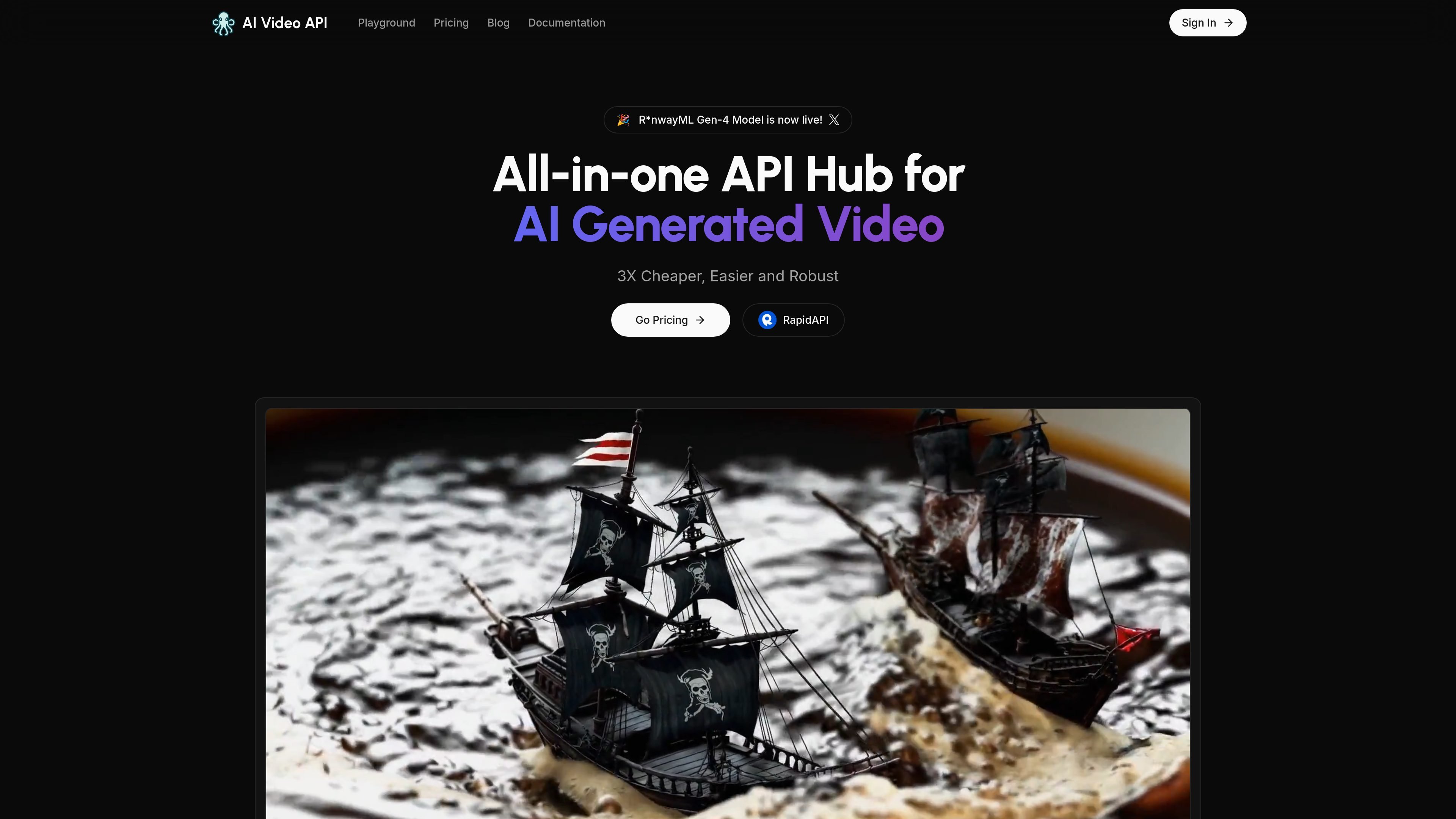
AI Video API is a developer-focused API hub for AI-generated video. The site presents it as a single place to generate video from text or images, with a playground for trying the workflow and a pricing page that includes free and paid usage tiers.
Its core job is to help developers and teams add AI video generation to apps or internal tools without building the full generation stack themselves. The homepage emphasizes fast turnaround, privacy by default, and support for ongoing model updates, while the pricing page shows usage scales from a free starter tier to higher-volume paid plans.
Create videos from text prompts by describing the scene, style, or concept you want the model to generate.
Upload an image and turn it into an animated video for use cases that start from visual assets instead of text.
The homepage states video generation can reach up to 36 seconds, which is presented as longer than the current industry standard on the site.
The service returns both high-quality videos and optimized GIFs, giving users more than one output format for sharing or embedding.
Use query status checks and callback webhooks to track requests and receive real-time alerts when jobs change state.
The homepage says the API is supported in Python, Node.js, JavaScript, PHP, and more, and the playground shows multiple model options.
Build application features that generate short videos from written prompts when users need a text-driven creative workflow.
Convert uploaded images into animated clips for product visuals, social content, or presentation assets.
Add AI video generation to a product through an API instead of manually producing each clip by hand.
Track generation jobs and handle status updates using query checks or callback webhooks in an automated workflow.
Evaluate the service in a browser playground before committing to an implementation or paid plan.
The pricing page shows a free Starter plan and paid Ultra and Mega plans. The free plan includes 5 AI video generations, while paid plans increase monthly generation limits and add higher-support tiers.
The site positions the product as an API hub for AI-generated video, with a playground that lets you upload an image and generate a result. The homepage also highlights text-to-video generation and image-to-animated-video capabilities.
The playground page shows a workflow where you get your key, drag and drop an image up to 2 MB, and generate. The homepage also mentions query and callback webhook support for checking request status and receiving alerts.
The pricing page lists a support contact at support@aivideoapi.com and the Mega plan includes 24/7 business customer support. Lower tiers mention limited customer service or no priority access to new features.