
Text, URL, and document to video
Create videos from text, URLs, documents, slide decks, or product pages, then generate scripts, scenes, visuals, and voiceover in one workflow.

AI Studios by DeepBrain AI is an online AI video generator and editor for creating, translating, dubbing, and publishing videos from text, URLs, and documents.
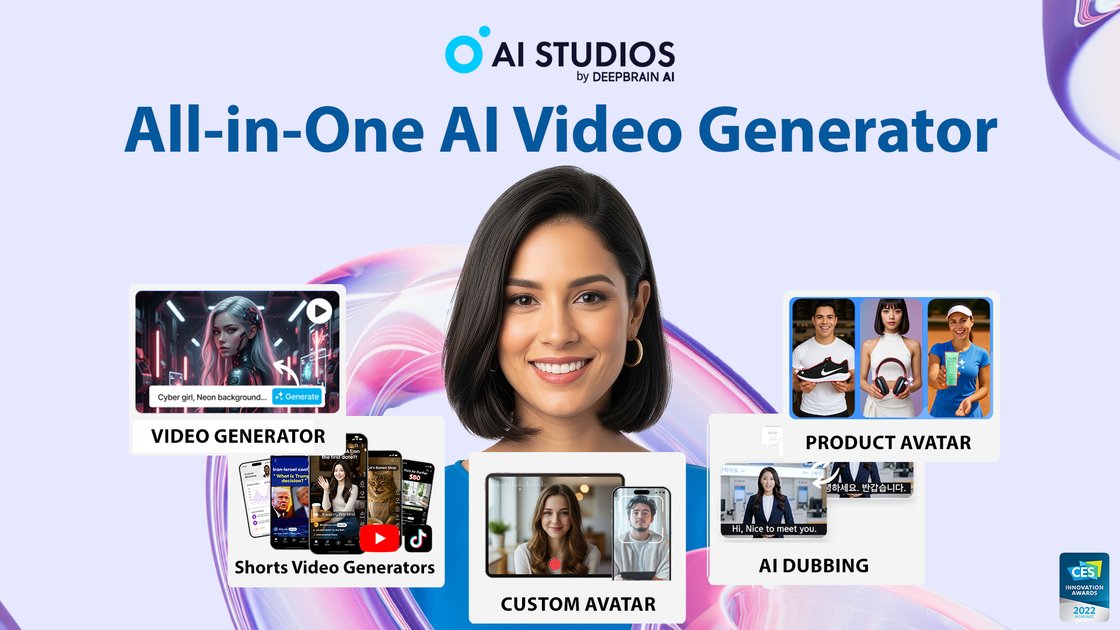
AI Studios by DeepBrain AI is an online AI video creation platform for generating, editing, translating, and publishing videos from text, URLs, documents, slide decks, images, and product pages. The product combines video generation, avatar creation, dubbing, and editing tools in one browser-based workspace.
The site emphasizes a broad content workflow: users can start with a script or source material, choose from more than 2,000 AI avatars, generate voiceovers in 150+ languages, add captions or translations, and export finished videos in multiple resolutions depending on plan. Paid plans add longer durations, more avatars, more export options, and collaboration features, while the pricing page also shows a free tier.
Create videos from text, URLs, documents, slide decks, or product pages, then generate scripts, scenes, visuals, and voiceover in one workflow.
Choose from 2,000+ ready-to-use AI avatars, create custom avatars from short video recordings, or use photo and product avatar options where available.
Generate voiceovers in 150+ languages and use dubbing with lip-sync, voice cloning, and editable scripts for translation workflows.
Edit videos in a browser-based editor with templates, animations, audio controls, imported assets, brand kit support, and one-click captions.
Build interactive videos and courses with branching paths, quizzes, SCORM export, and course-builder workflows for training use cases.
Create and manage live AI avatar experiences with session limits, URL-based access, and API-based options for real-time conversational use cases.
Turn prompts, documents, URLs, or slide decks into a finished video when you need to move from source material to publishable content quickly.
Create training videos with avatars, branching interactions, quizzes, and SCORM export for internal learning or LMS delivery.
Translate and dub an existing video into multiple languages while keeping the script editable and the speech synchronized to the on-screen avatar.
Produce branded marketing, product, or social videos with templates, imported assets, brand kit support, and short-form creator workflows.
Build live conversational avatar experiences for customer support, guided sales, or kiosk-style interactions using URL-based or API-based sessions.
AI Studios supports creating videos from text, URLs, documents, images, and product pages. The home and feature pages show workflows such as Topic to Video, URL to Video, Docs to Video, and Product to Video.
The pricing page shows a Free plan, Personal, Team, and Enterprise options. It also includes a separate live avatar pricing section with Free, Standard, and Enterprise plans.
The source shows export options that vary by plan, including 720p, 1080p, and 4K on the main video plans. The editor page also mentions sharing by link or embedding videos.
AI Studios includes collaborative features for teams, such as shared workspaces, collaborative editing, role-based access control, and version history on the enterprise page.
The source highlights dubbing and translation features, including 150+ languages, automatic lip-sync, proofreadable translated scripts, and SRT upload and download on paid plans.