
Text-to-Image and Image-to-Image
Generate images from text prompts or edit uploaded reference images in the same workspace, so you can move between creation and revision without switching tools.

AI Raphael is a web-based AI image generator and photo editor powered by Nano Banana Pro and GPT Image 2 for creating and refining visuals from prompts or reference images.
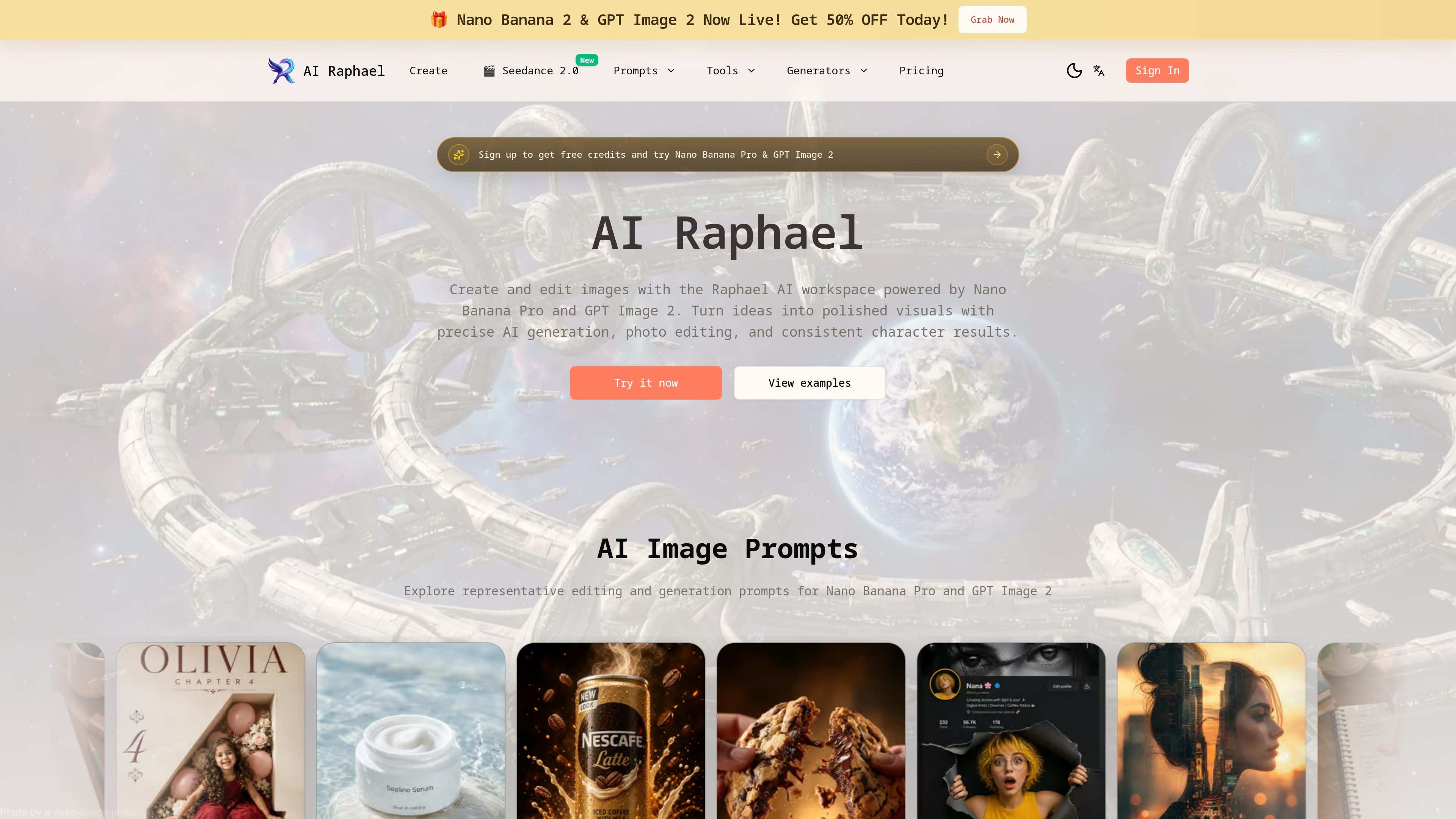
AI Raphael is a web-based AI image generator and photo editor built around Nano Banana Pro and GPT Image 2. It combines text-to-image generation, image-to-image editing, and prompt-based refinement in one workspace.
The product is positioned for creating polished visuals from scratch or from reference photos. Its published features emphasize natural language editing, character consistency, scene preservation, multi-image remixing, and aspect ratio control for formats such as social posts, hero banners, and print layouts.
The pricing page shows subscription plans with credit allowances and yearly validity, plus support for AI video generation with Seedance 2.0, free downloads of generated images and videos, and continuously updated trending templates. The source pages also point to prompt galleries and editing workflows aimed at product visuals, portraits, brand assets, and creative drafts.
Generate images from text prompts or edit uploaded reference images in the same workspace, so you can move between creation and revision without switching tools.
Describe changes in plain language, such as background, subject, style, composition, or details, and apply them to existing photos with conversational instructions.
Keep faces, outfits, and poses aligned across revisions for projects that need the same person or character to remain recognizable.
Blend elements from multiple reference images to build new scenes, preserve continuity, or match a look across frames.
Choose framed outputs such as 1:1, 16:9, 4:5, and similar presets, with resolution options shown in the create tool including 1K, 2K, and paid 4K.
Browse prompt examples and featured templates to reuse proven prompt structures for product visuals, portraits, posters, and social content.
Create product shots, posters, and social graphics from a prompt, then adjust framing or composition to fit the final channel.
Upload a portrait or character reference and preserve identity across revisions, outfit changes, or pose variations.
Edit photos by describing changes such as background swaps, style shifts, or detail fixes without rebuilding the image from scratch.
Blend multiple reference images to develop a new concept, match a visual style, or carry a look across several frames.
Use prompt galleries and featured templates to speed up ideation when you need a starting point for a new image direction.
AI Raphael is an online image generation and editing workspace. It supports text-to-image and image-to-image workflows, with prompts used to create new visuals or refine existing ones.
You can start from a prompt to generate a new image, or upload a reference photo and describe the changes you want. The create tool shows options for image editing, text-to-image, image-to-image, aspect ratio, and resolution.
The source pages point to product visuals, portraits, social posts, character consistency work, photo edits, brand assets, and creative drafts as common uses.
Yes. The create tool includes aspect ratio controls such as 1:1, 16:9, 4:5, and others, and the home page says the product supports aspect ratio control for different layouts.
The pricing page states that plans are subscription-based and that subscriptions can be canceled anytime. It also shows a pricing FAQ covering upgrades, cancellations, refunds, commercial use, and enterprise or custom plans.
Os dados de tráfego são apenas para referência.
| mar. | 3671 |
|---|---|
| abr. | 5642 |
| mai. | 7764 |