
Content-to-slide generation
Generate PowerPoint decks from text, PDFs, websites, YouTube videos, audio, and other supported files by giving the tool source content to analyze and structure.

AI PPT Maker is a web-based AI presentation generator that turns text, PDFs, websites, YouTube videos, audio, and files into PowerPoint decks. Free, Basic and Pro plans.
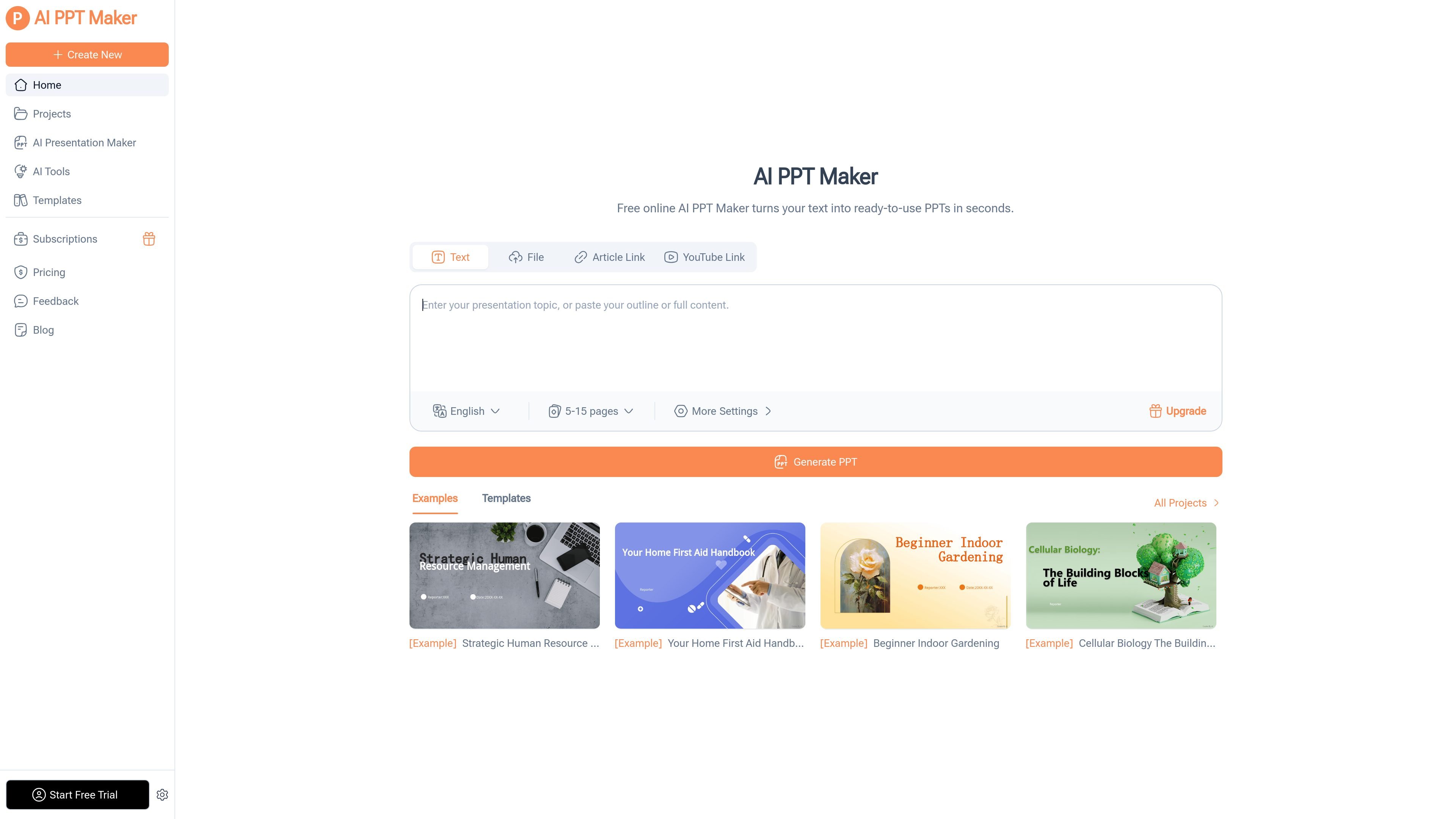
AI PPT Maker is an AI-powered presentation generator that turns source content into PowerPoint slides online. The product site shows it can work from text, PDFs, websites, YouTube videos, audio, and uploaded files, then turn that material into a slide deck with structured content and a chosen template.
The workflow is designed for people who want to create presentations quickly without building each slide manually. The site describes a simple process: provide a topic or file, choose a template and preferences such as slide count, generate the deck, then edit, download, or share the result. Pricing is offered through a free plan plus paid Basic and Pro tiers.
Generate PowerPoint decks from text, PDFs, websites, YouTube videos, audio, and other supported files by giving the tool source content to analyze and structure.
Use the AI Presentation Outline Generator or AI Speech Outline Generator to organize ideas before generating the deck or preparing a talk track.
Choose from the site’s free template library, with the home page describing thousands of templates and the pricing page noting access to all PPT templates.
Upload a PowerPoint file to adjust templates, styles, and branding details such as a logo, which lets existing decks be reused instead of rebuilt.
Download presentations and export them as PPTX, PDF, or image files, then continue editing online or present through online playback.
Create meeting decks, reports, and pitch materials from notes, emails, or longer documents when the goal is to move from raw content to a slide-ready outline quickly.
Turn lesson plans, training notes, or research material into structured slides for classroom teaching, workshops, or internal training sessions.
Convert a talk script, webinar recording, or speaking notes into presentation slides and use the speech-outline tools to organize the delivery.
Reuse an existing PowerPoint by uploading it, then update the style, template, or logo so the deck matches a different brand or audience.
Transform articles, long-form text, PDFs, or video content into a presentation format for reuse in webinars, content repurposing, or client-facing explainers.
AI PPT Maker is a browser-based tool for turning text, PDFs, websites, YouTube videos, and other supported content into PowerPoint presentations. The home page and workflow pages show it can also generate presentation outlines and speaker notes as part of the creation process.
The source shows a free plan and paid plans for Basic and Pro. Pricing is presented as monthly or annual, with the annual option advertised as saving up to 50%.
The site says you can start by entering a topic, pasting text, or uploading a file, then choose a template and preferences such as slide count before generating the deck.
Yes. The pricing page says monthly subscribers can cancel in the workspace’s Subscriptions menu, and annual subscriptions do not auto-renew for the following year.
The site says you can download AI-generated presentations, edit them online, and share or play them back online. Export is listed as PPTX, PDF, and image on the pricing page.