
Premise-to-scene drafting
Starts from a short premise and generates an opening scene, rather than asking you to build the whole book upfront. The home page describes this as premise to first scene in about three minutes.

AI Book Generator is a web-based writing tool that turns a short premise into an opening scene and helps authors draft chapter by chapter, with export and cover design options.
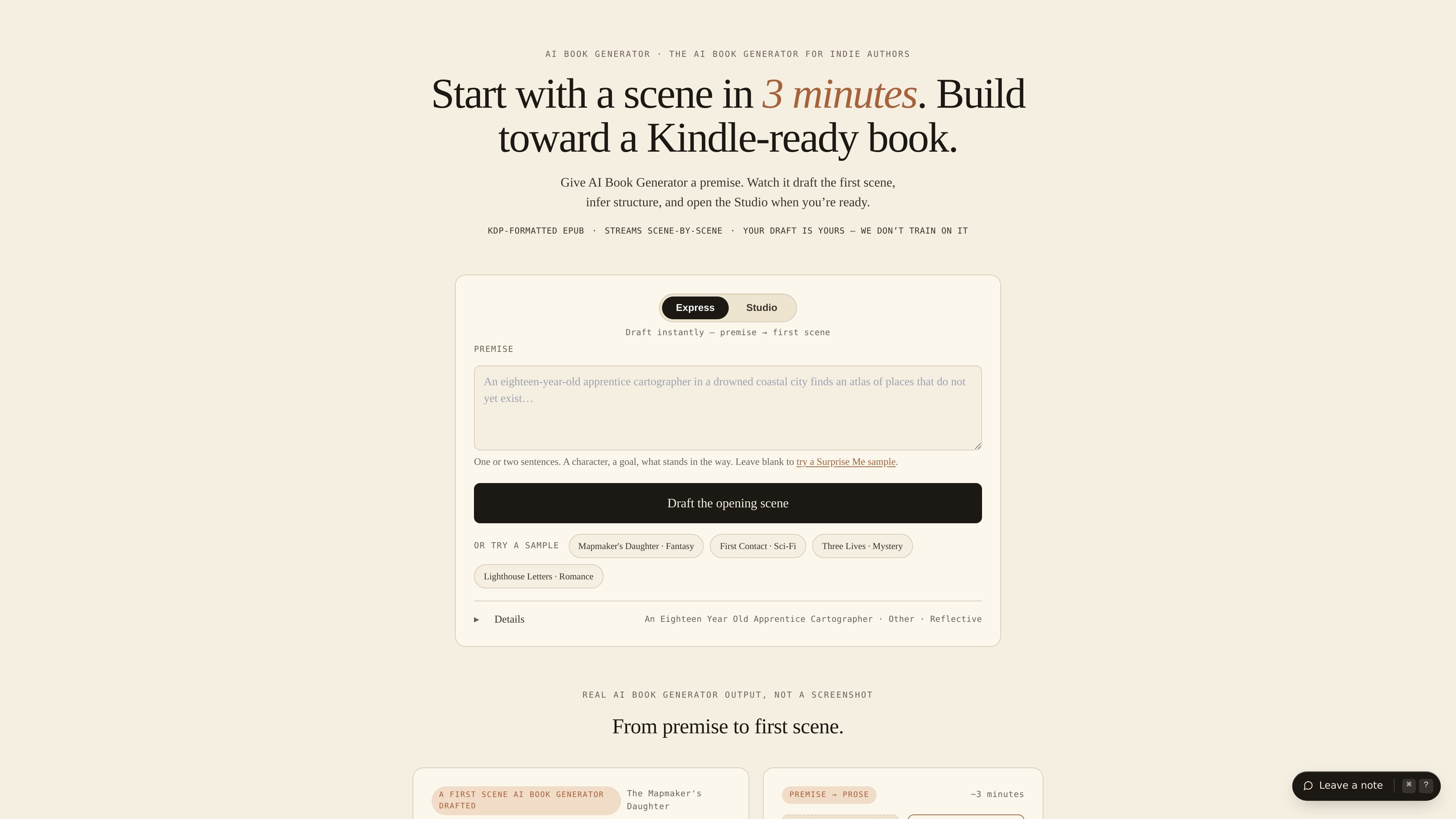
AI Book Generator is a web-based book writing tool for indie authors and other writers who want to move from a premise to a draft without building everything manually. Its home page presents the product as a way to start with a scene in minutes, then continue into an editor called the Studio for longer-form drafting.
The product centers on a scene-by-scene workflow. You enter a short premise, choose a genre and tone, and the system generates an opening scene that you can edit and extend chapter by chapter. The pricing page adds that the Studio includes tools for beats, characters, codex, cover design, export, and paid audiobook options.
Starts from a short premise and generates an opening scene, rather than asking you to build the whole book upfront. The home page describes this as premise to first scene in about three minutes.
Lets you continue the book scene by scene in the Studio, with the same premise carrying into the codex, outline, and cover brief once you move forward.
Supports working titles, genres, and tones so you can steer the draft before generating. The site lists many fiction and nonfiction genres plus tonal choices such as reflective, cozy, dark, and suspenseful.
Includes a pricing model based on book tokens, where one token is roughly one scene. The pricing page says tokens are used for drafting, polishing, and consistency checks.
Provides export options for KDP-ready files and, on paid tiers, EPUB, PDF, DOCX, KDP export packages, and audiobook export.
Offers a free starting path with Express and Studio modes, plus the ability to import an existing manuscript and continue it in the editor.
A writer can enter a one- or two-sentence premise, pick a genre and tone, and get an opening scene to revise instead of facing a blank page.
An author who already has material can import a manuscript and continue writing inside the app rather than moving to a different tool.
A writer who wants to publish for Kindle can use the KDP-oriented file outputs and the book-building workflow described on the pricing page.
An author who wants more control over structure can use the Studio workflow to move from the initial scene into beats, characters, codex, and cover planning.
Someone who wants to test the product before paying can start with the free Express and Studio modes and explore the interface before upgrading.
Yes. The pricing page says you can start free with Express and Studio modes, with manuscript, cover, and export available on the free tier. Paid tiers add KDP export and audiobook features.
The product starts from a one- or two-sentence premise, drafts an opening scene, and then lets you continue chapter by chapter in the Studio. The pricing page also describes tools for configuring beats, characters, codex, cover, and export.
The site states that outputs include KDP-formatted EPUB on the home page, and the pricing page lists EPUB, PDF, DOCX, KDP export package, and audiobook export on paid tiers.
The pricing page says you can import a manuscript and continue it in the app. The Express page also says you can start with a sample if you need a spark.
The pricing page states that manuscripts, codex, and chats are not used for training, and that you own the content you generate and can publish it anywhere.