
OpenAI-compatible routing endpoint
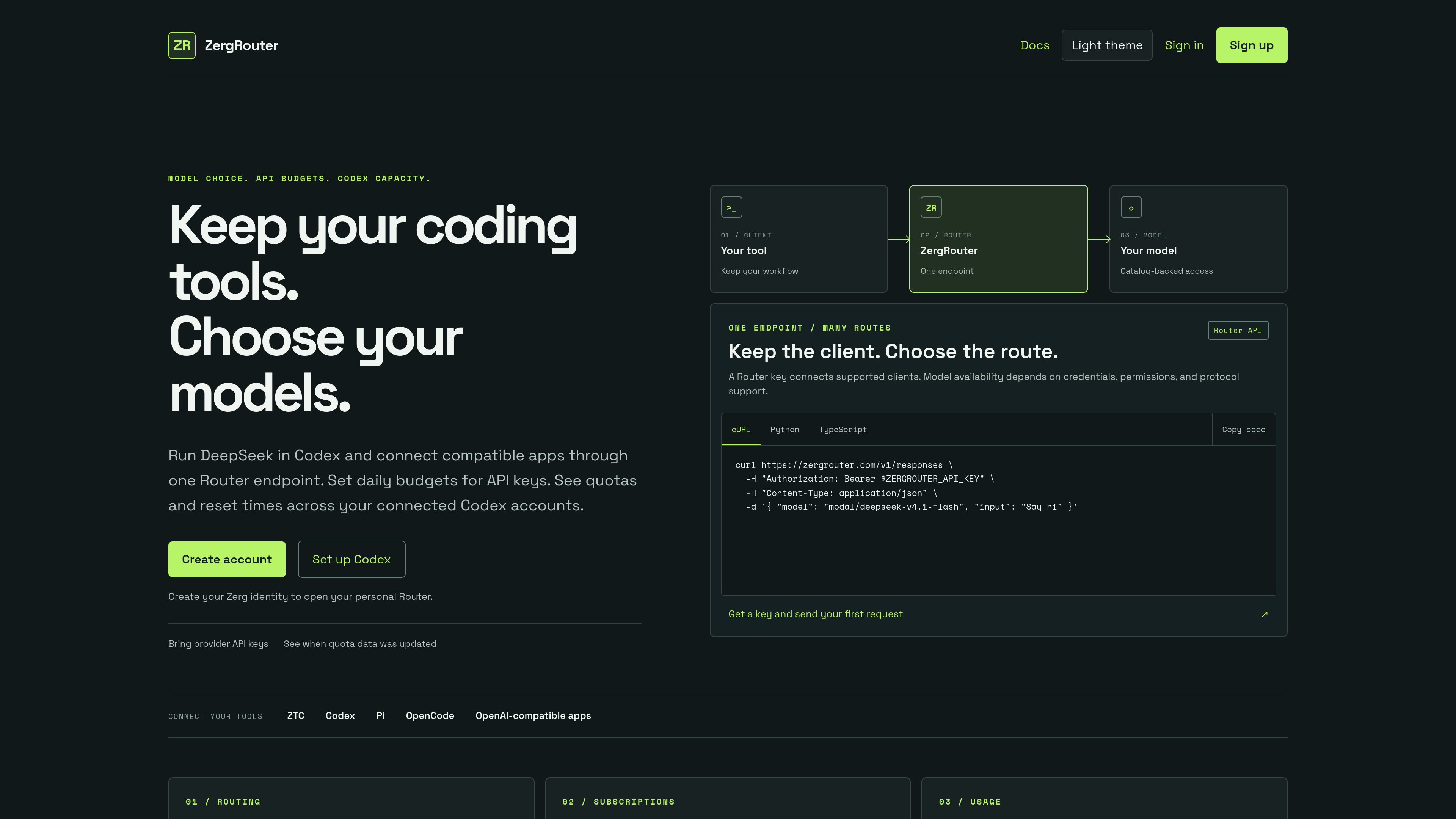
Send supported chat and Responses requests through https://zergrouter.com/v1 from tools such as Codex, Pi, OpenCode, ZTC, and compatible applications.

ZergRouter routes API traffic for coding clients and OpenAI-compatible apps. Choose available models, use provider credentials or platform-funded DeepSeek access, set Router-key budgets, and track routed usage and connected Codex quotas.
ZergRouter is an API routing layer that connects supported coding clients and OpenAI-compatible applications to models available through a personal Router. It separates Router API keys, provider credentials, and personal subscriptions so each access path can be managed independently.
The product combines model routing with key controls, usage visibility, and connected Codex quota monitoring. Users can bring provider-issued credentials for eligible routes, use documented platform-managed DeepSeek access when funding requirements are met, and check the authenticated catalog before configuring a client.
Send supported chat and Responses requests through https://zergrouter.com/v1 from tools such as Codex, Pi, OpenCode, ZTC, and compatible applications.
Choose from routes available in the authenticated catalog. Add provider-issued credentials when a route requires them, or use a platform-managed route where explicitly supported.
Create Router keys with configurable scopes, including the documented chat:write, models:read, and usage:read defaults. Keys can be revoked from the dashboard.
Set a daily USD budget on a Router key. Recorded spend causes requests to be refused after the limit is reached, although in-flight requests can still add usage.
Review routed usage by model, date, and client, including input, cached input, and output where providers report those values. Connected Codex accounts show weekly quotas, reset dates, and freshness.
Configure explicit fallback chains for supported chat requests. Among eligible credentials for the same provider, lower priority numbers are tried first; failover is limited to eligible failures before output begins.
Create a Router key, confirm that a model is advertised with Codex Responses capability, and point Codex at the ZergRouter endpoint instead of changing the rest of the coding workflow.
Give coding clients or applications scoped Router keys and route them through one OpenAI-compatible base URL while selecting models and credentials in the Router configuration.
Assign a daily USD budget to a key used by a script, coding client, or application so recorded Router spend is capped at the configured threshold.
Use subscription monitoring to compare remaining weekly quotas, reset timing, and freshness across connected accounts before selecting an account for a local Codex session.
Filter usage by model, date, or client to understand which routes ran and which token categories providers reported, without assuming missing token breakdowns.
Create a Zerg identity, create a Router API key in the dashboard, store the full key securely, and check the authenticated model catalog. Then configure the relevant client with the Router endpoint and key.
Not for the documented platform-funded DeepSeek route. Check Billing for an available no-card trial or add a card for paid usage. Other routes can require a provider-issued credential or an explicit funding arrangement.
No. A Router key authenticates and scopes requests; it does not provide a model subscription or account balance. The selected route must have eligible credentials or approved platform-funded access.
No. You choose the account for a local Codex session. ZergRouter displays quotas and reset times to help with that decision. Hosted Codex selection is a separate documented workflow.
The client sends the request to ZergRouter, which forwards the selected request to Modal Shared Endpoints or Fireworks for DeepSeek inference. The documented shared route is not a customer-controlled deployment, and no particular data-residency region is promised.
