
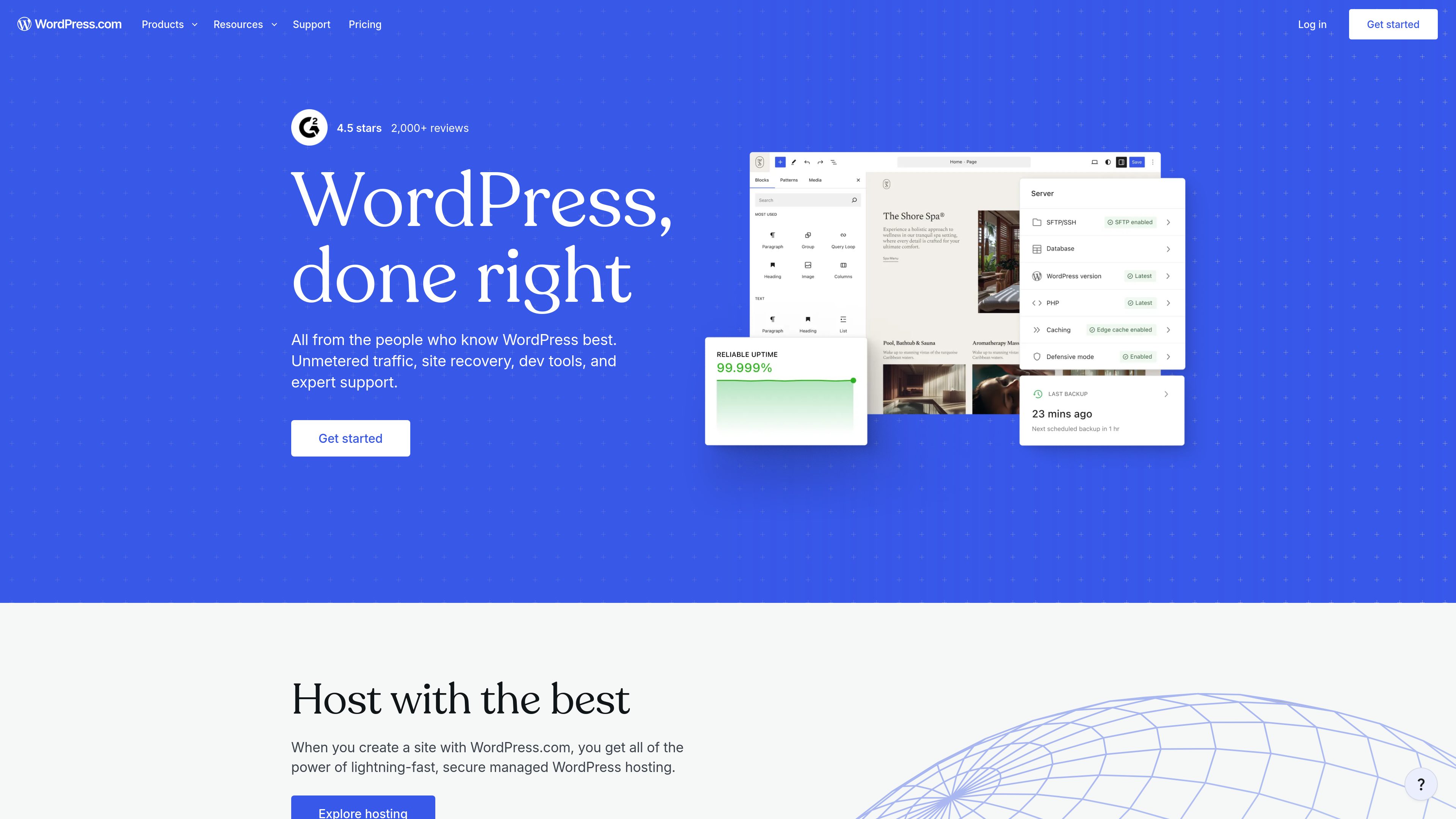
Guided site builder and block editor
Start with a guided website builder, then arrange pages and media with WordPress’s drag-and-drop block editor. Themes and pre-built block patterns provide reusable design starting points.

WordPress.com is a managed WordPress platform for building websites, blogs, newsletters, and online stores. It combines site creation, hosting, domains, publishing, monetization, and extensibility tools in one service.
WordPress.com is a managed WordPress platform for creating and operating websites, blogs, newsletters, and ecommerce sites. It combines site building, hosting, domains, publishing, audience tools, monetization, and WordPress extensibility in one service.
A site can be started with a guided builder, customizable themes, block patterns, and the WordPress block editor. The platform also handles infrastructure tasks such as hosting, security, backups, restores, and content delivery. Plans range from a free option to paid tiers with additional storage, themes, plugins, analytics, payments, and support features.
WordPress.com supports both straightforward publishing and more advanced workflows. Depending on the plan, users can install plugins, use staging sites, access SSH and WP-CLI, deploy through GitHub, and build sites that accept payments or deliver paid content.
Start with a guided website builder, then arrange pages and media with WordPress’s drag-and-drop block editor. Themes and pre-built block patterns provide reusable design starting points.
Hosting includes unmetered bandwidth and traffic, a global CDN, WordPress-focused performance infrastructure, and security measures including firewalls, encryption, brute-force protection, and DDoS protection.
Customize a site with professionally designed themes, typography and color controls, galleries, audio, video, documents, and plugins. The marketplace lists more than 60,000 plugins, with availability depending on the plan.
Publish posts and automatically distribute them as newsletters. WordPress.com also provides Reader discovery, social publishing tools, SEO features, forms, and integrations with leading email marketing tools.
Collect payments and donations, add payment buttons, sell access to premium content or newsletters, and connect a site to advertising options such as WordAds. Specific tools vary by plan.
Use backups and restores to recover a site, staging sites to test changes, and advanced workflows such as SSH, WP-CLI, GitHub deployments, and real-time backups where supported.
Choose a theme or guided starting point, create pages and posts, and publish text, images, audio, or video from a managed WordPress environment.
Publish articles on a site and automatically send new posts as email newsletters. Reader and discovery features can help visitors find published content.
Use custom domains, design controls, forms, SEO tools, analytics, and plugins to create a public-facing site for information, lead collection, or ongoing content publishing.
Use payment collection, donations, paid content, or paid newsletters for supported commerce and membership-style workflows. Available options depend on the selected plan.
Use plugins, staging, backups, SSH, WP-CLI, or GitHub deployment workflows when the project requires testing, customization, or developer control. Some capabilities are plan-dependent.
Yes. The pricing page lists a free plan. Paid plans add capabilities such as a custom domain for the first year, more storage, premium themes, plugin installation, and other site tools.
WordPress.com provides managed WordPress hosting, including infrastructure, security protections, backups and restores, and content delivery features. This means the hosting environment is operated as part of the service rather than set up independently by the site owner.
Yes. WordPress.com offers custom domain registration and transfer options. A custom domain is included for the first year with eligible paid annual plans, according to the pricing page.
Yes. The platform lists payment collection, payment buttons, donations, paid content blocks, and paid newsletters. The exact tools and availability vary by plan.
It supports developer-oriented workflows including plugins, staging sites, SSH, WP-CLI, GitHub deployments, and real-time backups, with availability depending on the plan. WordPress VIP is presented as a separate enterprise offering for organizations needing WordPress at scale.
Traffic data is for reference only.
| Jun | 129584847 |
|---|---|
| Jul | 125324442 |
| Aug | 121650657 |
Traffic analytics are not available yet.
Traffic analytics are not available yet.

squarespace.com
Squarespace is a website-building platform for creating and managing websites, online stores, portfolios, blogs, and service businesses. It combines customizable templates, a drag-and-drop editor, AI-assisted content tools, domains, analytics, and commerce capabilities in one platform.

webador.com
Webador is a website builder for creating and publishing business, personal, and online-store websites without coding. It combines AI-assisted site generation, drag-and-drop editing, hosting, domains, email, and ecommerce features in one service.

webnode.com
Webnode is a no-code website builder for small businesses, personal sites, blogs, and online stores. It combines AI-generated site drafts and content tools with a visual editor, hosting, domain options, and business features.

10web.io
10Web is an AI-powered WordPress platform for building, hosting, optimizing, and managing websites, with prompt-based creation, redesign, cloning, ecommerce, and white-label agency tools.

webwave.me
WebWave is a no-code website builder that combines AI-generated site structure and content with a visual drag-and-drop editor. It helps small businesses, freelancers, and creators build websites, blogs, and online stores without configuring servers or databases.

webflow.io
Webflow is an all-in-one web platform for designing, building, publishing, and optimizing websites with shared workflows, CMS, hosting, SEO, and AI search support.