
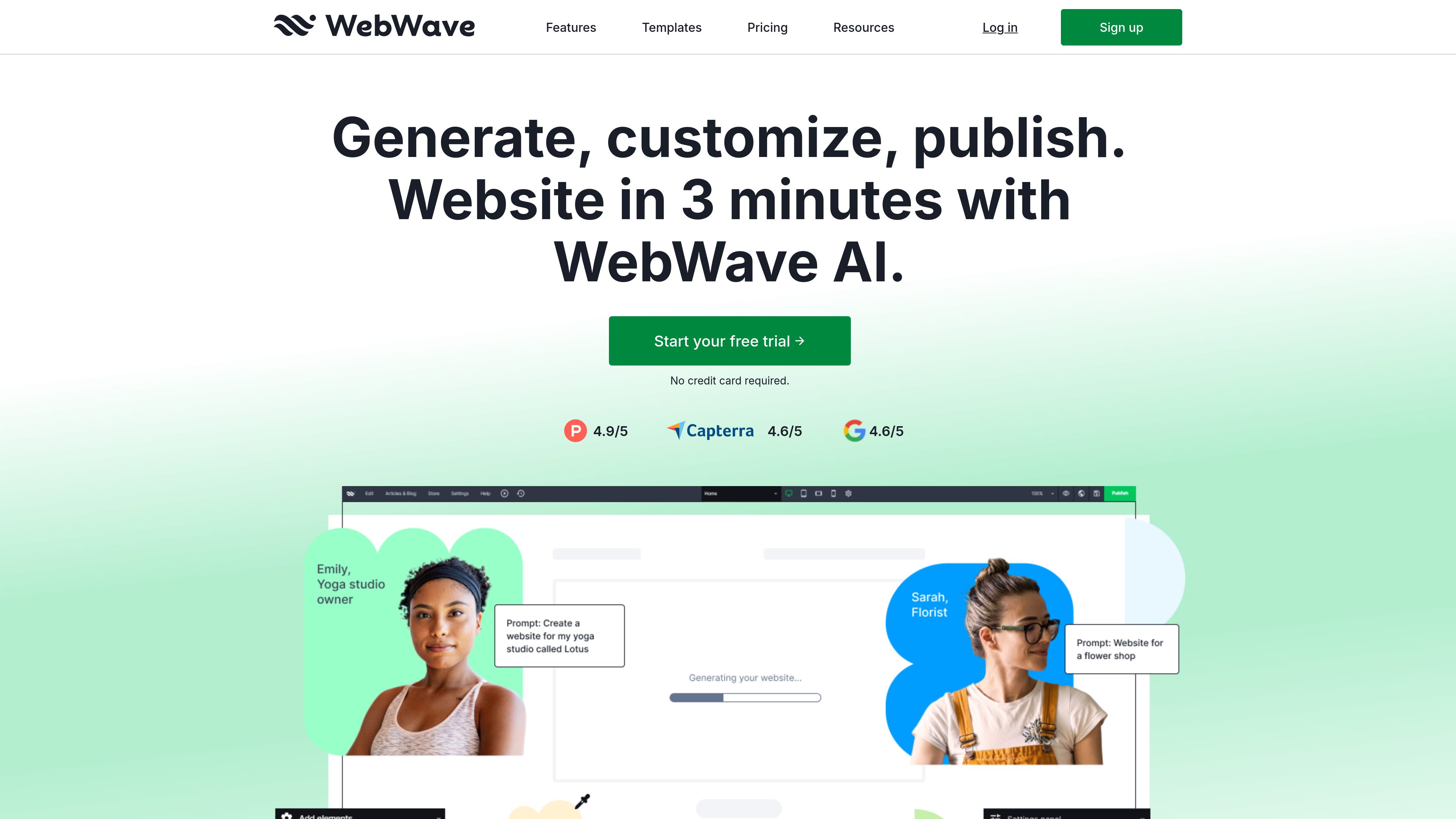
AI website generation
Describe a business and WebWave generates an initial website structure and content, providing a starting point that can be edited in the builder.

WebWave is a no-code website builder that combines AI-generated site structure and content with a visual drag-and-drop editor. It helps small businesses, freelancers, and creators build websites, blogs, and online stores without configuring servers or databases.
WebWave is a no-code website builder for creating and publishing business websites, blogs, portfolios, landing pages, and online stores. It combines AI-generated structure and content with a visual drag-and-drop editor, so users can start from a business description, a template, or a blank page and then customize the result without configuring servers or databases.
The platform is aimed at small businesses, freelancers, and other users who need to create and manage a website themselves. It includes responsive layout controls, an SEO analyzer, hosting, custom-domain support, domain-based mailboxes, and a free SSL certificate. Ecommerce features cover product variants, digital-product delivery, customizable carts, discounts, payment and shipping methods, and complementary-product suggestions.
A 14-day trial is available without a credit card. The trial includes the editor, more than 100 templates, and the AI website builder; paid plans are needed to keep a site live on a custom domain and remove WebWave branding.
Describe a business and WebWave generates an initial website structure and content, providing a starting point that can be edited in the builder.
Place and modify page elements on a visual canvas without coding or configuring servers and databases. Users can add logos, change colors, and create new sections.
Choose from more than 100 templates across business, ecommerce, portfolio, blog, landing-page, and link-in-bio categories. Layouts can be designed for desktop, tablet, mobile landscape, and mobile portrait screens.
Create product listings with variants, prices, availability, digital-product delivery, customizable cart text and buttons, complementary-product suggestions, promo codes, discounts, payment methods, and shipping methods.
The built-in SEO analyzer reviews a page and provides suggestions intended to help improve its visibility in Google search. WebWave also supports blogs, custom domains, and domain-based mailboxes.
WebWave hosts published websites and provides a free SSL certificate. The site states that hosting is maintained continuously, while custom-domain publishing and removal of WebWave branding require a paid plan.
A local or independent business can generate a starting site, apply its logo and colors, add service or contact sections, and publish on a custom domain.
A freelancer can select a portfolio template or begin with a blank page, then present work and professional information through a responsive layout.
A seller can add products, variants, prices, availability, payment methods, shipping methods, discounts, and promo codes before publishing a store.
A creator selling ebooks, online courses, graphics, scripts, or training plans can use automatic delivery for digital products after purchase.
A business or creator can use a blog or landing-page template to publish content or focus visitors on a specific offer, then review page-level SEO guidance.
No. WebWave says users can build websites without coding and without configuring servers or databases. The editor uses a visual drag-and-drop workflow.
You can generate a site by describing your business to the AI builder, customize a template, or begin with a blank page. After editing, use the Publish action to put the website online.
Yes. WebWave offers a 14-day trial without requiring a credit card. The trial includes the drag-and-drop editor, more than 100 templates, and the AI website builder.
Yes. Paid plans let you keep a site live on a custom domain such as yourcompany.com. WebWave also says users can register a domain through the platform or connect one they already own; the Business Plan includes a .com domain for one year according to the selling-online page.
Yes. The ecommerce workflow includes adding products and variants, setting payment and shipping methods, customizing the cart, creating discounts and promo codes, and publishing the store. WebWave states that it does not charge transaction fees or commissions.
Traffic data is for reference only.

webnode.com
Webnode is a no-code website builder for small businesses, personal sites, blogs, and online stores. It combines AI-generated site drafts and content tools with a visual editor, hosting, domain options, and business features.

squarespace.com
Squarespace is a website-building platform for creating and managing websites, online stores, portfolios, blogs, and service businesses. It combines customizable templates, a drag-and-drop editor, AI-assisted content tools, domains, analytics, and commerce capabilities in one platform.

webador.com
Webador is a website builder for creating and publishing business, personal, and online-store websites without coding. It combines AI-assisted site generation, drag-and-drop editing, hosting, domains, email, and ecommerce features in one service.

site123.com
SITE123 is a hosted website builder for creating responsive websites without coding or design software. It supports business sites, online stores, blogs, bookings, events, and other web projects through a guided editor and built-in tools.

vzy.co
Vzy is an AI website builder that creates and edits websites in your browser without code or design skills, for freelancers, small businesses, designers, and founders.

wordpress.com
WordPress.com is a managed WordPress platform for building websites, blogs, newsletters, and online stores. It combines site creation, hosting, domains, publishing, monetization, and extensibility tools in one service.