
Next.js SDK integration
Connect Wisp to a Next.js site with a JavaScript SDK. The homepage says the integration takes only a few lines of code and includes TypeScript types.

Wisp is a headless CMS for Next.js and React sites, with a separate visual editor, CDN-backed delivery, guided setup, and free, team, and solo lifetime plans.
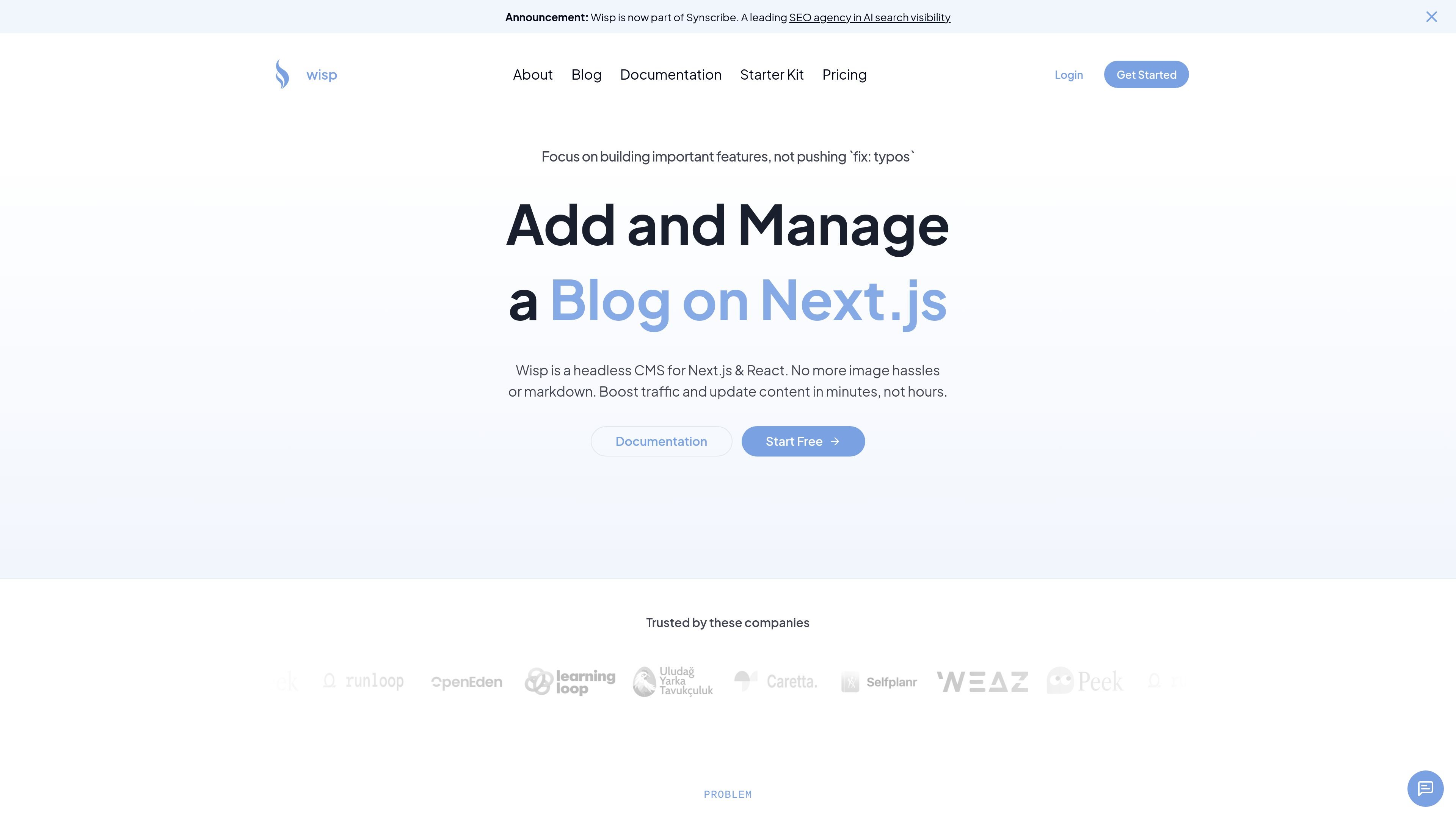
Wisp is a headless CMS built for Next.js and React sites that need a blog without tying content work to the application codebase. It focuses on a narrower blogging workflow rather than a general-purpose content model.
The product is aimed at teams that want developers to keep shipping features while content creators handle post editing in a separate interface. The source emphasizes fast setup, visual editing, image handling, and content delivery through a CDN.
Connect Wisp to a Next.js site with a JavaScript SDK. The homepage says the integration takes only a few lines of code and includes TypeScript types.
Serve blog content and images through a global CDN, with Next.js caching available for fast delivery to users worldwide.
Use a visual editor that does not require markdown skills. The editor is designed to feel familiar to people used to Medium or Notion.
Create posts, manage formatting, and add media without editing the codebase. The demo shows image uploads, section edits, and publishing actions from the editor UI.
Use built-in SEO guidance for JSON-LD, sitemaps, and metadata. The homepage positions these as code samples to help improve search visibility.
Start from a documented setup flow with sign-up, setup selection, and step-by-step code instructions for existing sites or blog starters.
Add a blog to a Next.js application without forcing developers to maintain markdown files or handle blog formatting inside the app repository.
Let writers and marketers publish and revise posts in a separate editor while developers stay focused on product work.
Move image uploads, embeds, and formatting into the CMS instead of managing static assets manually in the codebase.
Implement basic blog SEO workflows such as metadata, JSON-LD, and sitemap support using the provided guidance and code samples.
Choose a setup path for an existing site or a new blog starter, then follow the documented steps to publish a first post.
Wisp is designed for adding and managing a blog on a Next.js or React site. The docs describe a setup flow that starts with signing up, creating posts in the editor, and connecting the posts to an existing site or blog starter.
The source describes Wisp as a fit for small startup teams, agencies, and solo creators who want a blogging workflow separate from the main application codebase.
The pricing page shows a Free Forever plan, a Pro plan billed at $16 per user per month, and an Indie Hacker Pass for solo creators who prefer a lifetime purchase.
The demo and docs indicate support for visual editing, markdown-style shortcuts, image upload by drag and drop or paste, slash commands, and YouTube embeds.
The homepage says the product uses a global CDN for content and images, and the docs mention using the JavaScript SDK or REST API to fetch posts into a Next.js or other supported frontend project.