
File upload and YouTube input
Upload local audio files or choose a song from YouTube, then separate vocals and instruments in a few steps.

VocalRemover.co is an AI vocal remover and stem separator for instrumental, karaoke, or stem-separated audio from uploads or YouTube.
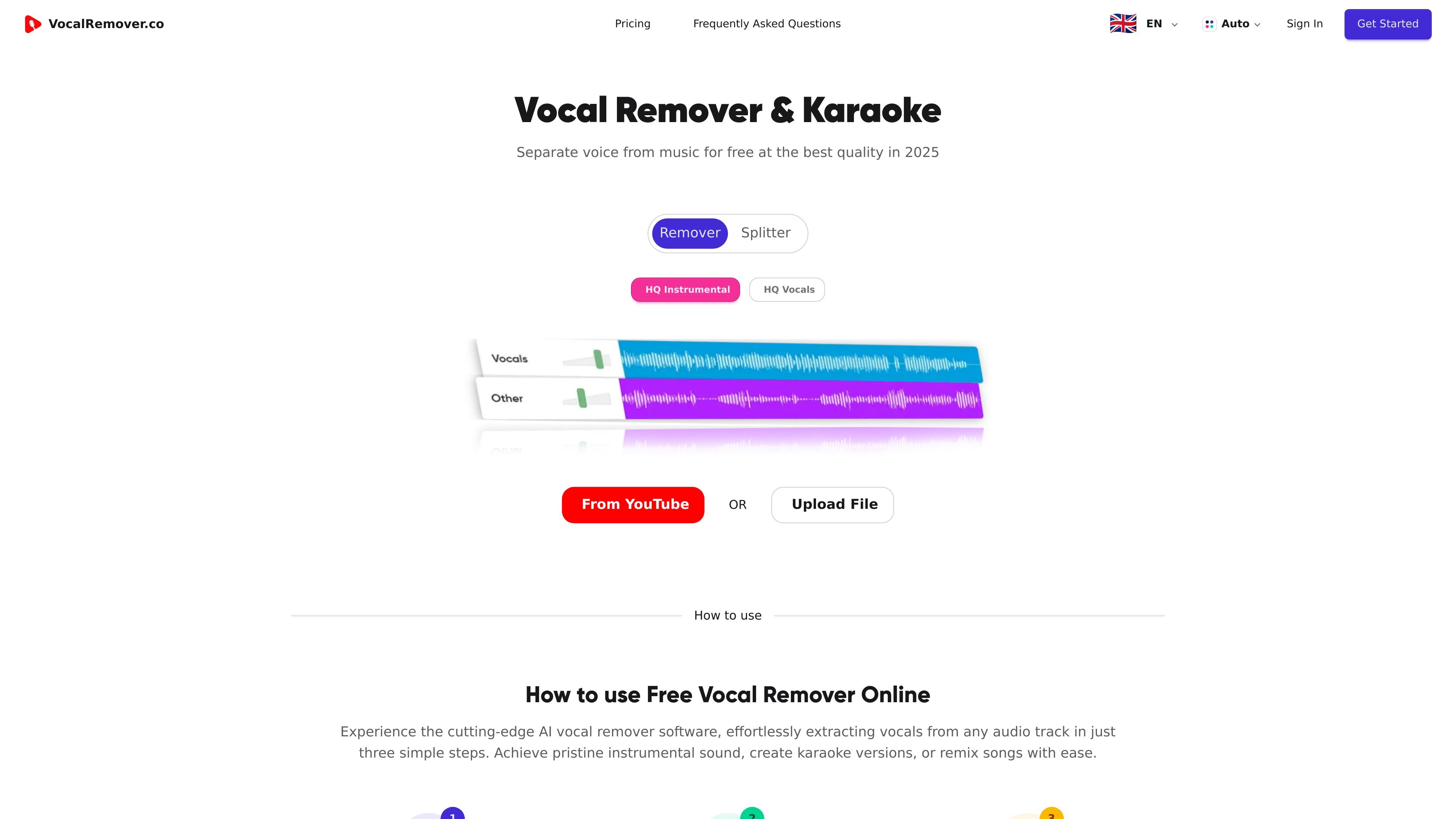
VocalRemover.co is an AI-powered vocal remover and stem separator that separates vocals from music and produces instrumental or karaoke versions. The site positions it as a tool for creators who want to extract voice or instruments from an audio track without manual editing.
Users can upload audio files such as MP3, WAV, and FLAC, or select a song from YouTube, then run a three-step workflow: upload, separate, and download. The product page also references stem separation, speech transcription, and audio analysis as part of the broader platform, while the core visible workflow centers on vocal removal and karaoke creation.
Upload local audio files or choose a song from YouTube, then separate vocals and instruments in a few steps.
The product uses AI to recognize vocals and music instruments automatically and separate them within seconds.
Downloaded outputs include karaoke versions, instrumental sound, and background music, which supports both listening and editing workflows.
The site highlights the ability to isolate vocals, guitar, drums, bass, and other instruments for creative tuning and remixing.
A karaoke-focused workflow includes lyrics display while the song plays, which is useful for practice and sing-along use.
Pricing pages list a priority queue and API access on paid plans, with higher limits for teams and heavier usage.
Create backing tracks or sing-along versions by removing the vocal line and keeping the instrumental mix for practice or performance.
Separate stems for remixing, arranging, or sound design when you want to work with vocals and instruments independently.
Extract instrument layers such as drums, bass, or guitar for analysis, arrangement reference, or creative editing.
Use the workflow for quick conversion when you already have a song link on YouTube and do not want to upload a local file.
Use paid-plan controls such as higher limits, team seats, or API access when the workflow needs to scale beyond casual one-off use.
It is an AI-powered vocal remover and stem separator for separating vocals from music, or isolating instruments for karaoke and remixing workflows.
The site says you can upload an audio file such as MP3, WAV, or FLAC, or select a song from YouTube, then separate vocals and instruments and download the result.
The rendered page says files can be downloaded as the karaoke song, instrumental sound, or background music after separation. It also highlights lyrics display during playback for karaoke use.
The FAQ list includes questions about supported formats, file storage, processing time, priority queue, limits, subscriptions, one-time purchases, refunds, and plan changes, but the provided page text does not include the full answers.
The contact page lists support by email at contact@vocalremover.co and a phone number in Iași, Romania.