
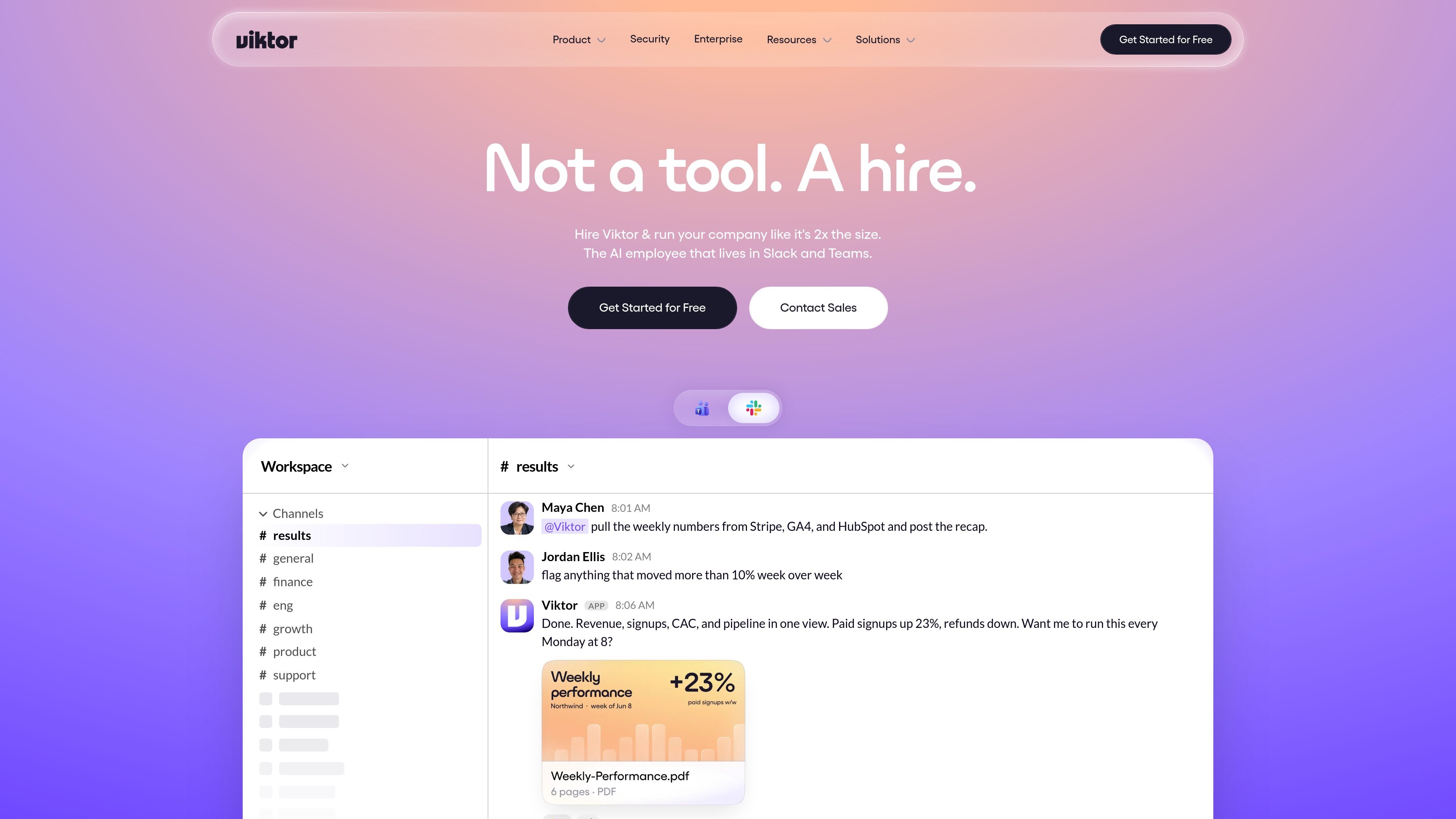
Produces real work
Viktor posts finished outputs such as decks, dashboards, apps, reports, and code changes instead of only describing what to do next.

Viktor is an AI employee for Slack and Microsoft Teams that executes work across connected tools, from reports and onboarding to support and code tasks.
Viktor is an AI employee that lives in Slack and Microsoft Teams and is designed to carry out work across connected tools. The site positions it as something you hire for ongoing operational, analytical, and execution tasks rather than a simple chat assistant.
Across the product pages, Viktor is shown handling recurring reports, onboarding workflows, invoice reconciliation, support triage, marketing changes, and code-related tasks. The platform connects to 3,200+ tools, supports scheduled tasks and approvals, and can return finished artifacts such as dashboards, tickets, documents, and code changes where the connected systems allow it.
Viktor posts finished outputs such as decks, dashboards, apps, reports, and code changes instead of only describing what to do next.
It can connect to multiple tools in one request, pulling information or taking actions across systems such as Stripe, Salesforce, Notion, HubSpot, and QuickBooks when those integrations are available.
The product supports scheduled reports, digests, audits, and proactive check-ins so recurring work can run without a new prompt each time.
Viktor keeps persistent workspace context and remembers decisions and preferences so users do not have to restate the same instructions repeatedly.
It can generate drafts and artifacts such as follow-up messages, tickets, docs, PDFs, and PR-ready code changes where supported by connected tools.
Security controls include SSO support, encrypted data handling, integration revocation, and explicit approval for high-risk actions.
Pull weekly numbers from tools like Stripe, GA4, and HubSpot, then post a recap in Slack with changes flagged for follow-up.
Set up a new hire by provisioning accounts, creating onboarding tasks, booking intro meetings, ordering equipment, and scheduling the welcome message.
Reconcile invoices, identify unusual items, and draft follow-up messages or month-end packs for review.
Investigate customer issues, merge duplicate tickets, draft replies, file a bug, and notify the relevant team channel.
Audit ad performance, pause inefficient campaigns, shift budget, and draft new creative or planning documents for review.
No. The pricing page says Viktor starts with $100 in credits and no credit card is required. When the credits are used up, you can choose a plan.
Viktor is native in Slack and Microsoft Teams. The site also says it installs from inside Slack and is available in the official Slack App Directory.
The pricing page describes a Team plan with shared workspace credits, Slack-native work in threads and mentions, persistent workspace context, integrations and tool execution, scheduled tasks and crons, and drafts and artifacts where supported.
The security page says sensitive actions such as money moves, code pushes, and customer emails wait for explicit approval in Slack.
The security page says Viktor is SOC 2 Type 1 certified, GDPR aligned, CCPA compliant, and CASA Tier 3 certified, with ISO 27001 in progress.
Traffic data is for reference only.

teamily.ai
Teamily AI is an AI-powered social collaboration platform for creating and managing AI agents across web, desktop, and mobile, with a free plan, paid tiers, and a 7-day Plus trial.

bloome.im
Bloome is a chat platform where teams and AI agents research, draft, review, and ship work together.

adapt.com
AI workspace and shared company brain for answers, analysis, automation, and internal tools across Slack and the web

spell.so
Spell is a web-based AI agent platform for delegating knowledge work to autonomous agents with plugins, parallel tasks, and GPT3.5/GPT4 support.

cellcog.ai
CellCog is a general-purpose AI employee platform for hiring role-based AI workers, each with its own inbox, task board, and memory. Built for teams and founders seeking AI workers for ongoing knowledge work and coordination with other employees.

moxt.ai
Agent-native workspace for teams and AI teammates to collaborate