
Shared agent-native workspace
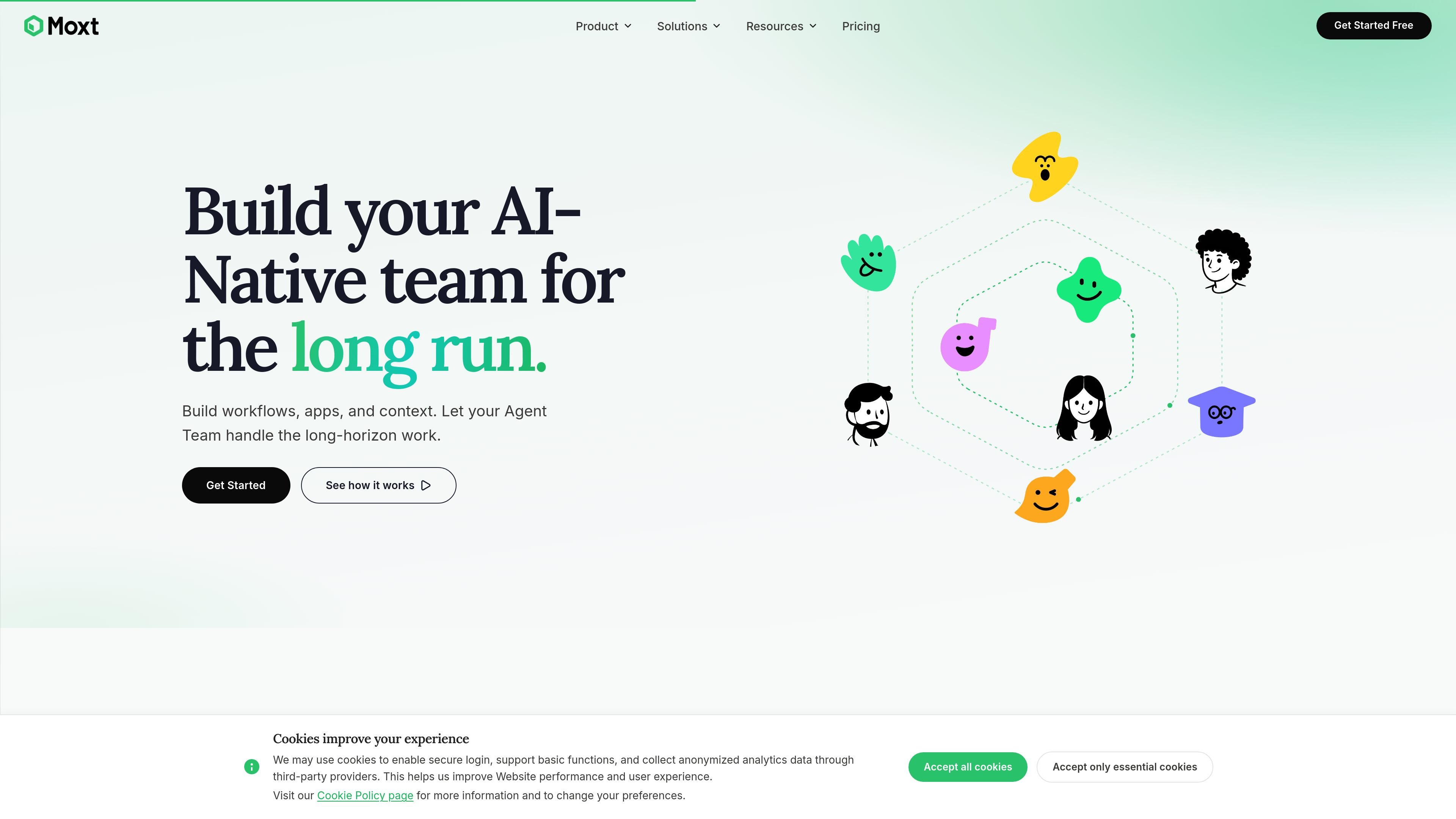
Moxt is organized as a shared workspace for humans and AI teammates, so the team works from one place instead of passing context around in separate chats.

Agent-native workspace for teams and AI teammates to collaborate
Moxt is an agent-native workspace for teams that want humans and AI teammates to collaborate in one shared environment. The product centers on a personal AI teammate called momo, plus additional specialist teammates that can work from the same workspace and share context with the rest of the team.
The site positions Moxt around three linked pieces: shared workspace access, connected tools, and workflow orchestration. Agents can read from and act in external apps such as Slack, GitHub, Notion, Gmail, Linear, Google Drive, HubSpot, and Stripe; they can also move through multi-step workflows with human checkpoints where a step needs approval. Pricing is credits-based, with no seats or subscriptions and model usage billed at official provider rates without platform markup.
Moxt is organized as a shared workspace for humans and AI teammates, so the team works from one place instead of passing context around in separate chats.
Every account includes momo, a personal AI teammate that learns as you go, and teams can add more role-specific teammates for different jobs.
The integrations page shows agents reading from connected tools and acting inside them, including Slack, GitHub, Notion, Gmail, Linear, Google Drive, HubSpot, Stripe, and others.
Moxt supports multi-agent workflows where work moves from one agent to the next through defined stages, with human-review checkpoints where needed.
The pricing page states that workspace access has no seat limits, so humans and AI teammates can be added without per-seat gating while the product is growing.
Moxt uses credits-based, multi-model pricing with official model rates and no platform markup, and it offers an isolated cloud sandbox for agent runtime.
Set up a workflow where research, drafting, review, and publishing are handled by different agents, with each stage passing work to the next agent automatically.
Use connected tools like Slack, Gmail, HubSpot, and Linear to move a customer request from alert to ticket, response, and follow-up without switching tabs.
Assign an AI teammate to routine knowledge work such as reports, dashboards, summaries, or briefings, then review the result instead of starting from scratch.
Create role-specific teammates for tasks like outreach, lead qualification, contract review, or competitor monitoring, each with its own lane and context.
Use human checkpoints in longer workflows when approvals matter, so agents pause at defined statuses and resume after review.
Moxt is built as an agent-native workspace where humans and AI teammates collaborate in one shared environment. The source describes each account as including a personal AI teammate called momo, with the option to scale into specialists for different roles.
The source shows Moxt connecting with tools such as Slack, GitHub, Notion, Gmail, Linear, Google Drive, HubSpot, Stripe, Google Analytics, PostHog, and others. It also supports a custom API/webhook option and an MCP server for custom tools.
Moxt’s pricing page says it uses credits-based pricing with no seats or subscriptions. Workspace access is free, AI model usage is billed at official provider rates with no markup, and agent runtime is billed separately for the cloud sandbox while local agents are listed as coming soon.
The orchestration page shows workflows where multiple agents hand off work through stages, with human checkpoints when a step is marked as needing review. Agents can pause for approval and continue once you decide.
The sources do not show a full setup guide or a complete list of supported app behaviors. They do indicate that Moxt is designed for teams that want shared context, multi-agent workflows, and tool-connected agents rather than a simple chat interface.
Traffic data is for reference only.

teamily.ai
Teamily AI is an AI-powered social collaboration platform for creating and managing AI agents across web, desktop, and mobile, with a free plan, paid tiers, and a 7-day Plus trial.

bloome.im
Bloome is a chat platform where teams and AI agents research, draft, review, and ship work together.

adapt.com
AI workspace and shared company brain for answers, analysis, automation, and internal tools across Slack and the web

spell.so
Spell is a web-based AI agent platform for delegating knowledge work to autonomous agents with plugins, parallel tasks, and GPT3.5/GPT4 support.

cellcog.ai
CellCog is a general-purpose AI employee platform for hiring role-based AI workers, each with its own inbox, task board, and memory. Built for teams and founders seeking AI workers for ongoing knowledge work and coordination with other employees.

viktor.com
Viktor is an AI employee for Slack and Microsoft Teams that executes work across connected tools, from reports and onboarding to support and code tasks.