
Email spam scoring
Send a message to a unique session address and get a spam score that highlights deliverability signals such as authentication, content, links, and blacklists.

Unspam is a web-based email deliverability tester that checks spam score, inbox placement, previews, heatmaps, and authentication records.
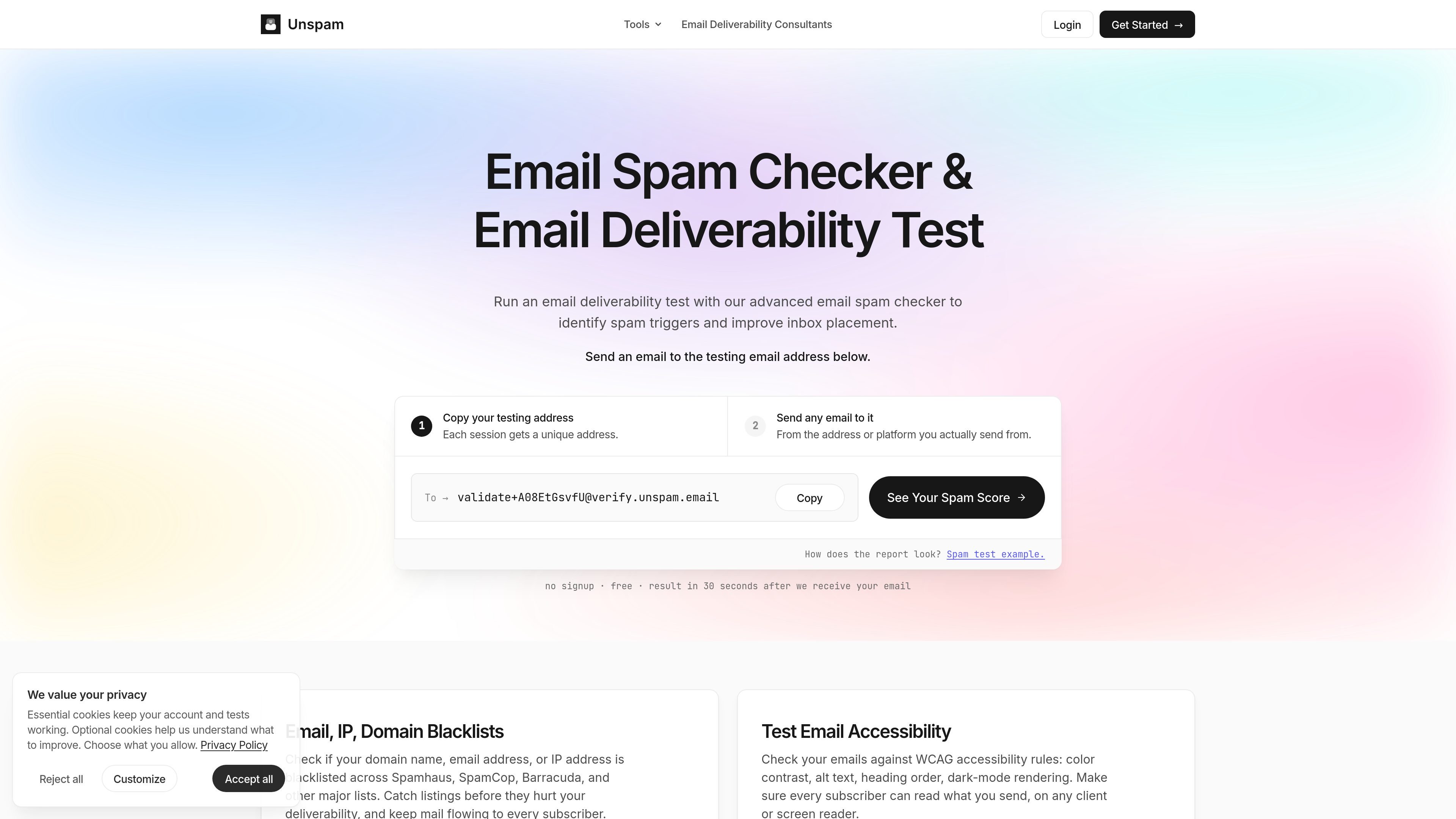
Unspam.email is an email deliverability testing tool focused on finding spam triggers before a campaign is sent. It combines spam scoring, inbox placement tests, email previews, heatmaps, and authentication checks so senders can inspect both message content and technical setup.
The homepage positions the product as a way to check whether a newsletter or transactional email is likely to land in the inbox, promotions tab, or spam folder. It also includes separate browser-based tools for SPF, DMARC, and DKIM record lookup, plus related checks such as BIMI and reverse DNS guidance.
Send a message to a unique session address and get a spam score that highlights deliverability signals such as authentication, content, links, and blacklists.
Run inbox placement tests across multiple providers to see whether messages land in Inbox, Promotions, Spam, or Missing.
Preview how an email renders on desktop, laptop, and mobile, with an AI heatmap that indicates where attention is likely to go.
Check SPF, DMARC, DKIM, BIMI, reverse DNS, and related email health signals from the product hub.
Scan email content for accessibility issues such as color contrast, alt text, heading order, and dark-mode behavior.
Schedule recurring inbox placement tests on selected days and get alerted when placement changes.
Check a campaign before sending to see whether the content, authentication, or links are likely to trigger spam filtering.
Compare how the same message lands across Gmail, Outlook, Yahoo, Proton Mail, Zoho, and other providers before a launch.
Inspect SPF, DMARC, and DKIM records when setting up a sending domain or troubleshooting authentication problems.
Review email rendering, accessibility, and likely attention patterns for teams that need a message to work on desktop and mobile.
Monitor recurring sends or long-running outreach campaigns and get alerted when placement begins to deteriorate.
Yes. The free plan includes monthly allowances for spam tests, email previews, heatmaps, and inbox placements, along with the AI assistant, and the pricing page says no credit card is required.
A spam test scores a single message against deliverability signals such as authentication, content, and blacklists before you send it. An inbox placement test sends to a seed list across providers and reports where the message landed, such as Inbox, Promotions, Spam, or Missing.
You send an email to a unique testing address for your session, then the product returns a spam score, email preview, heatmap, and inbox placement results. The SPF, DMARC, and DKIM tools can also be used directly in the browser to inspect DNS records.
The homepage says spam test results are available about 30 seconds after the email is received, and the pricing page describes historical results and Autopilot scheduling on paid plans.
The site’s standalone record checkers run in the browser over DNS-over-HTTPS with no signup and nothing stored. The homepage also emphasizes that a unique testing address is generated for each session.