
Asset management
Provides LLM-accessible tooling for managing assets within a Unity project, as stated in the project description.

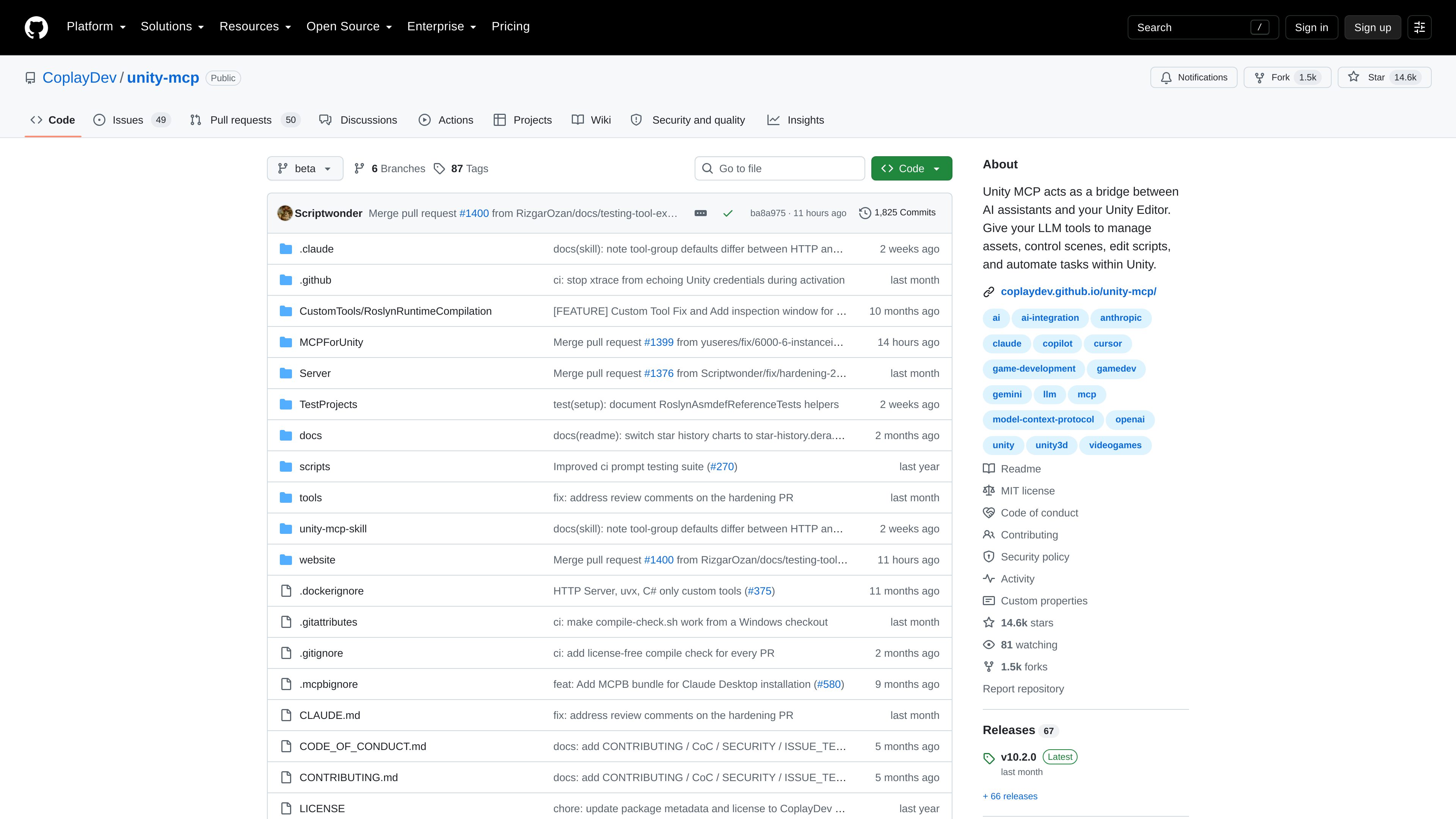
Unity MCP is an open-source GitHub project that connects AI assistants with the Unity Editor. It provides LLM-accessible tools for managing assets, controlling scenes, editing scripts, and automating Unity tasks.
Unity MCP is a bridge between AI assistants and the Unity Editor. It gives an LLM tools for working with Unity projects, including managing assets, controlling scenes, editing scripts, and automating editor tasks.
The project is delivered as a public GitHub repository containing Unity integration code, server components, documentation, test projects, and support for custom tools. Its core purpose is to move AI assistance from discussion into selected editor operations. The available evidence does not provide a complete setup guide, client compatibility list, or Unity version matrix, so those details require verification in the repository.
Provides LLM-accessible tooling for managing assets within a Unity project, as stated in the project description.
Lets AI assistants work with Unity scenes through editor-connected tools rather than only describing changes in chat.
Supports AI-assisted editing of Unity scripts as part of the editor workflow.
Connects an LLM to automation tasks inside Unity, helping translate instructions into editor operations.
Acts as the connection layer between an AI assistant and a running Unity Editor, with repository components for the Unity side and server-side handling.
The repository includes custom-tool components and documentation, indicating support for extending the available Unity operations beyond the core project description.
A Unity developer can use an AI assistant to request changes to project assets, scripts, or other editor-managed content instead of carrying out every operation manually.
During prototyping, an assistant can be used as an editor-connected interface for scene-control tasks, allowing developers to iterate on scene content through instructions.
Teams can apply the task-automation capability to recurring Unity Editor operations where an AI-driven workflow is appropriate.
Developers can use the bridge when they want an assistant to participate directly in script-editing workflows alongside the Unity project.
Unity MCP is a GitHub project that bridges AI assistants and the Unity Editor, giving an LLM tools to manage assets, control scenes, edit scripts, and automate Unity tasks.
The project description specifically identifies asset management, scene control, script editing, and task automation. The repository also includes support for custom tools.
No. It is described as a bridge between an AI assistant and the Unity Editor, so it is intended to provide editor access to an existing LLM-based assistant or MCP-compatible workflow.
It is hosted as the public CoplayDev/unity-mcp repository on GitHub, which contains the project code and related documentation.
Not completely. The supplied evidence does not specify a full setup procedure, supported MCP clients, or a Unity version matrix; users should consult the repository documentation for those requirements.

www.simplecommenter.com
Simple Commenter is a website feedback platform with an MCP server that connects comments and page context to AI tools such as ChatGPT, Claude, Cursor, and Codex. It helps web teams turn review comments into clearer next steps and fixes.

tracebug.dev
TraceBug is a local-first bug reporting tool that captures browser issues in a self-contained .html report for offline developer hand-off. It supports local MCP debugging and exports for issue tracking and sharing.

modelcontextprotocol.io
MCP Inspector is an open-source visual testing tool for Model Context Protocol (MCP) servers. It is intended for developers who need to inspect and test MCP server behavior through a visual interface.

t0md.com
t0md converts PDF, Word, PowerPoint, HTML, and JSON files into clean Markdown for people and AI agents. It also provides a remote MCP server for converting documents inside compatible agent tools.

harnessmanager.devmesh.xyz
Harness Manager is a free, open-source native Mac workspace for managing AI coding tools, MCP servers, skills, updates, and model comparisons. It helps developers inspect their local setup, discover additions, review updates, and compare models in one app.
sourcegraph.com
Sourcegraph helps enterprise teams and AI agents understand and work with complex codebases.