
Privacy-focused browsing
Zoho describes Ulaa as a browser built to respect privacy and protect personal data while helping users work more efficiently online.

Ulaa is a privacy-focused web browser from Zoho with personal data protection, efficient browsing, and enterprise security controls for Chromium extensions.
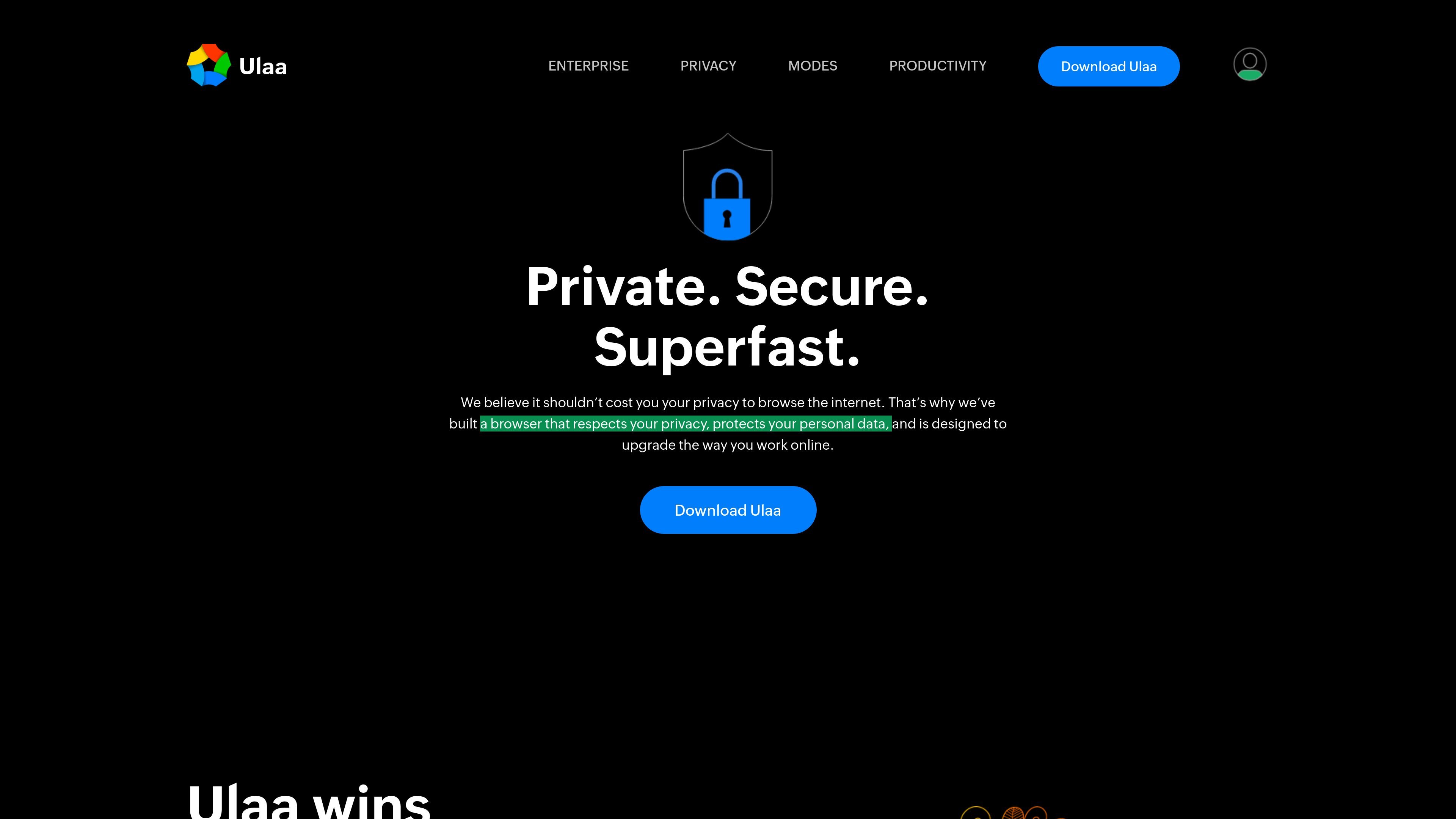
Ulaa is a web browser from Zoho positioned around privacy, security, and efficiency. The product pages describe it as a browser that respects personal data, provides browser modes for different online experiences, and includes support for third-party extensions and web services.
The site also highlights Ulaa Enterprise, a browser-focused security offering for organizations. That edition emphasizes built-in data loss prevention, phishing protection, centralized controls, and browser management features intended to reduce reliance on separate virtual desktop or endpoint-agent setups.
Zoho describes Ulaa as a browser built to respect privacy and protect personal data while helping users work more efficiently online.
The browser terms note support for third-party websites, web services, and third-party extensions, which indicates that Ulaa can work with external web tools and browser add-ons.
The modes page shows that Ulaa includes browser modes so users can choose a browsing experience that matches their preferred workflow.
Ulaa Enterprise adds built-in data loss prevention, phishing protection, and centralized controls for IT teams.
Zoho says Ulaa Enterprise gives IT unified visibility across devices and users through a single management interface.
The enterprise page says Ulaa Enterprise supports Chromium-based extensions and includes Zia-powered intelligence for tasks such as phishing detection, website categorization, unsafe-content blocking, and tab organization.
Choose Ulaa for everyday web browsing when privacy and personal-data protection matter and you want a browser built around those priorities.
Use the browser modes page as a cue that Ulaa is meant to adapt to different browsing preferences and work styles, rather than forcing one fixed browsing experience.
Adopt Ulaa Enterprise when an organization wants browser-level security controls, centralized visibility, and built-in protection against phishing and data leakage.
Use the enterprise edition when your team needs Chromium-based extension compatibility alongside security controls and managed browsing.
Choose Ulaa when you want browser updates, basic usage visibility, and documented support from the vendor rather than managing the browser entirely on your own.
Ulaa is a web browser from Zoho. The source pages describe it as a private, secure, and superfast browser, with a separate Ulaa Enterprise offering for centralized security and management.
The source pages mention browser modes that let users choose the mode that fits their preferred online experience, but they do not list every mode or explain each one in detail.
Yes. The home page says Zoho provides email support for problem reporting, product updates, upgrades, and online access to product documentation at no additional cost.
Yes. The browser terms say Zoho periodically provides automatic updates to address security issues, improve performance, enhance functionality, or deliver bug fixes.
The pricing page did not present pricing details in the provided source and only showed an error message, so pricing information is not confirmed here.