
Fast, free setup
Twos is free to use, and the site says you can get started in about 10 seconds without creating an account.

Twos is a free productivity app for notes, tasks, reminders, events, lists, and journal entries in one place across web, mobile, and desktop.
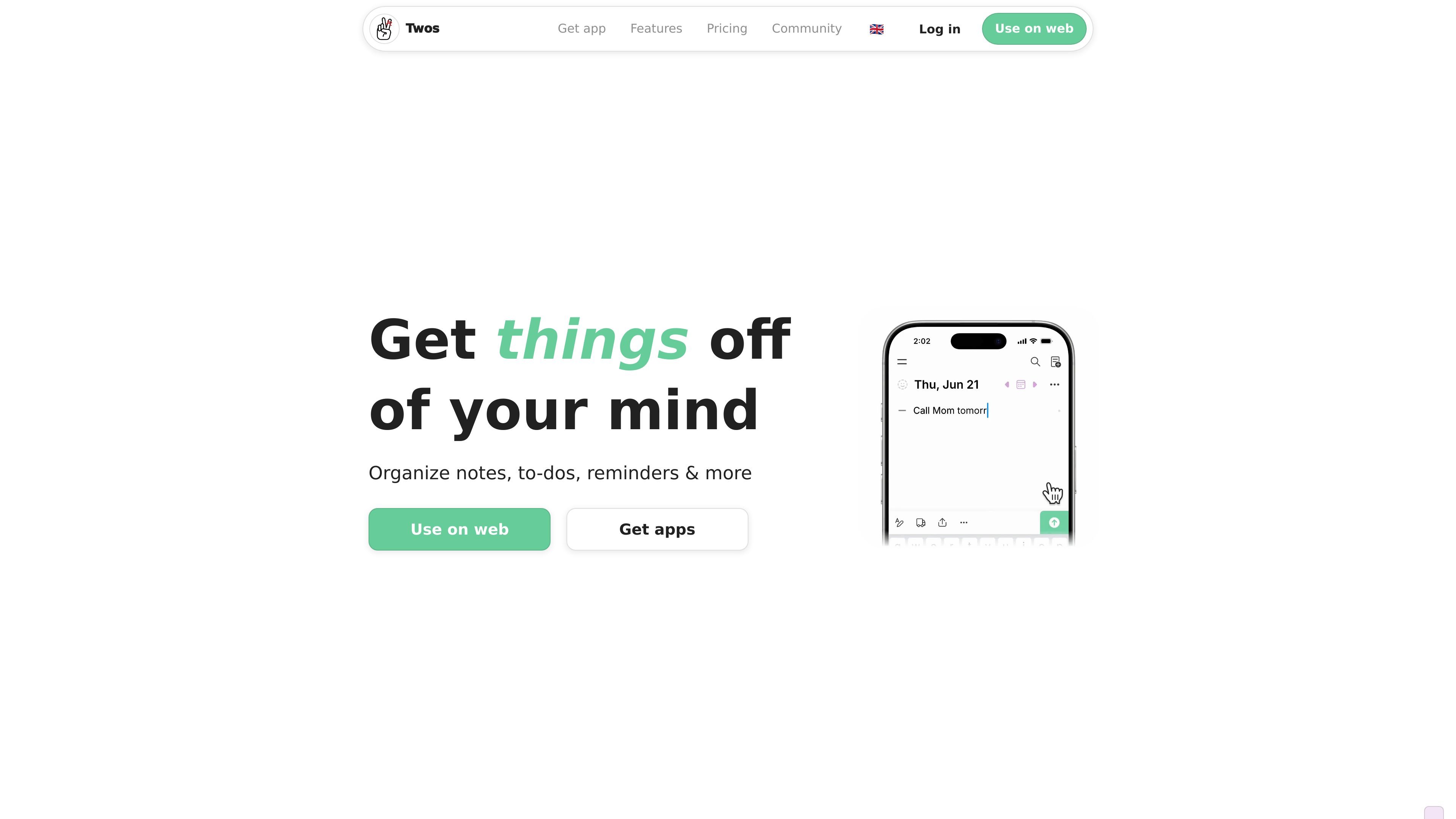
Twos is a productivity app for capturing notes, tasks, reminders, events, lists, and journal entries in one place. The site frames each saved item as a “thing,” emphasizing quick capture and later retrieval rather than long-form document editing.
It is available on the web and across major desktop and mobile platforms, with offline use and sync when you reconnect. The product also adds calendar integration, shared lists, and AI-powered suggestions through Twos PALs, which are described as private, active, and focused on helping users get things done.
Twos is free to use, and the site says you can get started in about 10 seconds without creating an account.
Capture notes, to-dos, reminders, events, and other items in one place, with each entry treated as a distinct “thing.”
Use Twos on iOS, Android, Mac, Windows, Linux, and the web, with offline support and syncing when you reconnect.
Pull events from Google, Apple, and Outlook calendars, and write reminders in plain language that Twos can turn into alerts.
Organize information with daily lists, move items between lists, create sublists, add tags, and let unfinished to-dos carry over to the next day.
Share lists, collaborate with others, publish lists to your network or the wider web, and capture items from Siri, WhatsApp, text, email, or a Chrome extension.
Use Twos to capture books, meetings, phone calls, or random ideas as soon as they come up, then revisit them later instead of relying on memory alone.
Build a daily planning system with tasks, reminders, and calendar items in one view, so unfinished work can roll forward and stay visible.
Keep grocery lists, travel plans, meeting notes, and shared project lists in a format that can be shared and updated with other people.
Create a lightweight second-brain or journal workflow for long-form notes, research, habits, memories, and life logs that you want to search and revisit over time.
Save links, reminders, and notes from the browser or from messages, email, Siri, or WhatsApp so information lands in Twos instead of scattered across channels.
Twos is designed for quick capture first: you can start writing on the web or in the apps, and the service says no account is needed for a 10-second setup. You can also sync across devices when you sign in.
Twos is built around capturing notes, to-dos, reminders, events, lists, and related information in one place. It is positioned as a private writing space that can also support sharing when you want to collaborate or publish a list.
The pricing page says Twos is free to use forever, with no data caps, required subscriptions, or usage restrictions. Optional upgrades are available, and the mobile app has one-time upgrade purchases.
Twos lists collaboration features such as shared lists, link sharing, and publishing lists to the world. The use-cases page also shows it being used for grocery lists, meeting notes, travel plans, and other shared planning workflows.
The site highlights offline use, cross-platform apps, calendar integration, Siri integration, WhatsApp/text/email capture, and a Chrome extension. The exact scope of integrations is still limited compared with the rest of the product detail on the site.