
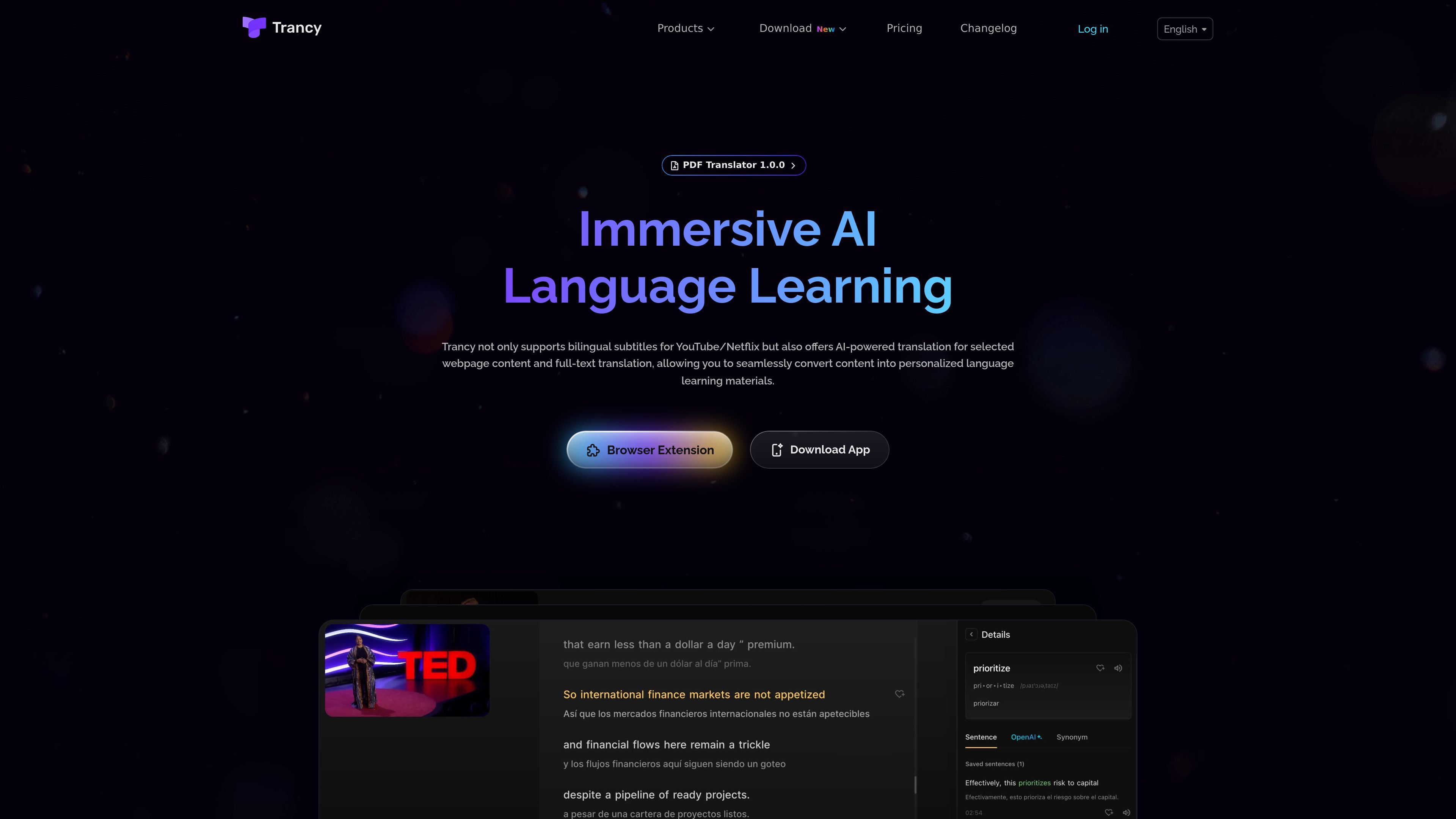
Bilingual subtitles for video learning
Trancy adds bilingual subtitles to major video platforms and includes a reading mode that turns subtitles into text for easier review and sentence-level study.

Trancy helps you learn languages with bilingual subtitles, web and PDF translation, and reading tools.
Trancy is a language-learning assistant built around bilingual subtitles, webpage translation, and PDF translation. It combines browser extension features with mobile app support so users can study videos, articles, and documents in one workflow.
The product is aimed at people who want to read and watch foreign-language content with less friction. Its core tools include AI word and sentence translation, subtitle reading mode, immersive translation for web pages, YouTube subtitle transcription, and PDF translation with bilingual comparison.
Trancy adds bilingual subtitles to major video platforms and includes a reading mode that turns subtitles into text for easier review and sentence-level study.
The extension supports word lookup, sentence translation, grammar analysis, sentence segmentation, pronunciation support, and a vocabulary/bookmarking workflow for saving words and examples.
Immersive translation lets users compare original and translated text on regular web pages, with options for hover translation, shortcut-based actions, and full-text reading support.
The PDF translator extracts PDF text into markdown, supports OCR for scanned documents, and offers bilingual comparison plus AI screenshot Q&A for deeper reading.
The mobile app syncs YouTube subscriptions, supports shadowing and speaking practice, and provides AI video summaries for quicker review of video content.
Watch foreign-language videos with bilingual subtitles, then use subtitle reading mode, word lookup, and sentence segmentation to study how sentences are built.
Read articles and other web pages with immersive translation, hover translation, and full-text comparison so you can stay on the original page while checking meaning.
Translate PDFs by extracting text, comparing bilingual versions, and using screenshot Q&A when a section needs closer interpretation.
Use the mobile app to sync YouTube subscriptions, pick a video, and practice shadowing or speaking with AI-generated bilingual subtitles.
Build a personal vocabulary workflow by bookmarking words, saving example sentences, and reviewing them later in the learning center.
Trancy works as a browser extension and companion app for language learning on video sites, web pages, and PDFs. It supports bilingual subtitles, word and sentence translation, immersive webpage translation, and PDF translation features.
The pricing page shows a free plan and paid premium options. Premium adds higher-capacity features such as YouTube AI subtitle transcription, PDF translation limits, vocabulary tools, and access to additional AI translation engines depending on the plan.
Supported browsers shown on the download page include Chrome, Edge, Firefox, Brave, Arc, and Safari. The mobile page also lists app downloads for iOS Safari, Firefox Android, Edge, and APK.
Yes. The mobile app page says you can sync your YouTube subscriptions to Trancy so you can access your own channels and study videos more easily.
Trancy offers a PDF Translator page with text extraction, bilingual comparison, and AI screenshot Q&A, and it works best alongside the browser extension for word translation, vocabulary highlighting, and sentence translation.
Traffic data is for reference only.

miraa.app
Miraa turns your media into AI bilingual subtitles, real-time translation, and interactive explanations.

lufe.ai
Lufe AI Translator is a browser extension for bilingual web reading and AI-assisted translation of webpages, text, images, and PDFs, with free basic and paid AI plans.

intersub.cc
Interactive dual subtitles and instant word translations for language learning while watching videos.

polyglotta.app
Polyglotta is a multilingual translator and AI language-learning partner with side-by-side translations in 70+ languages. Compare meaning, ask follow-up questions, and hear pronunciation.

subtranslateai.com
Browser-based subtitle translation for SRT and media files in 100+ languages

keysake.ai
Keysake is a Mac input method for Chinese speakers learning English. It shows relevant English expressions alongside Chinese text as you type and lets you save language from your own messages and notes for later review.