
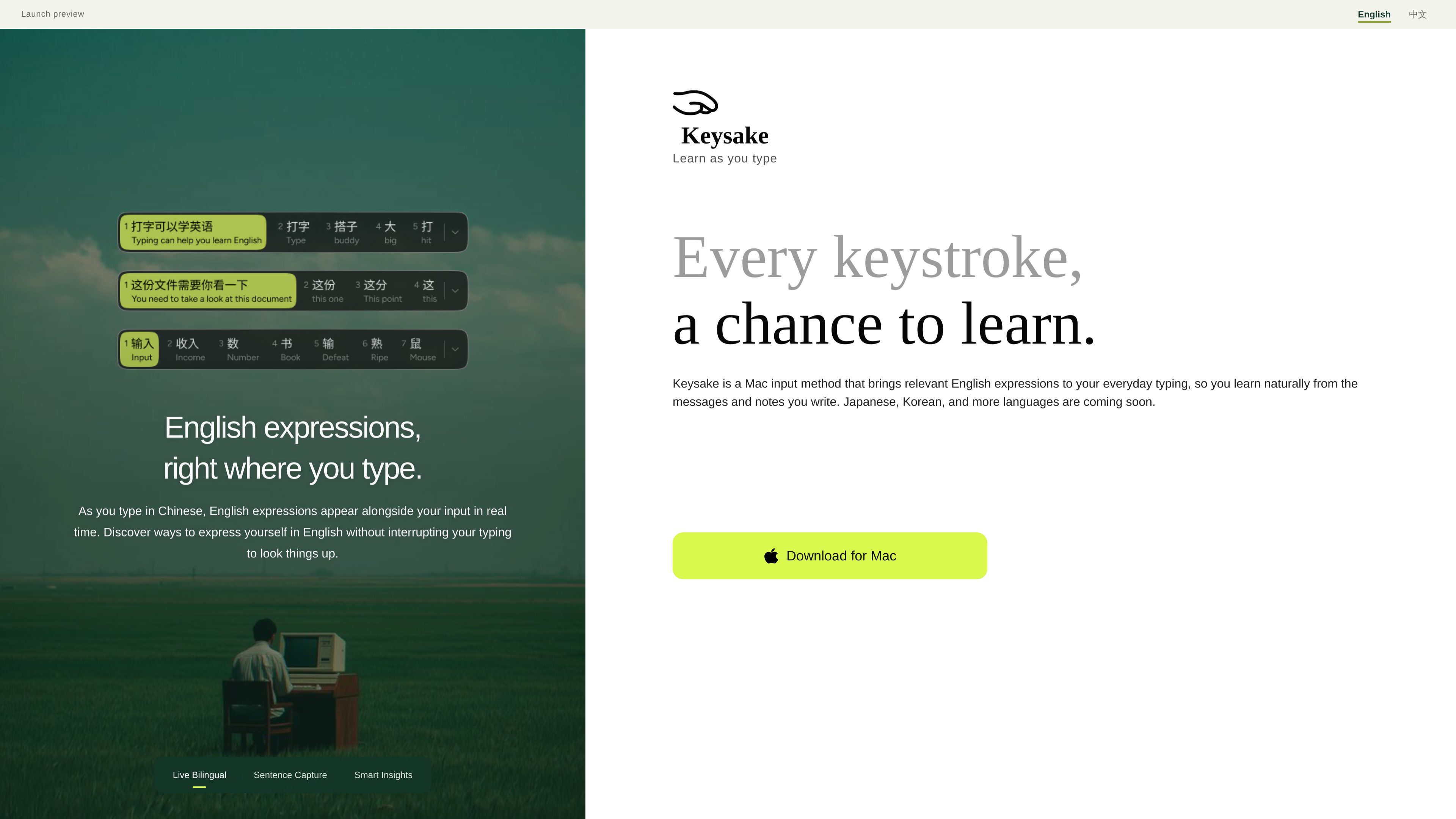
Real-time English expressions
As you type in Chinese, Keysake shows corresponding English expressions alongside the input, so translation and phrasing suggestions appear in the writing context.
Keysake is a Mac input method for Chinese speakers learning English. It shows relevant English expressions alongside Chinese text as you type and lets you save language from your own messages and notes for later review.
Keysake is a Mac input method for learning English through Chinese-language typing. It displays relevant English expressions alongside Chinese input in real time, allowing users to see possible ways to express what they are already writing without leaving their typing flow. Users can save words, phrases, or complete sentences and revisit them with explanations of sentence structure and grammar. The current focus is Chinese input to English learning; the site says English input, Japanese, Korean, and more languages are planned.
As you type in Chinese, Keysake shows corresponding English expressions alongside the input, so translation and phrasing suggestions appear in the writing context.
Double-tap the space bar after finishing a sentence to have Keysake recognize and save the full sentence for later learning.
Hover over an individual word or phrase, right-click, and choose Save to add a smaller language unit to your collection.
Saved words, phrases, and sentences are collected from the user’s own messages and notes, preserving the context in which each expression was written.
Saved material can be reviewed with explanations of sentence structure and grammar, including roles such as subject, predicate, and object and the meaning of individual expressions.
The product uses Apple’s on-device translation technology to generate English translations locally on the Mac, according to the site’s privacy FAQ.
Type a message as usual and use the accompanying English expressions to discover how the same idea can be phrased in English without interrupting the conversation to search separately.
Use personal notes and email drafts as source material for collecting useful expressions that are connected to real writing needs rather than a generic vocabulary list.
When a sentence contains a useful pattern, double-tap the space bar to save it as a unit and return to its structure and grammar later.
Save an individual word or phrase from the current text when the smaller expression is more useful for future writing than the entire sentence.
Keysake currently runs on Mac and has a Chinese-language interface. It supports Chinese input with corresponding English expressions. English input and English-to-Chinese learning are not currently available.
To save a full sentence, finish typing and double-tap the space bar. To save an individual word or phrase, hover over it, right-click, and choose Save. The site says making individual saving more seamless is planned for future updates.
Saved material can be collected for later review, with automatic explanations of sentence structure and grammar described on the site.
The site says Keysake uses Apple’s on-device translation technology to generate English translations locally on your Mac, without sending input to the cloud for translation.
Yes. The site says Japanese, Korean, and additional languages are coming soon, and that English input is planned. These should be considered planned rather than current support.

hugo.ai
Hugo is an AI-powered support agent that resolves tickets and automates support work 24/7 using your data and connected systems.

usechalked.com
Chalked is a Mac reply assistant that reads the conversation you are in and prepares context-grounded responses for Gmail, LinkedIn, and, on macOS 26, Messages. It uses calendar and working context when relevant, while leaving review, editing, and sending to you.

aichat1234.com
迅捷AI写作 is an online AI writing tool for papers, novels, office work, and content creation, with templates, online documents, and multi-format export.

getconch.ai
Browser-based writing and study assistant for academic work

vetta-x.com
Vetta X is an AI growth workspace for X that drafts replies and posts in your voice, tracks creators, and enables one-tap publishing after your approval—so you can stay active without spending all day in the app.
chatgptoutlookaddin.com
AI add-in for summarizing and drafting Outlook emails with custom prompts