
AI and human coordination
Trace describes itself as an AI orchestration layer that aligns AI agents with human judgment, suggesting it is built to coordinate automated steps and manual review rather than run isolated agents.

Trace is an AI orchestration layer for modern teams that coordinates AI agents and human review across multi-step workflows. The site emphasizes context-aware automation, workflow visibility, and governance around handoffs, approvals, and agent activity.
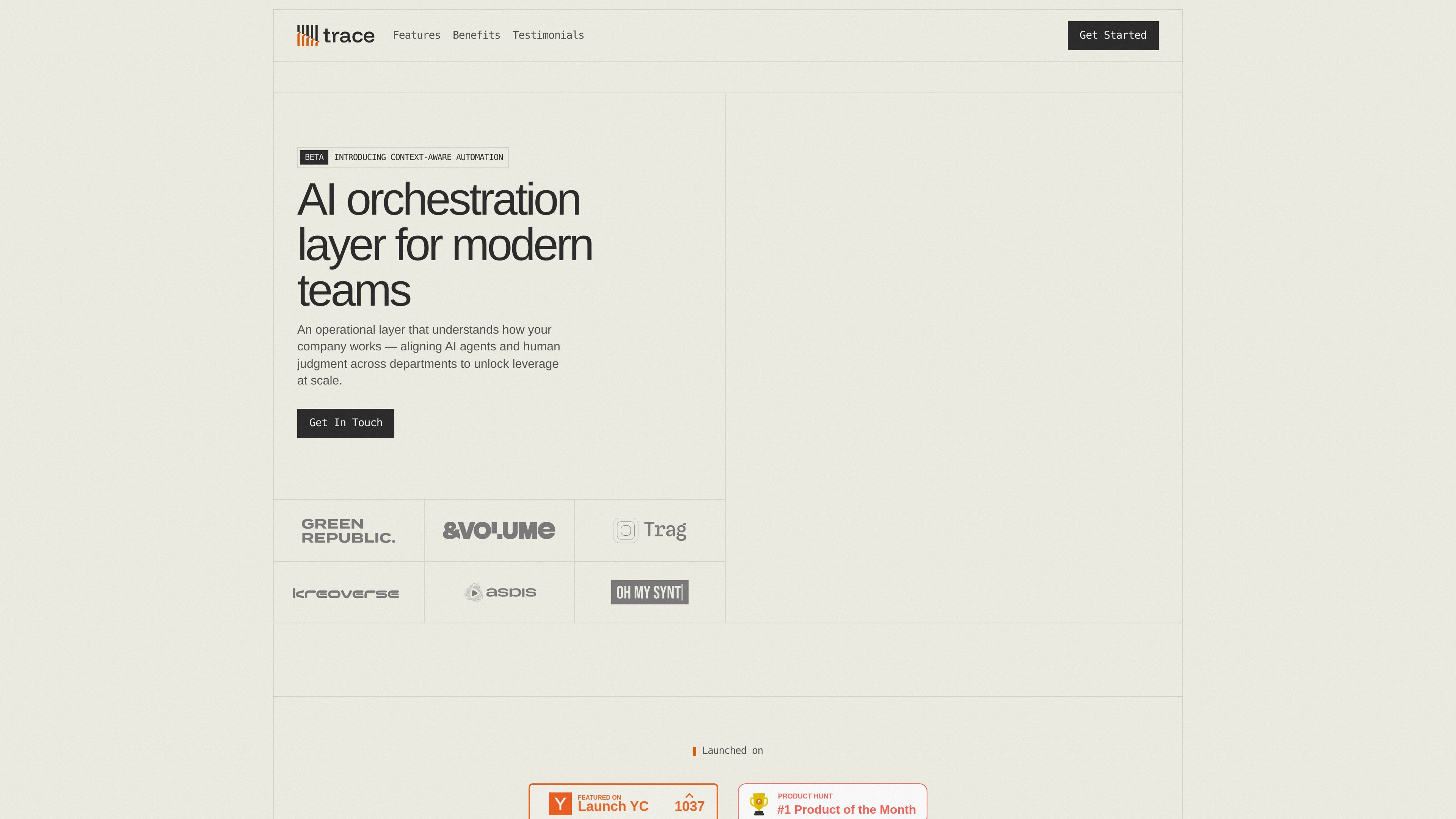
Trace is an AI orchestration layer for modern teams. It is positioned as an operational layer that understands how a company works, then aligns AI agents and human judgment across departments so work can move with context and oversight.
The homepage presents Trace through workflow examples rather than a long feature list: client onboarding, contract extraction, finance review, approval routing, run tracking, and workflow health monitoring. The product appears aimed at teams that want to coordinate multi-step, multi-department work while keeping visibility into agent activity, review gates, and exceptions.
Published blog posts add more detail about the company’s focus. Trace frames its approach around evaluation at the handoff layer, centralized agent management, and controls for logging, permissions, and oversight in environments where multiple agents, tools, and approvals need to work together.
Trace describes itself as an AI orchestration layer that aligns AI agents with human judgment, suggesting it is built to coordinate automated steps and manual review rather than run isolated agents.
The homepage and blog emphasize a persistent context layer that models how tasks flow between departments and maps entities across systems, so the product is designed to retain operational context over time.
The interface examples show workflows with tasks, agents, and activity views, giving teams a way to inspect progress, review agent actions, and track what happened in a run.
Status panels such as blocked items, needs review, SLA at risk, and flagged items indicate support for monitoring workflow health and surfacing exceptions for human attention.
The example workflow includes contract value checks, finance routing, and approval thresholds, showing that Trace can place review gates into a process when certain conditions are met.
The blog posts describe evaluation built into the handoff layer and centralized agent management with deployment, logging, and permission control, pointing to governance features for multi-agent environments.
Use Trace to coordinate onboarding flows that pass through multiple teams, such as sales, operations, and finance, while keeping the approval path visible.
Use Trace when a workflow needs data extraction followed by conditional review, such as checking contract terms, routing exceptions, and escalating approvals above a threshold.
Use Trace to monitor multi-agent workflows where steps can fail silently or drift over time, especially when the final output may look complete even if an intermediate handoff broke.
Use Trace when teams need a shared view of workflow health, blocked runs, SLA risk, and items needing review across departments.
Use Trace for governance-heavy environments where AI agents need central visibility, permissions, and logging across the organization.
Trace is presented as an AI orchestration layer for modern teams, so it appears suited to organizations coordinating AI agents and human approval steps across departments. The source does not define a narrow industry focus.
The homepage shows a workflow involving client onboarding, contract extraction, finance review, and approval routing, so the product appears to support multi-step processes that move between teams. The source does not provide setup steps or implementation details.
The site highlights context-aware automation, a context engine, workflow visibility, agent alerts, and approval gates. It does not publish a full feature list, so other capabilities may exist but are not documented in the provided sources.
The provided sources do not show pricing information. The pricing URL returns a page-not-found response, and the contact page suggests the team should be contacted directly.
No public integration list is provided, but the homepage text references Slack, HubSpot, Google Drive, and a knowledge graph-style context layer in its workflow examples. Those references show what the product may connect to, but they are not presented as a complete integration catalog.