
Automatic time tracking
Timely's Memory Tracker captures work activity in the background so users do not need to start and stop a manual timer throughout the day.

Timely is an AI-powered automatic time tracking product for consultancies, agencies, SaaS businesses, and teams needing accurate client, project, and work-hour reporting.
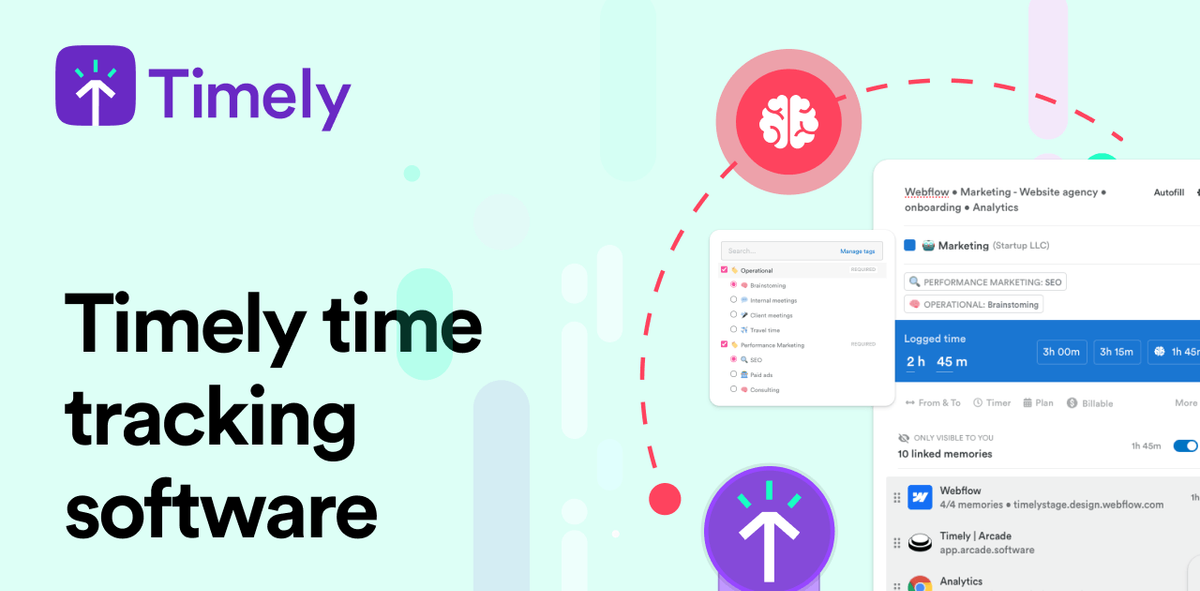
Timely is an automatic time tracking product for consultancies, agencies, SaaS businesses, and other teams that need accurate records of client, project, and work hours. It uses AI-powered capture to build timesheets from background activity, reducing reliance on manual timers and end-of-day recall.
The product is built around the idea that teams should review and approve captured time instead of typing it all in themselves. Timely emphasizes private, user-controlled tracking, project and team reporting, and workflow fit through integrations with common business tools.
Timely's Memory Tracker captures work activity in the background so users do not need to start and stop a manual timer throughout the day.
AI can draft timesheets from captured activity, and users can complete them with a one-click approval step.
Timely can allocate tracked time to projects, clients, and work categories so managers can report on billable and non-billable hours more consistently.
The product surfaces project dashboards, weekly stats, budget milestones, and anomaly detection to help teams monitor project health and spot missing hours.
Timely offers privacy controls, including private timelines and user-approved sharing, so people can review what is captured before it is shared.
The pricing page lists integrations for project management, accounting, calendars, email, communication, and API access, allowing Timely to fit into existing workflows.
Consultancies can capture client work automatically, then review and approve timesheets before billing, helping reduce missed billable time.
Agencies can use project dashboards, budgets, and weekly stats to monitor delivery work, spot anomalies, and keep projects on track.
SaaS and product teams can track how time is spent across people and jobs to understand utilization, capacity, and operational bottlenecks.
Managers can rely on AI-drafted timesheets and approval workflows to cut down on manual entry and chase fewer incomplete submissions.
Teams that use calendars, project tools, and communication apps can sync captured work into Timely and then export or report from the same workflow.
Timely is designed to track time automatically in the background and then let users review and approve AI-completed timesheets. The pricing page also lists automatic time tracking, AI timesheets, idle detection, location tracking, and manual timer entry.
The source describes Timely as privacy-first by design. It states that timelines are private, only user-approved entries are shared, and the product does not use keystroke logging or screenshots.
Timely is positioned for consultancies, agencies, SaaS businesses, and teams that need accurate client, project, and work-hour reporting. The homepage also highlights adoption for teams that want automatic capture instead of manual timesheets.
The pricing page shows Starter, Premium, Unlimited, and Enterprise options. A free 14-day trial is mentioned, and the site says Enterprise is available by contacting sales.
The pricing page and integrations page indicate connections with project management, accounting, calendar, email, communication, and time-tracking tools, plus API access.