
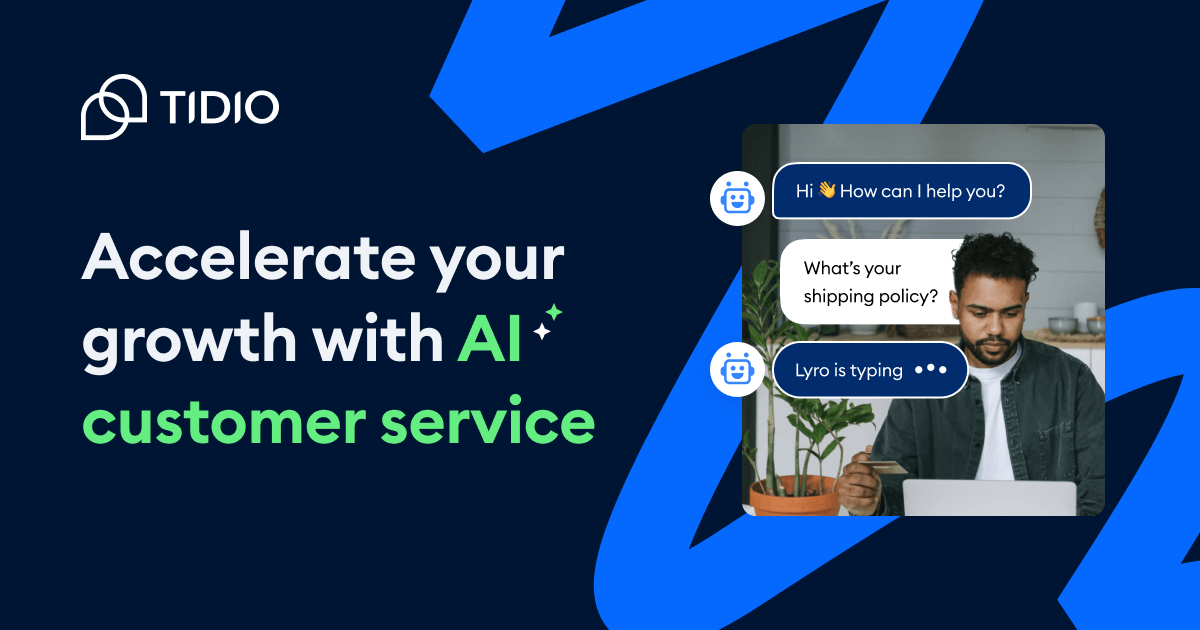
Lyro AI Agent
Lyro is the AI customer service agent in Tidio. The site says it learns from verified or provided support content, answers in a brand-aligned tone, and can handle repetitive questions and tasks.

Tidio combines an AI agent, live chat, help desk, and automation to help teams support customers and capture leads with human handoff.
Tidio combines an AI customer service agent, live chat, help desk, and automation tools in one product. Its main job is to help teams respond faster, automate repetitive support work, and keep conversations aligned with a brand’s guidance and tone.
The site positions Lyro AI Agent as the core AI component. Tidio says Lyro learns from verified or provided support content, can answer common questions and perform recurring tasks, and can hand off to humans when a case needs personal attention. The platform is also presented as a way to support sales and lead capture through Flows and live chat.
Pricing information on the site shows a free plan, a 7-day free trial for paid plans, and higher-volume or custom plans for teams that need more capacity. Tidio also presents premium tiers with expanded limits, support, and management options for larger teams.
Lyro is the AI customer service agent in Tidio. The site says it learns from verified or provided support content, answers in a brand-aligned tone, and can handle repetitive questions and tasks.
Tidio’s help desk centralizes customer conversations and ticketing in one interface. The pricing page highlights live chat, ticketing, live visitors, operating hours, basic analytics, and chat channels in the entry plan.
Live chat is positioned for support and engagement, with collaboration features such as automatic chat assignment, user permissions, live typing preview, viewed pages history, and macros on higher plans.
Flows lets teams build no-code automation for support and sales. The source says it can trigger proactive messages, collect data, handle missed conversations, and support quote requests.
Tidio supports handoff to humans and escalation rules, plus deeper integrations through REST APIs, webhooks, JS actions, and MCP. The site also mentions connections with tools like Zendesk, Intercom, Salesforce, and 20+ platforms.
The platform includes reporting and AI insight tools, with mentions of unified analytics, satisfaction scores, resolution rates, and conversation pattern review to refine performance.
Use Lyro to resolve repetitive customer questions from your support content while keeping replies aligned with your brand voice and escalation rules.
Use live chat and the help desk to organize conversations, route work to the right people, and keep customer communication in one place.
Use Flows and live chat to capture leads, handle missed conversations, and guide visitors toward quote requests or other next steps.
Use integrations and custom actions to connect Tidio to existing systems such as Zendesk, Intercom, or Salesforce without rebuilding the whole stack.
Use analytics, resolution rates, and satisfaction feedback to monitor how AI and human support are performing and improve the workflow over time.
Tidio combines Lyro AI Agent with live chat and help desk tools, so teams can automate common questions while still escalating to people when needed. The source also says Lyro can be used as a stand-alone product or alongside Tidio’s broader platform.
The source says Lyro can be added to a website in a few clicks without technical knowledge, and that it can also connect with existing tools such as Zendesk, Intercom, and Salesforce. For deeper customization, Tidio mentions REST APIs, webhooks, JS actions, and MCP.
The pricing page shows a free plan, a 7-day free trial on paid plans, and contact-sales paths for higher-volume or custom needs. Tidio also states that premium plans include broader features and higher limits.
Tidio’s site says Lyro is designed to answer from verified or provided support content, support human handoff, and let teams monitor performance through metrics like resolution rates and satisfaction scores.
The site positions Tidio for customer support, help desk workflows, live chat, AI-assisted automation, and proactive lead capture. It is described as a platform for human and AI alignment rather than a single-purpose chatbot.
Traffic data is for reference only.

coachvox.ai
Coachvox creates an AI version of coaches and consultants to capture leads, support clients, engage audiences, and monetize expertise.

hilos.io
Hilos is a web platform to capture, qualify, and follow up with WhatsApp leads, featuring a multi-agent inbox, stage-based CRM, and integrations with ActiveCampaign, HubSpot, Zapier, and API.

manypi.com
ManyPI is an AI sales agent for finding B2B prospects on the live web, verifying contact emails, and running cold-email outreach. It also combines CRM, pipeline, workflow, scraping, data analysis, and MCP access in one workspace.

noform.ai
Website-based AI sales assistant for lead capture, qualification, and 24/7 pre-sales support

persana.ai
Sales prospecting and outbound platform with AI research, live signals, enrichment, and workflow automation.

topline.com
Manage leads, outreach and bookings in one CRM with configurable AI agents and optional hands-on growth support.