
Text input and speech playback
Paste or type text into a large input box, then convert it to speech from the same page.

Text-speech.net is a free browser-based text to speech tool that turns typed or pasted text into spoken audio. Adjust speed, language, and voice gender—no login required.
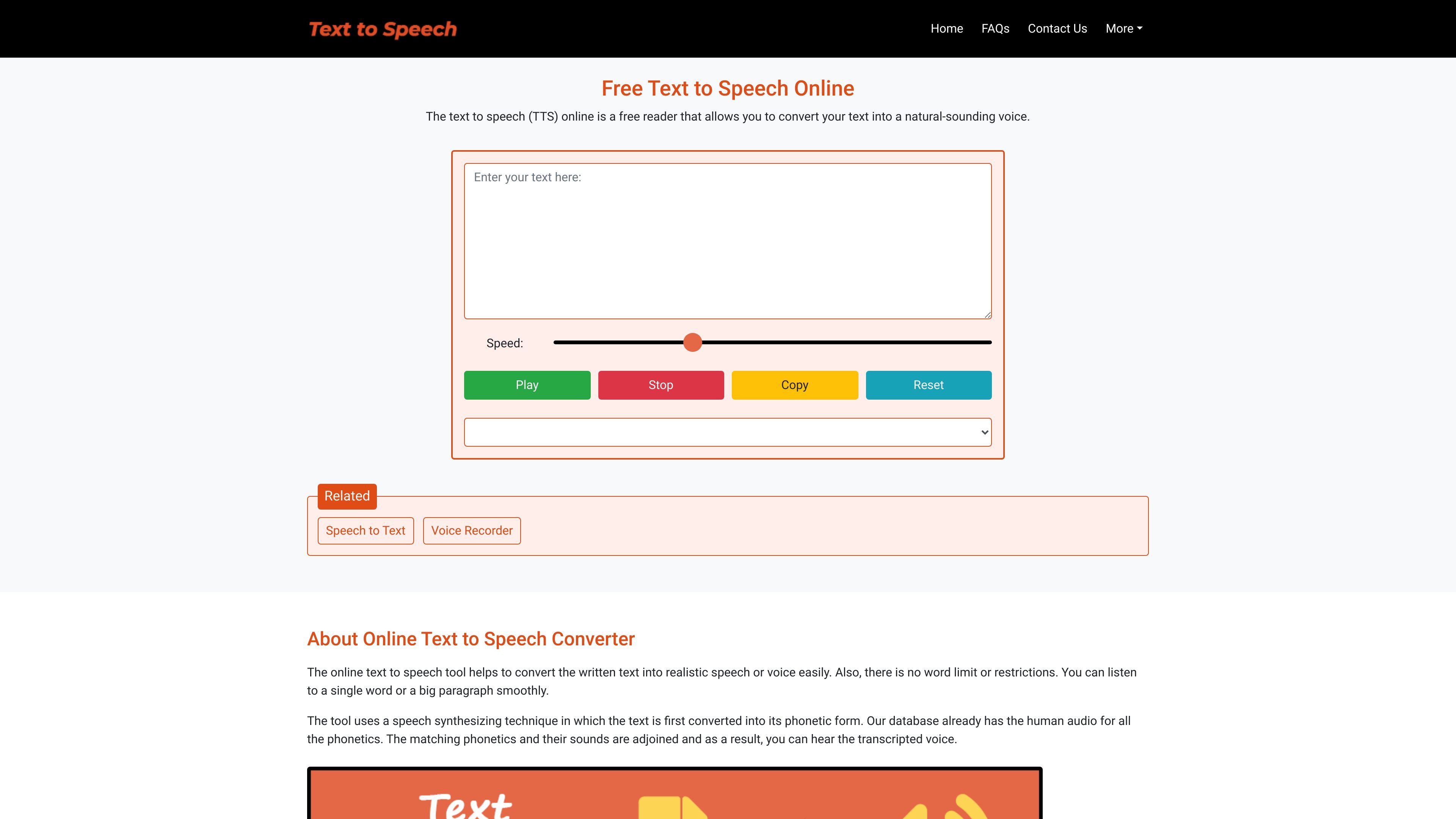
Text-speech.net is a browser-based text to speech tool that converts written text into spoken audio. The home page presents it as a free reader for turning text into a natural-sounding voice, with controls for speed, language, and voice gender.
The tool is designed for quick listening workflows rather than setup-heavy use. The page says you can paste or type text, play it back immediately, and use pause, stop, copy, and reset controls without logging in or creating an account.
Paste or type text into a large input box, then convert it to speech from the same page.
Adjust the speech rate with a slider to slow down or speed up the voice output.
Choose the speech language and voice gender from a dropdown before playing audio.
Use Play, Pause/Resume, Stop, Copy, and Reset controls to manage the session without extra steps.
Use the tool without creating an account; the page says no login or signup is required.
Open the tool in a browser on desktop or mobile; the site says it is browser-compatible and mobile-friendly.
Turn written notes, articles, or short passages into audio when listening is easier than reading.
Check how a word or phrase sounds before using it in writing, study, or speech practice.
Create spoken versions of text for video or presentation voiceovers when a quick browser tool is sufficient.
Use the tool on a phone, tablet, or desktop browser when you need a lightweight text-to-audio workflow on the go.
Play reports, emails, or training text aloud while multitasking, as suggested by the site’s professional-use examples.
No. The home page says the text to speech tool is free to use and does not require login or signup.
You can type or paste text into the input box, choose a speech speed, select a language and gender, and then use the play controls to listen to the audio.
The source says the tool works on almost all web browsers, and notes that Microsoft Edge offers more voice options.
Yes. The page says the tool is mobile-friendly and works on smartphones and iPads.
The home page says there is no word limit or restrictions, so it can handle both single words and longer paragraphs.