
Text-to-speech generation
Paste or type text into a simple form and convert it into speech with a single generate action. The interface shown on the site also supports .txt file upload for the text input.

Text Reader is a web-based text-to-speech tool that turns text into downloadable MP3 audio with realistic AI voices and multilingual support.
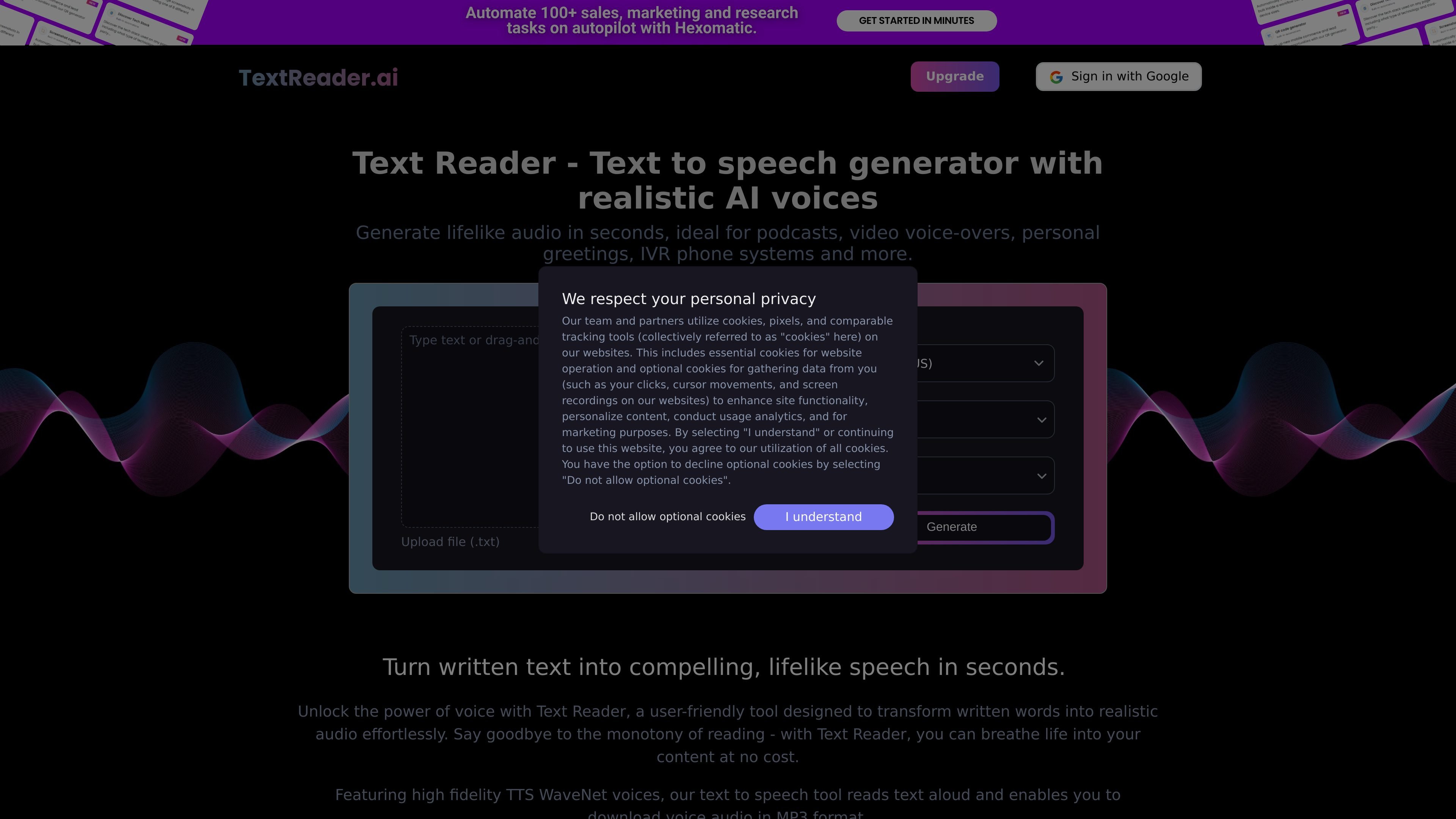
Text Reader is a web-based text-to-speech generator that turns written text into spoken audio using realistic AI voices. The main workflow on the site is straightforward: paste or upload text, choose a language and voice, and generate audio that can be downloaded as an MP3 file.
The product is positioned for both personal and commercial audio workflows. The site highlights uses such as reading notes and articles aloud, creating personal greetings, producing voiceovers for promotional content, and generating recordings for IVR phone systems. It also emphasizes multilingual output, with support for many languages and male or female voice options.
Paste or type text into a simple form and convert it into speech with a single generate action. The interface shown on the site also supports .txt file upload for the text input.
Choose from male or female voices and select a voice from the available options before generating audio. The site positions the output as natural-sounding speech rather than a flat readout.
Generate audio in multiple languages and variants. The homepage lists up to 40 languages, while the pricing page describes access to 50+ languages and variants on paid plans.
The homepage states that the service uses high-fidelity TTS WaveNet voices and Google AI to produce speech output, with an emphasis on realistic timing, tone, and rhythm.
The generated speech can be downloaded in MP3 format, making it usable as a standalone audio file after creation.
The pricing page shows monthly and annual subscription options with voice-generation time allocations and unlimited downloads.
Turn written notes, articles, or scripts into audio for listening while commuting, exercising, or doing other tasks away from a screen.
Create short spoken greetings or announcements for birthdays, holidays, and other personal messages where audio feels more natural than plain text.
Generate voiceovers for promotional videos and product messaging without hiring a studio or voice actor for every recording.
Produce spoken prompts or recordings for IVR-style customer service systems that need consistent, pre-recorded audio.
Convert educational text into audio to support comprehension, pronunciation practice, and access for readers with visual impairments or reading difficulties.
Text Reader lets you paste or type text, choose a language and voice, and then generate speech output that can be downloaded as an MP3 file.
The site says the voices use high-fidelity TTS WaveNet voices and Google AI, with support for multiple languages and male or female voice options.
The pricing page shows paid plans for monthly and annual use. The monthly plan includes 3 hours of voice generation per month, and the annual plan includes 36 hours per year, with unlimited downloads on both plans.
The terms state that media downloaded through the website is for personal use, so commercial use should be checked against the site’s terms before relying on the output in a business workflow.
The site presents text input, language selection, gender selection, and voice selection in the main workflow. No public API or integration documentation is shown on the pages provided.