
Isolated sandbox execution
Run untrusted or LLM-generated code inside isolated Firecracker microVM sandboxes rather than sharing the host application runtime.

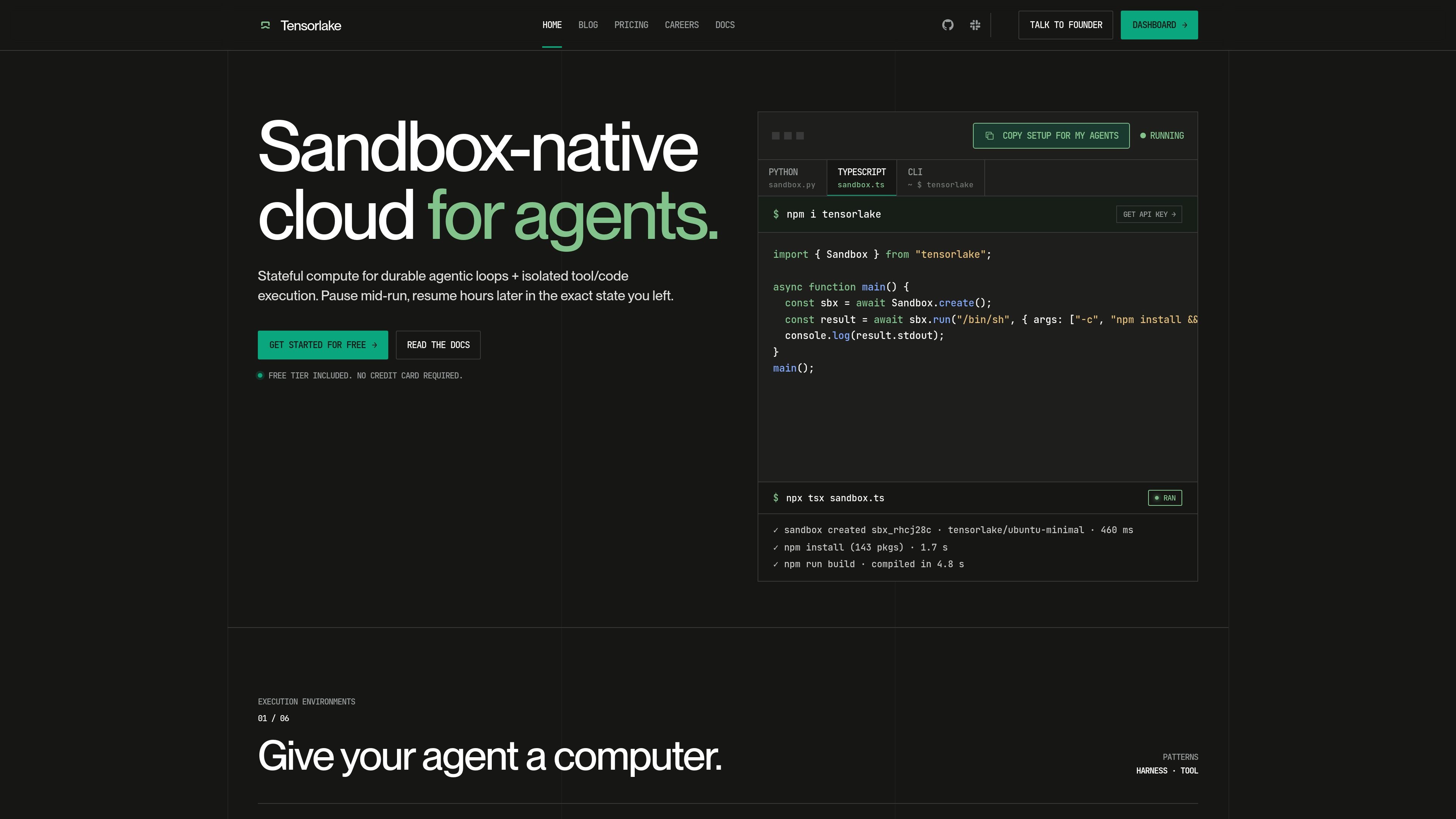
Sandbox-native cloud for AI agents running untrusted code in isolated microVMs
Tensorlake is a sandbox-native cloud for AI agents and other long-running automation workflows. It runs code in isolated Firecracker microVM sandboxes so agents can execute tools, manipulate files, and keep state across pauses instead of relying on an always-on app server.
The product is organized around durable agentic loops, sandbox lifecycle controls, and orchestration primitives. The home page highlights suspend, resume, snapshot, and copy workflows, while the pricing page shows a path from a free tier to On-Demand, Pro, and Enterprise plans.
Run untrusted or LLM-generated code inside isolated Firecracker microVM sandboxes rather than sharing the host application runtime.
Pause a sandbox on idle and resume it later in the same state, with memory, processes, and filesystem preserved.
Clone a running sandbox so its memory and filesystem are copied whole, which is useful for fanning out identical environments.
Expose sandbox-backed workflows as applications with endpoints, durability, fan-out, retries, and observability on top of execution.
Connect to named sandboxes over SSH or open them in VS Code, Cursor, or JetBrains Gateway for remote development.
Scale from single sessions to many concurrent sandboxes, with pricing tiers and documented support for production usage and enterprise deployment.
Run agent tool calls or generated shell commands in an isolated environment so the host app server does not need to execute untrusted code directly.
Keep long-running agent workflows alive across pauses, then resume them later in the same filesystem and process state.
Clone a warmed sandbox to reuse dependencies, data, or seed state across many parallel jobs such as evaluations or CI runs.
Expose a sandbox-backed workflow as an application endpoint with retries, queues, timers, and observability for production use.
Work on the same sandbox from a laptop or remote editor, using SSH or IDE remote access instead of local setup.
Tensorlake is a sandbox-native cloud for AI agents. It provides isolated sandboxes for running untrusted or LLM-generated code, along with stateful execution features such as snapshot, suspend, resume, and fork.
The pricing page shows a Free tier, On-Demand usage, Pro, and Enterprise. Free starts at $0 with limited concurrent sandboxes, while Pro and Enterprise add higher limits and production-oriented options.
The home page presents Tensorlake as a cloud for sandbox execution and orchestration, and the blog shows it being used for evaluation runtimes and managed agent workflows. The platform also supports remote development access over SSH, VS Code, Cursor, or JetBrains Gateway.
Tensorlake documents sandbox suspend and resume on its home page and notes that state survives across sessions. The pricing page also says snapshot and resume are included in Pro.
The pricing page says to email support@tensorlake.ai for questions, with a founder replying, and Enterprise conversations go through sales contact paths on the pricing page.
Traffic data is for reference only.

conductor.build
Conductor is a Mac app for running Claude Code, Codex, and Cursor agents in parallel isolated workspaces, so developers can delegate tasks, review diffs, and merge locally.

kilo.ai
Kilo Code is a multi-agent AI coding plugin for JetBrains IDEs. It helps developers run and manage AI coding agents, review changes in isolated worktrees, and choose from a large model catalog without leaving the IDE.

superset.sh
Superset is a desktop tool for running multiple AI coding agents in parallel on your own machine. Separate work into isolated Git worktrees, review changes, and keep tasks moving without waiting for one agent at a time.

deerflow.tech
DeerFlow is an open-source, LangChain-based framework for building super agents that research, code, and create with sandboxed tools, memory, and subagents. It supports long-running, multi-step tasks such as deep research, analysis, and content generation.

livekit.io
LiveKit is an open source platform for building, deploying, and observing voice, video, and physical AI agents with Python or TypeScript, plus LiveKit Cloud for production.

www.warp.dev
Warp is an agentic development environment for coding with agents in the terminal and cloud, with plans for individuals, teams, and enterprises.