
Parallel agents in isolated worktrees
Delegate separate tasks to multiple agents and give each one its own git worktree so work stays isolated from the main checkout.

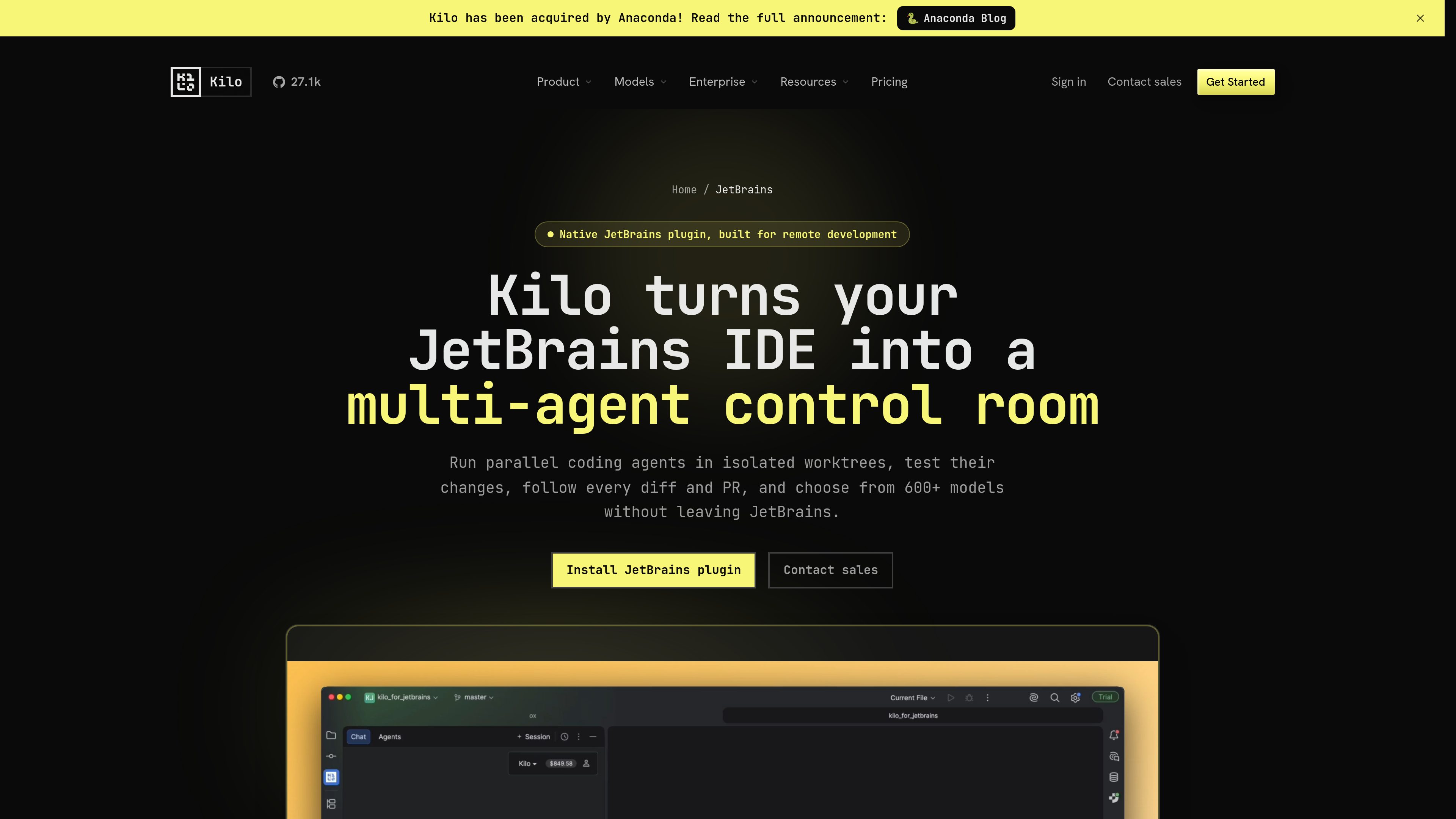
Kilo Code is a multi-agent AI coding plugin for JetBrains IDEs. It helps developers run and manage AI coding agents, review changes in isolated worktrees, and choose from a large model catalog without leaving the IDE.
Kilo Code is a native JetBrains plugin for agentic development workflows. It lets developers run AI coding agents inside the IDE, manage them from a dedicated tool window, and keep model choice, pricing, and task control in one place.
The main workflow uses isolated git worktrees so agents can work on tasks in parallel while the main project stays available. Users can inspect changes, compare worktrees against the base branch, test results, and review pull request status before merging.
Delegate separate tasks to multiple agents and give each one its own git worktree so work stays isolated from the main checkout.
Track active, completed, and blocked agents from one IDE tool window and continue conversations without switching context.
Create run configurations for agent worktrees, run code from the IDE, and open a worktree in a new frame when deeper debugging is needed.
Compare worktrees against the base branch, inspect uncommitted changes, and follow GitHub pull request status alongside the task that produced it.
Choose from hosted, BYOK, and local model options, with the product page describing support for 600+ models and Kilo Gateway access to 500+ models across many providers.
Install through the JetBrains Plugin Marketplace and use the plugin with local projects or JetBrains Remote Development split mode.
Split a larger coding job into smaller pieces, assign them to parallel agents, and review each worktree independently before merging.
Use an agent to trace behavior, run tests, inspect evidence, and iterate in a separate worktree while the main branch remains untouched.
Ask the agent to research the codebase, surface constraints, and turn an idea into an implementation plan before any files are changed.
Use split mode when the IDE backend runs on a remote machine while the JetBrains interface and Kilo experience stay local.
Use the same Kilo platform across JetBrains, VS Code, and CLI workflows so teams can centralize model access and related controls.
Kilo Code is positioned as a native, multi-agent plugin with a custom interface for model selection, pricing, usage, and agent controls, rather than a single standardized assistant surface.
The page says it installs through the standard JetBrains Plugin Marketplace. The documentation also describes opening the IDE, going to Settings > Plugins, searching for Kilo Code, and installing it there.
Yes. The JetBrains page says it supports local projects and JetBrains Remote Development through split mode, with the backend on a remote machine and the interface kept local.
The product page says Kilo Code supports more than 600 models, including hosted models through Kilo Gateway, bring-your-own-key providers, and local models such as Ollama or LM Studio.
The pricing page separates platform access, AI inference, and cloud compute. It shows a free individual tier, paid Teams and Enterprise plans, and usage-based inference and compute charges.
Traffic data is for reference only.

superset.sh
Superset is a desktop tool for running multiple AI coding agents in parallel on your own machine. Separate work into isolated Git worktrees, review changes, and keep tasks moving without waiting for one agent at a time.

conductor.build
Conductor is a Mac app for running Claude Code, Codex, and Cursor agents in parallel isolated workspaces, so developers can delegate tasks, review diffs, and merge locally.

firebender.com
Firebender is an AI coding agent for Android Studio that helps Android developers write features, test them in the emulator, and fix issues without leaving the IDE.

kilocode.ai
Open source AI coding agent for VS Code, JetBrains, CLI, and cloud workflows, with model routing, BYOK, local models, and KiloClaw.

supermaven.com
Supermaven is an AI code completion tool for developers, supporting VS Code, JetBrains IDEs, and Neovim, with chat for reviewing diffs, applying changes, and fixing errors.

github.com
GitHub Copilot is GitHub’s AI coding assistant and agent platform, helping developers write code, run background tasks, and manage agent-driven work across their workflow.