
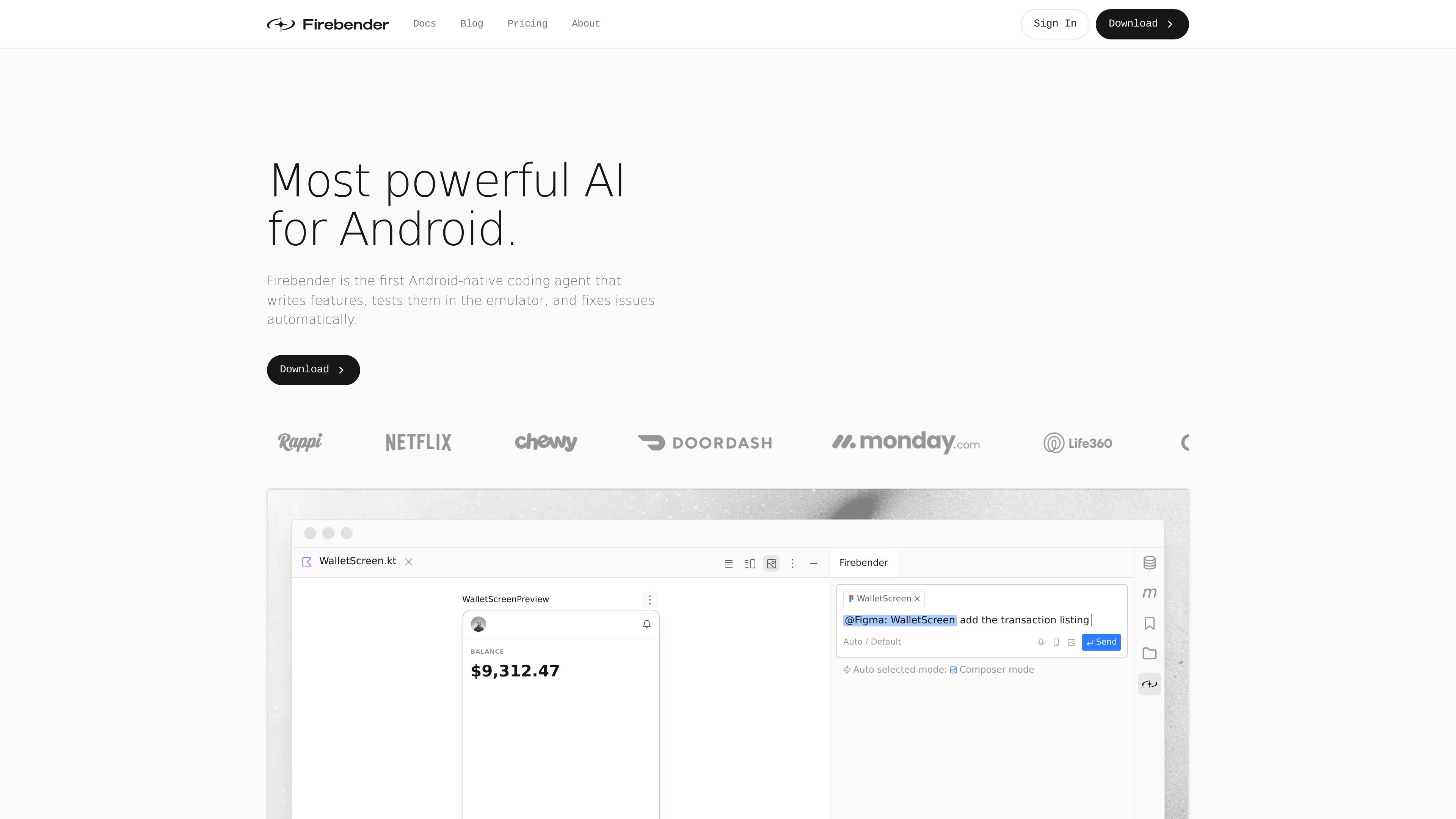
Android Studio integration
Firebender works inside Android Studio and is described as deeply integrated with refactor tools, the debugger, and logcat, so assistance stays in the same IDE where Android work already happens.

Firebender is an AI coding agent for Android Studio that helps Android developers write features, test them in the emulator, and fix issues without leaving the IDE.
Firebender is an AI coding agent built for Android Studio. The site describes it as the first Android-native coding agent and positions it as a tool for writing features, testing them in the emulator, and fixing issues from inside the Android development workflow.
The product focuses on practical Android engineering tasks rather than generic code completion. Its pages highlight Compose UI generation from Figma, integrated refactor and debugging tools, custom agents, and support for multiple frontier models on paid plans. Business and Enterprise plans add team-oriented controls such as centralized billing, SSO, usage analytics, and model limits.
Firebender works inside Android Studio and is described as deeply integrated with refactor tools, the debugger, and logcat, so assistance stays in the same IDE where Android work already happens.
The homepage says Firebender can write features, run them in the emulator, and fix issues automatically, giving it an agentic loop that goes beyond chat-only assistance.
The product page highlights Figma-to-code workflows that produce Jetpack Compose UI and work with an existing design system and components.
The pricing page includes Android Compose UI tools and IntelliJ refactor tools on higher tiers, indicating support for UI work and code transformation tasks.
Custom subagents are included on the Developer plan, and the homepage describes custom agents built from agent.md files for codebase-specific workflows.
Business plans add team usage analytics, central billing, SSO via SAML/OIDC, and model controls with per-member limits.
Use Firebender when you want to stay inside Android Studio while generating code, applying refactors, and using debugger or logcat context without switching to another IDE.
Use it to turn a Figma design into Jetpack Compose code, then adapt the output to your existing design system and components.
Use the emulator-based workflow to have the agent build a feature, verify behavior, and correct issues in the same development loop.
Use custom agents or subagents when your team wants prompts, tools, and workflows that match an internal engineering process.
Use the Business or Enterprise plans when you need central billing, SSO, usage analytics, per-member limits, or custom usage and support arrangements.
Firebender is a coding agent for Android Studio. The pricing page positions Developer for basic question-and-answer use, Developer+ for daily coding agent usage, Ultra for power users, and Business for teams.
The source shows Firebender available through Android Studio/IntelliJ-style workflows with an installable plugin and built-in Android Studio integration. The homepage emphasizes use inside Android Studio rather than a separate standalone editor.
The homepage says Firebender can write features, test them in the emulator, and fix issues automatically. It also highlights Compose previews, refactor tools, and logcat/debugger integration.
For individuals, the pricing page lists Flex at $9/month, Developer at $30/month, Developer+ at $75/month, and Ultra at $150/month. Business is listed at $60 per user per month, and Enterprise is custom.
The pricing FAQ states that you own the code generated in Firebender and that the company does not store your code data or train on it.
Traffic data is for reference only.

kilo.ai
Kilo Code is a multi-agent AI coding plugin for JetBrains IDEs. It helps developers run and manage AI coding agents, review changes in isolated worktrees, and choose from a large model catalog without leaving the IDE.

github.com
GitHub Copilot is GitHub’s AI coding assistant and agent platform, helping developers write code, run background tasks, and manage agent-driven work across their workflow.

claude.com
An AI coding agent that understands codebases, edits files, and runs commands for developers.

devin.ai
Devin is an AI coding agent and software engineer for developers and engineering teams, with desktop, CLI, IDE, team, and enterprise access.

opencode.ai
OpenCode is an open-source AI coding agent for terminal, IDE, and desktop, helping developers understand codebases, plan changes, and use multiple LLM providers.

pi.dev
Pi Coding Agent is a terminal-based coding agent for developers seeking an extensible CLI workflow, with interactive and programmatic use, project instructions, session branching, and broad model provider support.