
Question-to-answer generation
Enter a question, then generate an answer from the home page flow. The product is centered on fast question-to-answer generation.

Teach Anything is a web-based AI Q&A tool for quick, simple answers. Choose a language and difficulty, then generate an explanation.
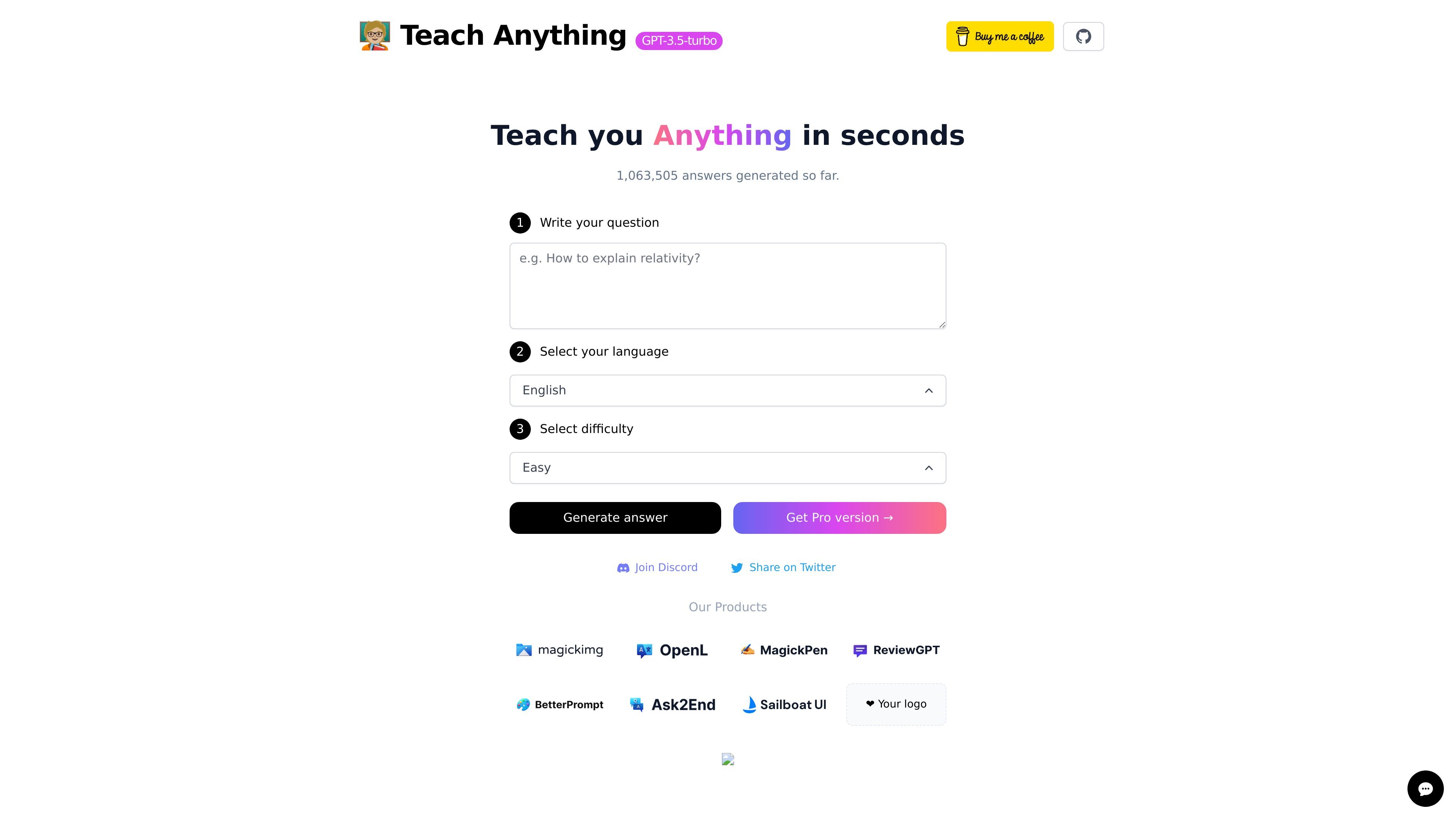
Teach Anything is an AI question-answering tool built around a short input flow: write a question, choose a language, choose a difficulty level, and generate an answer. The home page positions the product as a way to “teach you anything in seconds.”
The product appears to focus on quick, lightweight explanations rather than a broad workspace or multi-step knowledge system. Based on the captured page, the core use is getting an answer in the language and difficulty level you choose, with a simple web interface and a visible Pro upgrade link.
Enter a question, then generate an answer from the home page flow. The product is centered on fast question-to-answer generation.
The interface includes a language selector, with English shown in the captured page text.
The interface includes a difficulty selector, with Easy shown as an available option.
A single generate action produces the response after the inputs are set.
The home page displays a running total of answers generated, indicating the product tracks usage activity.
The page offers a Pro version link, suggesting a paid upgrade path exists even though pricing details are not available in the evidence.
A person can type a question and ask for a quick explanation without navigating a complex interface.
The language selector makes it suitable for generating answers in a chosen language when a user wants a different language output.
The difficulty selector supports adjusting the response to be easier to understand, which can help with study or introductory learning.
Users can open the site and get a fast answer when they want a lightweight AI helper rather than a full productivity suite.
The site shows a simple flow: write a question, choose a language, choose a difficulty level, and generate an answer.
The home page shows English as a language option, which suggests you can choose a language before generating an answer.
The home page shows difficulty selection with Easy as an option, so the product supports setting the difficulty level of the generated answer.
The pricing page currently returns a 404, so pricing and plan details are not available from the live site evidence provided.