
Flexible project views
Organize task cards using multiple project views, custom statuses, and project dashboards. Team members can sort tasks according to their preferred way of working.

A work collaboration platform combining team communication, project management, and task tracking.
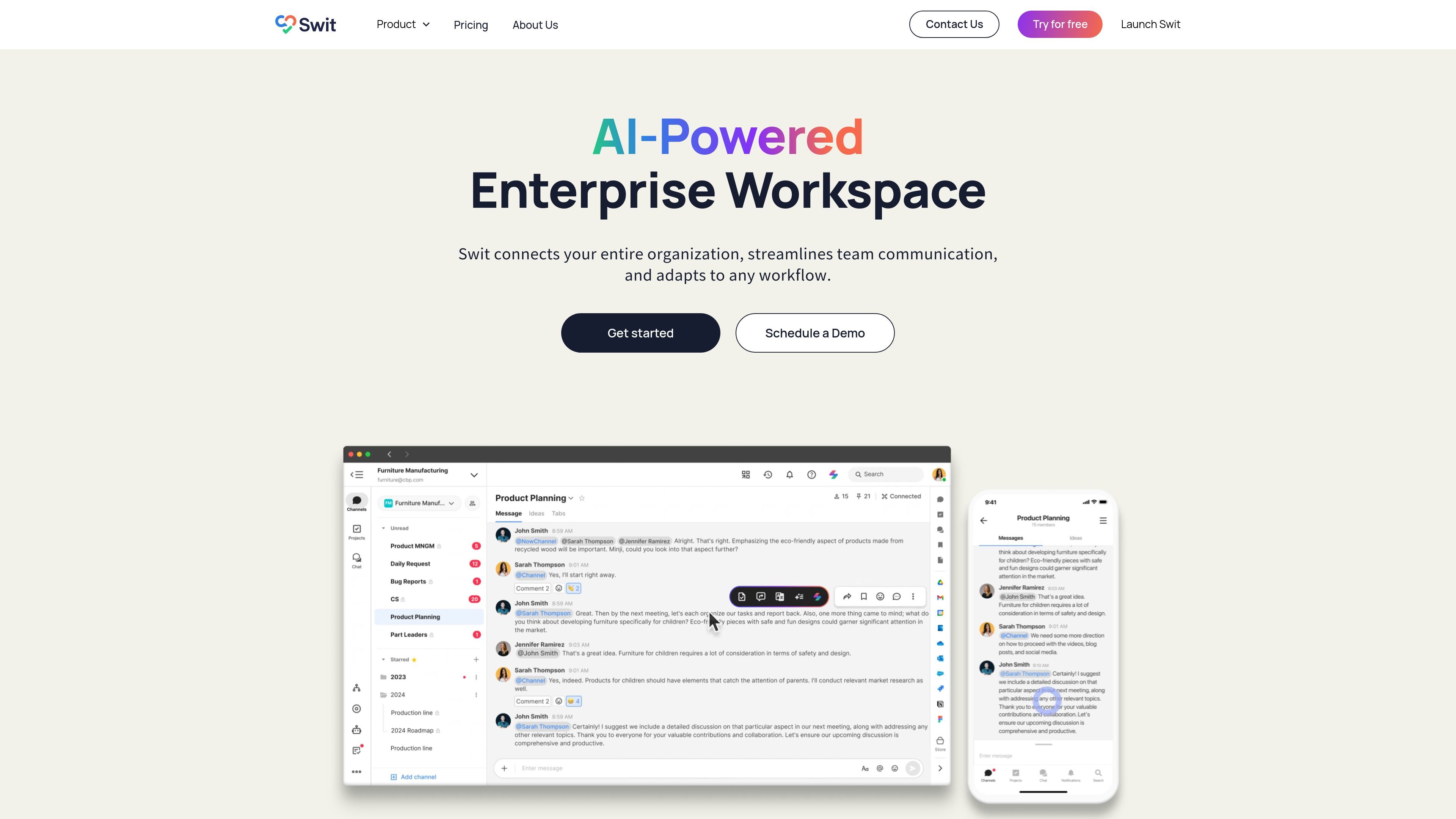
Swit is a work collaboration platform that brings team communication and project management into a shared workspace. Teams can organize projects, track tasks, and discuss work in channels, with tools for connecting conversations to task cards. Its stated purpose is to keep project context accessible while people coordinate across teams and workspaces.
Organize task cards using multiple project views, custom statuses, and project dashboards. Team members can sort tasks according to their preferred way of working.
Create subtasks, assign due dates and times, set priorities, and add checklists, comments, attachments, and custom fields for project context.
Create public or private channels for project discussions and company information, with mentions, reactions, and messaging across workspaces.
Convert a message from a Swit channel into a new task or add it to an existing task, preserving the discussion context.
Configure teams, groups, workspaces, channel and project access, and guest permissions. Admin analytics summarize activity such as tasks completed and messages sent.
Add plug-ins including Automation, Goals, Guests, and Approvals. Integrations can bring emails, files, and meeting invites into channels or tasks; emails can also be converted into task cards with the email attached.
Use shared channels and cross-workspace messaging to keep project discussions accessible to contributors from different teams.
Convert a channel message into a task, then add ownership, deadlines, priority, and related context to track follow-through.
Use project views and task sorting to let contributors organize project tasks in ways that suit their individual workflows.
Convert an email into a task card and keep the email attached so collaborators can refer to its original context.
Set up teams, cross-team groups, workspaces, and access permissions to support distinct departments and project task forces.
Yes. A message in a Swit channel can be converted into a new task or added to an existing task.
Yes. Swit describes converting emails into task cards, with the email attached so collaborators can access its context.
Swit supports public and private channels. Administrators can also manage workspace, channel, project, and guest access.
The platform provides multiple workspaces, teams, groups, customizable project statuses, and optional plug-ins such as Automation, Goals, Guests, and Approvals.
Traffic data is for reference only.

itsdart.com
AI-powered project management for tasks, roadmaps, docs, and team collaboration

hourtick.com
Hourtick combines task management, team chat, and time tracking for teams working with people and AI agents. It supports billable-time workflows, approvals, reporting, and integrations through a REST API and MCP server.

monodesk.com
MonoDesk is a web-based workspace for freelance creatives and small teams, combining proposals, client communication, project planning, and AI assistance in one place. Free during public beta.

timehero.com
TimeHero is a calendar-aware task planning and project management app that automatically schedules work around availability for individuals and teams.

boardmix.cn
Boardmix is an AI-driven online whiteboard for visual collaboration, diagramming, and team workflows. Turn ideas, meetings, and project plans into structured, shareable canvas-based work.

swatle.ai
AI-powered workspace for project management, collaboration, knowledge bases, forms, and chatbot automation