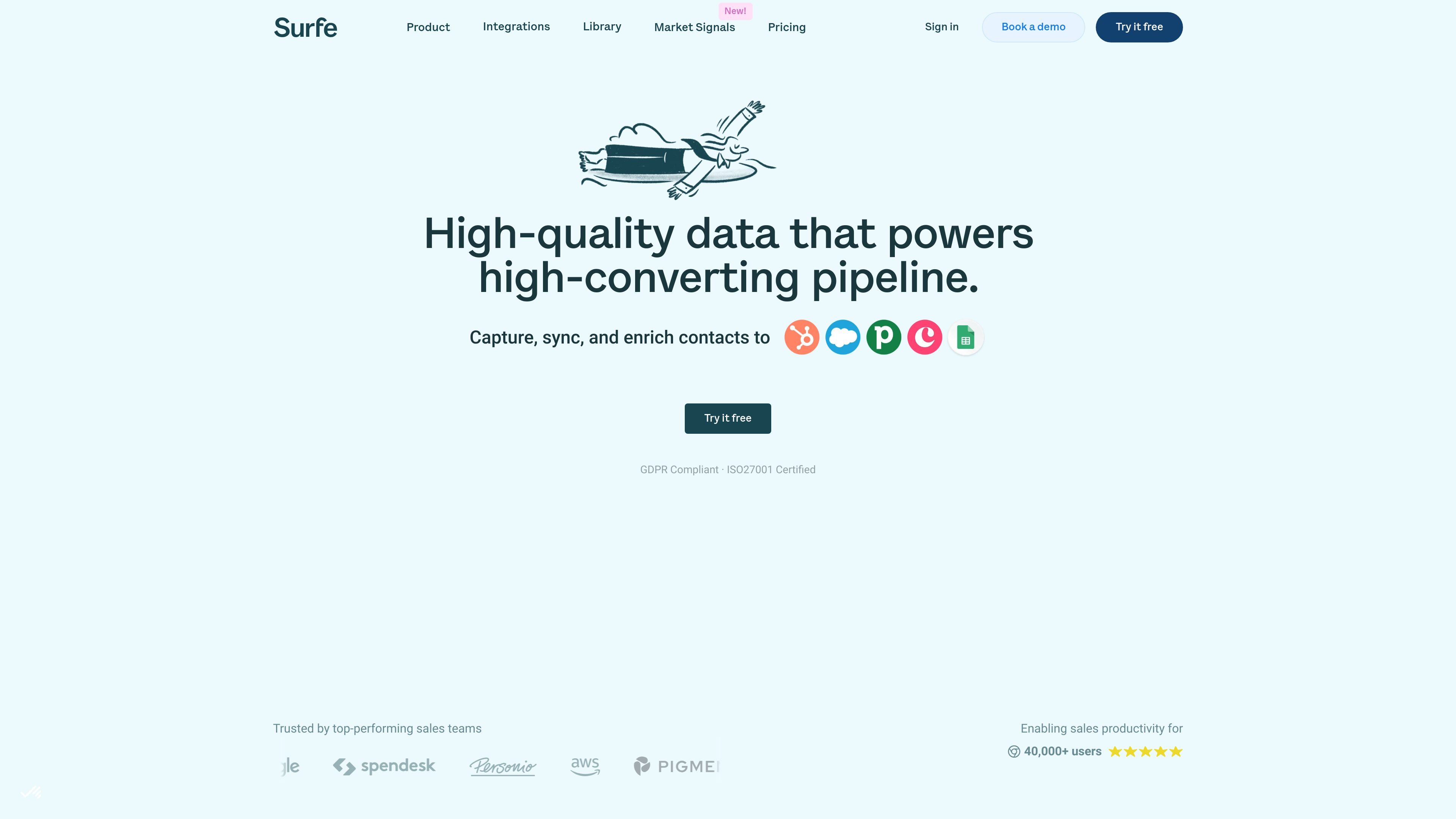
Surfe is a sales prospecting and data enrichment platform that helps teams find companies, enrich contacts, sync results to a CRM, and act from social profiles.
Surfe is a sales prospecting and data enrichment platform built to help teams find target accounts, identify decision makers, and enrich contact records with verified emails and mobile numbers. The product combines company search, contact enrichment, CRM actions, and outreach workflows in one place.
Across the site, Surfe is positioned as a way to reduce manual research and tab switching. Users can search for companies, enrich lead lists, add records to a CRM from business social profiles, and trigger downstream sales actions such as sequences, calls, and email outreach.
What can Surfe do?
01
Advanced company and prospect search
Search for companies and prospects using filters such as technographic data, industry, company revenue, head office location, employee count, keywords, job title, seniority, and location. The company search page also highlights lookalike search for finding similar companies.
02
Waterfall contact enrichment
Find verified B2B email addresses and mobile numbers through waterfall enrichment, which combines multiple data providers and fills gaps automatically. The site describes this as a way to improve find rates and data coverage.
03
Native CRM actions from social profiles
Add contacts or companies to your CRM from business social profiles in one click and see CRM fields, tasks, notes, deals, and contact status without leaving the page. Native CRM sync is described for Salesforce, HubSpot, Pipedrive, and Copper.
04
Bulk list export and sync
Export lead lists and enrich them in bulk from the Surfe app, then move enriched contacts into your CRM in one step. The pricing and home pages also describe syncing contact lists from the app to CRM at scale.
05
Job change alerts
Use job change alerts to spot when a contact changes role or company, then update CRM records with the new details. The Chrome extension page presents this as a workflow for keeping records current.
06
Outreach and API workflows
Connect outreach tools such as Salesloft, Outreach, Lemlist, Gmail, and Aircall to add contacts to sequences or reach out from a prospect profile. The site also mentions API-based enrichment for building enrichment into other systems.
Use Cases
“Account research and list building”
Build target-account lists using company filters, then narrow by firmographic and technographic criteria before exporting the results to a CRM.
“Sales prospecting”
Find decision makers, enrich their contact details, and move them into CRM records without manually copying data between tools.
“Social selling workflows”
Use the Chrome extension to view CRM context on social profiles, add records in one click, and start outreach from the same page.
“Job change monitoring”
Track role changes and company moves so you can refresh CRM data when a contact takes on a new position or employer.
“Bulk enrichment and system sync”
Enrich lead lists in bulk from the Surfe app or through API-based workflows when contact data needs to flow into other systems.
Frequently Asked Questions
How is Surfe set up?
Surfe is set up to work from business social profiles and the Surfe app, with native CRM integration and one-click enrichment workflows. The Chrome extension page says setup takes 30 seconds and no credit card is required for that experience.
What can Surfe be used for?
The source pages support contact enrichment, company and people search, job change alerts, CRM sync, and outreach actions like adding contacts to sequences or calling and emailing from a prospect profile. API-based enrichment is also mentioned on the home page.
Does Surfe have free and paid plans?
The pricing page shows a free tier and paid plans billed per user per month, with credits included for email finding, mobile phone finding, and unlimited email validation. Specific plan names include Free, Essential, and Pro.
Which tools does Surfe integrate with?
Surfe is described as integrating natively with Salesforce, HubSpot, Pipedrive, and Copper on the home and company search pages. The Chrome extension page also mentions HubSpot Sequences, Salesloft, Outreach, Gmail, and Aircall in workflow examples.
Who is Surfe for?
The site describes Surfe as being used for sales prospecting, company search, enrichment, and CRM updates. It also mentions workflows for HR, marketing, product, finance, and legal on the company search page, but the strongest evidence is for sales and prospecting use.
Free plan plus paid plans billed per user per month
Source domain
surfe.com
Surfe Traffic Analysis
Traffic data is for reference only.
Domain Rating
64
Surfe Alternatives
P
Popl
popl.co
Popl is an in-person GTM platform for event lead capture, enrichment, CRM sync, and digital business cards.
C
CoffeeSpace
coffeespace.com
CoffeeSpace connects founders, startup talent, and hiring teams to find cofounders, join early-stage companies, and source candidates through mutual interest.
P
Persodex
www.persodex.com
Persodex is a privacy-first personal CRM and contacts app for iPhone and iPad. Add notes, tags, reminders, and interaction history to Apple Contacts without moving your data to another platform.
S
SaleSmartly
www.salesmartly.com
SaleSmartly is an omnichannel customer engagement platform for support, sales, and marketing teams, combining a shared inbox for social and messaging channels with CRM tools, automation, AI agents, and human collaboration.