
AI-generated native Swift projects
Describe an app idea in plain English and Superapp generates native Swift code and a full iOS project structure for it.

Superapp is a Mac-based AI builder that turns prompts and references into native Swift iOS apps, helping founders, designers, and teams build faster.
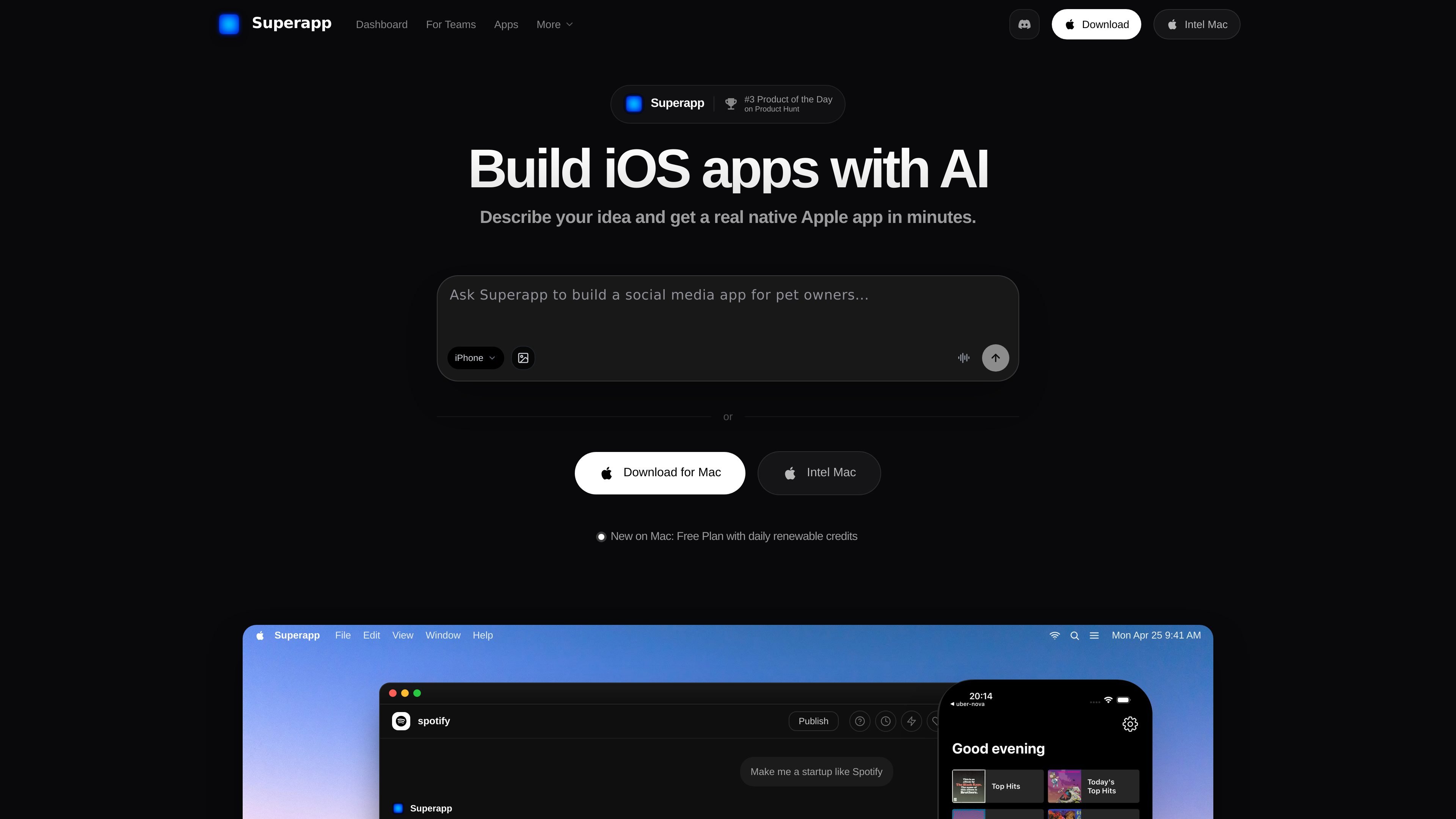
Superapp is an AI-powered native iOS app builder that turns plain-English product ideas into Swift code and a complete iOS project. It is designed for people who want to create real iPhone and iPad apps without starting from a blank Xcode project or hiring a full team.
The product focuses on native Apple output rather than web wrappers. Source material says it generates Swift apps that can be built, previewed, customized, and submitted through Xcode, with support for iPhone, iPad, Apple Watch, and Mac from a single project.
Describe an app idea in plain English and Superapp generates native Swift code and a full iOS project structure for it.
Build for iPhone, iPad, Apple Watch, and Mac from one project, so the generated app can extend across Apple devices.
Use the generated project in Xcode, customize the UI and logic, and continue development with a standard Swift codebase.
Generate database schemas and data models, and connect them to Supabase for a working data layer.
Import websites, Figma screens, or other app references as guides for rebuilding flows as a native iOS app.
Publish from Superapp with App Store-oriented output and guided submission steps.
Founders can turn an app idea into a working iOS project, review the generated screens, and keep iterating without assembling an engineering team first.
Designers can use Figma screenshots as references, then refine the generated SwiftUI screens and behavior to match the intended design.
Teams with an existing website can use it as a reference to rebuild the experience as a native iPhone app with app-specific behavior.
Agencies and collaborating teams can work under one plan, with real-time editing and shared project history for multi-person production workflows.
Developers can start from the generated Swift project, then add SDKs, backend logic, or custom features in Xcode.
Superapp is a native Mac app that uses Xcode to generate, preview, and submit iOS apps. The source says you need a Mac, and it recommends installing the latest Xcode and keeping macOS up to date.
Yes. Superapp generates native Swift code and a complete iOS project that you can open in Xcode, customize, and continue developing independently.
Superapp can use websites, Figma screenshots, and existing web app projects as references. It does not directly convert or wrap those assets; instead, it rebuilds the experience as a native iOS app.
The site says the generated apps are built for App Store submission, but you still need to provide App Store metadata and make sure the app complies with Apple policies.
Yes. The pricing page lists a plan for agencies and teams with real-time collaboration, edit history, multi-collaborator editing, and dedicated support.