
Text-to-image and image-to-image
Generate from a written prompt or use an uploaded image as the starting point for restyling, extending, background replacement, or keeping a subject consistent.

Super Banana Pro is a free AI image and video generator that lets you create from text or reference images, compare multiple models, and start without a card. Paid plans use credits and include commercial-use licensing.
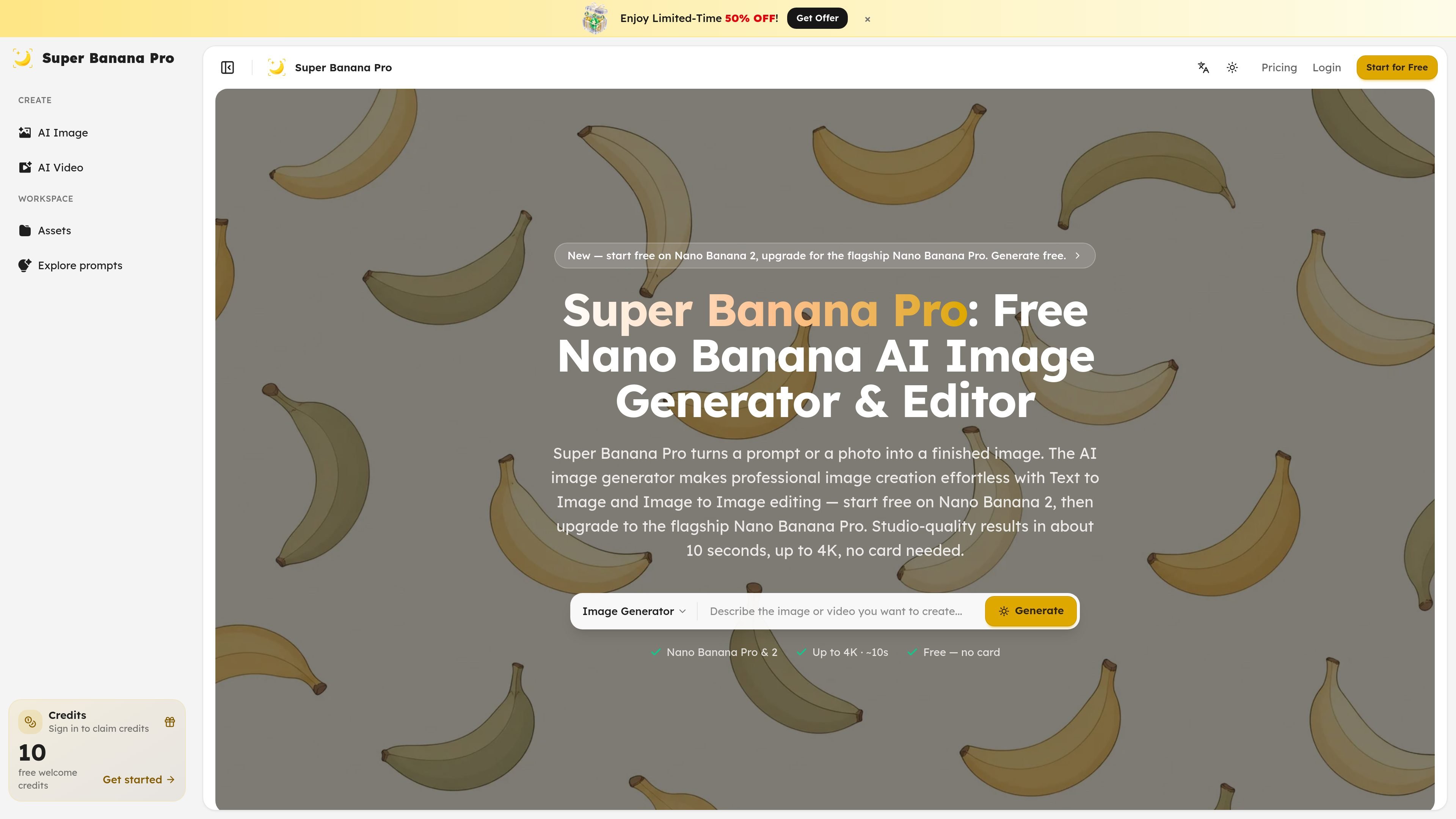
Super Banana Pro is an AI image and video generation workspace built around model comparison. On the image side, it lets you create from text or edit a reference photo, then switch between Nano Banana 2, Nano Banana Pro, GPT Image 2, Seedream, and Grok without re-entering the same prompt or assets.
The site positions the product as a way to try a free daily image, explore models with signup credits, and keep generation and cleanup in one place. The pricing page shows usage-based plans with one-time and subscription credits, automatic refunds for failed tasks on the product side, and paid-plan features such as watermark-free downloads, priority queues, and permanent cloud storage.
Generate from a written prompt or use an uploaded image as the starting point for restyling, extending, background replacement, or keeping a subject consistent.
Compare Nano Banana 2, Nano Banana Pro, GPT Image 2, Seedream, and Grok from the same workspace so the prompt and reference set stay in place while you evaluate outputs.
Keep the same prompt, reference images, history, and credits together when switching models, which reduces repetitive setup during experimentation.
Start with a free daily Nano Banana 2 image without logging in, then sign up for free credits to test more models before paying.
Use the generator for up to 4K output on supported models, with the homepage describing results in about 10 seconds.
Move from generation to cleanup tasks such as background removal, upscaling, or reframing after the image is close to final.
Create a first draft from a prompt, then compare how different models interpret the same brief before spending credits on a final run.
Upload a photo and use image-to-image editing to restyle it, extend a scene, replace a background, or keep a subject consistent across variations.
Generate product scenes, landing-page heroes, article covers, or social visuals when you need a fast image that fits a specific brief.
Use the free daily generation and signup credits to evaluate image quality, text handling, and reference control before committing to a paid plan.
Move close-to-final outputs into cleanup tasks such as background removal, upscaling, or reframing for production delivery.
Yes. The pricing page says new accounts receive a free batch of credits, and the image page says visitors can generate one Nano Banana 2 image per day without logging in.
The image page says you can generate from text or upload a reference image for image-to-image editing. It also says you can switch models while keeping the same prompt and references loaded.
The image page describes Nano Banana 2 as the default free daily option, with Nano Banana Pro, GPT Image 2, Seedream, and Grok available in the same workspace. The video page similarly presents Veo 3.1 and Seedance 2 in one picker.
The pricing page states that one-time purchased credits never expire, subscription credits roll over across cycles, and failed AI tasks are refunded automatically when the failure is on the product side.
The pricing page says paid plans include a commercial-use license, while the free daily generation and free signup credits are for trying the product before paying.
Traffic data is for reference only.
| Apr | 0 |
|---|---|
| May | 0 |
| Jun | 0 |
Traffic analytics are not available yet.
Traffic analytics are not available yet.