
Browser-based text to speech
Generate speech from text directly in the browser, then download the result as an audio file. The home page also says the product handles everything from short clips to book-length narration.

SpeechGen is a browser-based AI text-to-speech tool for downloadable voiceovers from text and documents, with 150+ languages, 5,000+ voices, and MP3, WAV, FLAC export.
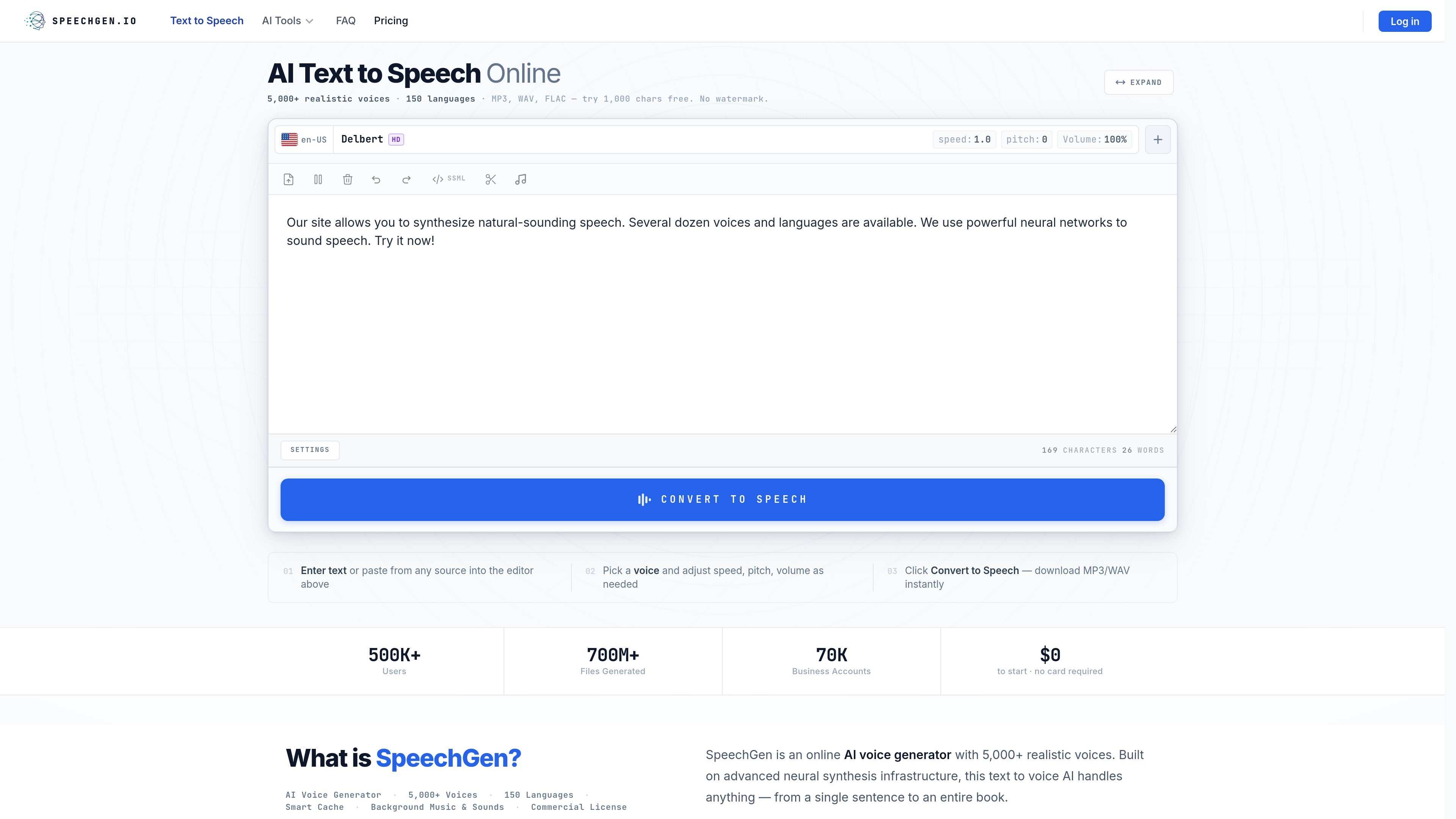
SpeechGen is an online text-to-speech and AI voice generation tool for creating downloadable voiceovers in the browser. It supports pasted text and uploaded documents, offers a large library of voices and languages, and exports audio in formats such as MP3, WAV, and FLAC.
The product is positioned for both manual voiceover work and automated generation. Users can tune speed, pitch, volume, pauses, and style, add background music or multiple speakers, and also access an API for programmatic synthesis.
Generate speech from text directly in the browser, then download the result as an audio file. The home page also says the product handles everything from short clips to book-length narration.
Choose from 5,000+ voices across 150 languages, with filters for voice quality tiers and voice characteristics. The site also offers voice samples so you can preview options before generating audio.
Upload DOCX, PDF, or SRT files, or paste plain text into the editor. The FAQ also says the platform can handle very long inputs, which makes it useful for longer scripts and documents.
Control speech speed, pitch, volume, pause timing, and emotional style where supported. The editor and API both expose these settings for more precise voice output.
Add background music, use multiple speakers in one file, and split content into separate audio outputs with chapter or cut markers. These tools support more structured voiceover workflows.
Use the API to synthesize speech programmatically with endpoints for instant text, long text, and subtitle-aligned output. The docs provide examples in cURL, PHP, Python, and JavaScript.
Turn scripts, landing-page copy, or product explainers into downloadable narration without hiring a voice actor for each revision.
Generate lesson audio, training modules, and narrated course material from text documents, including long-form content and uploaded files.
Create prompts, announcements, or multilingual call-handling audio for phone systems and reception flows.
Build narrated exhibits, tours, or guided audio experiences with voice, pauses, and optional background music.
Automate speech creation inside applications, chatbots, or content pipelines using the API endpoints for short, long, or subtitle-based synthesis.
SpeechGen generates speech in the browser from pasted text or uploaded files. The sources mention plain text, DOCX, PDF, and SRT input, but the exact best workflow depends on the content type.
The site says the service supports more than 150 languages and 5,000+ voices. Language selection comes first, then you choose a voice and generate the audio.
The web app can export MP3, WAV, FLAC, OGG, Opus, M4A, and several WAV variants. The API documentation also lists MP3, WAV, FLAC, OGG, and Opus as output formats.
The pricing page indicates a pay-as-you-go model with no subscription required, and the home page says you can start free with 1,000 characters and no account required. The exact plan pricing and limits are not shown in the provided sources.
Yes. The API documentation says API access requires a paid account, with token and email authentication for requests.