
One-click source capture
Capture webpages, PDFs, YouTube content, Reddit posts, and supported AI chat conversations into NotebookLM with a one-click browser action.

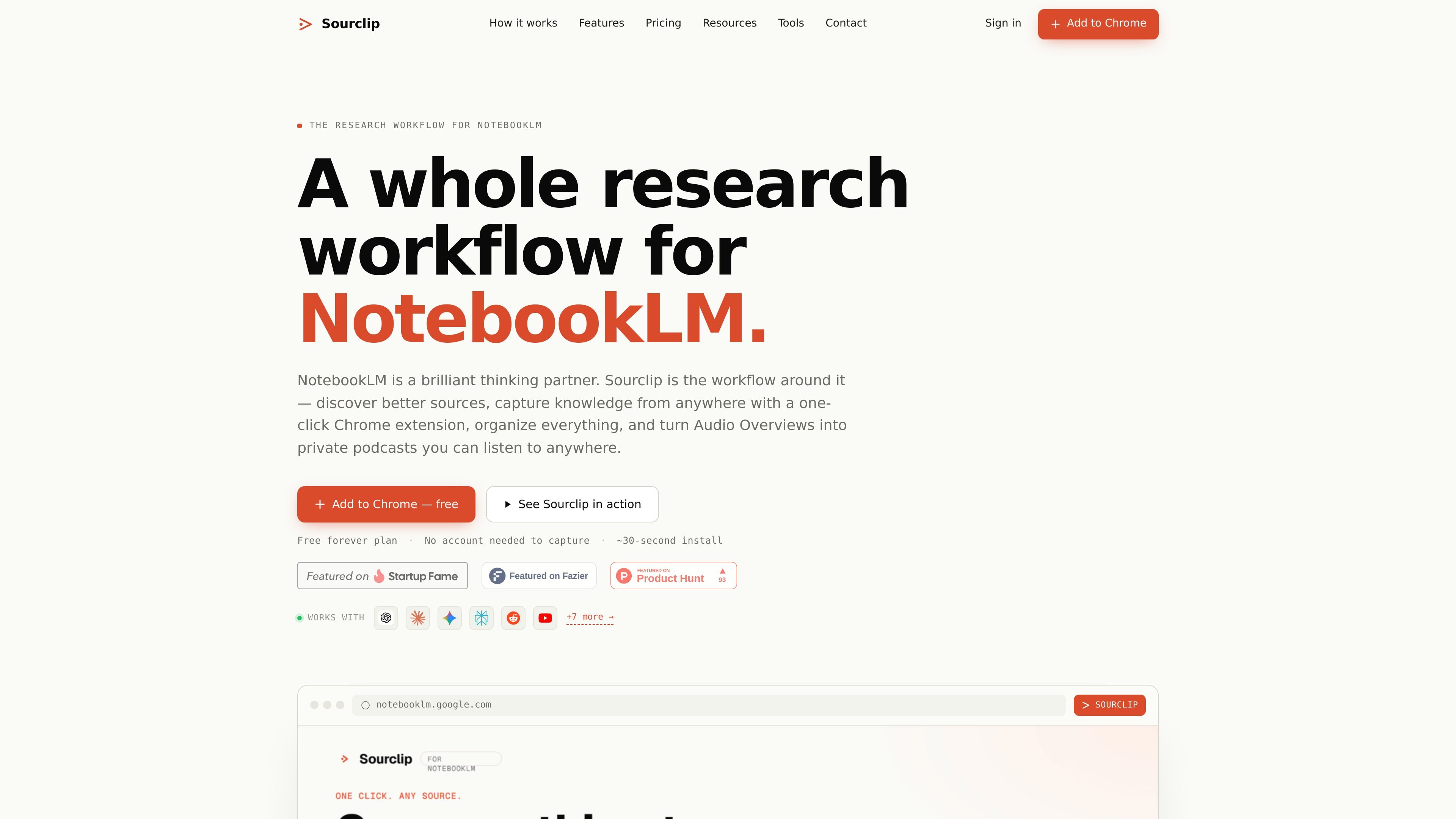
Sourclip is a Chrome extension that turns Google NotebookLM into a complete research workflow for capturing sources, organizing notebooks, saving prompts, and exporting NotebookLM outputs. It supports Chrome and Chromium-based browsers, with Free, Pro, and Lifetime plans.
Sourclip is a Chrome extension built around Google NotebookLM. Its purpose is to make it easier to collect research sources, organize notebooks, reuse prompts, and export the outputs that NotebookLM generates.
The product is positioned as a workflow layer for people who already use NotebookLM for research, study, or content work. It adds capture buttons and organization tools for sources such as web pages, YouTube content, PDFs, Reddit posts, and supported AI chat conversations, while keeping capture processing local in the browser.
Capture webpages, PDFs, YouTube content, Reddit posts, and supported AI chat conversations into NotebookLM with a one-click browser action.
Send individual videos, playlists, channels, and search results from YouTube, or capture PDFs from a browser tab or URL, without manual copy-paste.
Keep notebooks grouped in folders, search across notebooks with Ctrl+K, and manage captures in a workspace dashboard.
Save prompts you reuse for research, summarizing, study notes, and content drafting so they are available as shortcuts inside the workflow.
Export NotebookLM outputs such as notes, study guides, FAQs, timelines, flashcards, quizzes, audio overviews, videos, and slides in downloadable formats.
Use the free plan locally or upgrade to Pro for cloud sync across devices and custom branding on exports.
Researchers can collect source material from articles, PDFs, video content, and AI chats into NotebookLM, then organize it into folders for a project or topic.
Students can save lecture videos, readings, and prompts for study notes, then export flashcards, quizzes, and summaries for review.
Writers and content creators can reuse prompt shortcuts, build notebooks around a topic, and export notes, timelines, or outlines for drafting work.
People who work across multiple tools can capture conversations from supported AI chat services into a NotebookLM notebook instead of copying transcripts manually.
Teams or solo users who keep many notebooks active can use folders, global search, and bulk management to keep source libraries easier to navigate.
Sourclip is a Chrome extension that adds a workflow layer around Google NotebookLM. It lets you capture sources into notebooks, organize them, save reusable prompts, and export NotebookLM-generated artifacts.
Yes. Sourclip works with your existing Google NotebookLM account, and you choose which notebook receives each capture from the extension popup.
The source pages show capture support for web pages, YouTube videos, PDFs, Reddit posts, X posts, and full AI chat conversations from tools such as ChatGPT, Claude, Gemini, Perplexity, Grok, and DeepSeek.
Yes. Sourclip offers a free plan and paid Pro and Lifetime plans. The free plan includes daily capture and export limits, while Pro adds unlimited captures, exports, folders, prompts, cloud sync, and custom branding on exports.
Yes. Sourclip works on Chrome and Chromium-based browsers including Microsoft Edge, Brave, and Arc. Firefox and Safari are not currently supported.
Traffic data is for reference only.

www.theodorehq.com
Muse is a native Mac app for saving and organizing links, images, videos, PDFs, and notes in a private, local library. It helps people who collect visual references or do research keep everything searchable, file-based, and available on their Mac.

clipnote.paritto.dev
Clipnote is an AI-connected notepad for saving, organizing, and sharing HTML, Markdown, and plain text from conversations with Claude and ChatGPT. It also supports MCP, so AI can create and update clips directly.

ideashell.ai
闪念贝壳 is an AI voice notes app for quickly capturing ideas, organizing and expanding them with AI, and exporting content to other tools.

char.com
An AI notepad for capturing work context and turning notes into drafts, plans, and follow-ups.

reconfigured.io
An AI-powered notepad for capturing, organizing, and retrieving work insights.