
Document-to-slides conversion
Upload PDFs, Word documents, or paste a URL, then have the AI turn the source into a presentation deck without building slides from scratch.
SlidesPilot is an AI presentation generator that turns PDFs, Word documents, URLs, or pasted text into editable slide decks for PowerPoint or Google Slides.
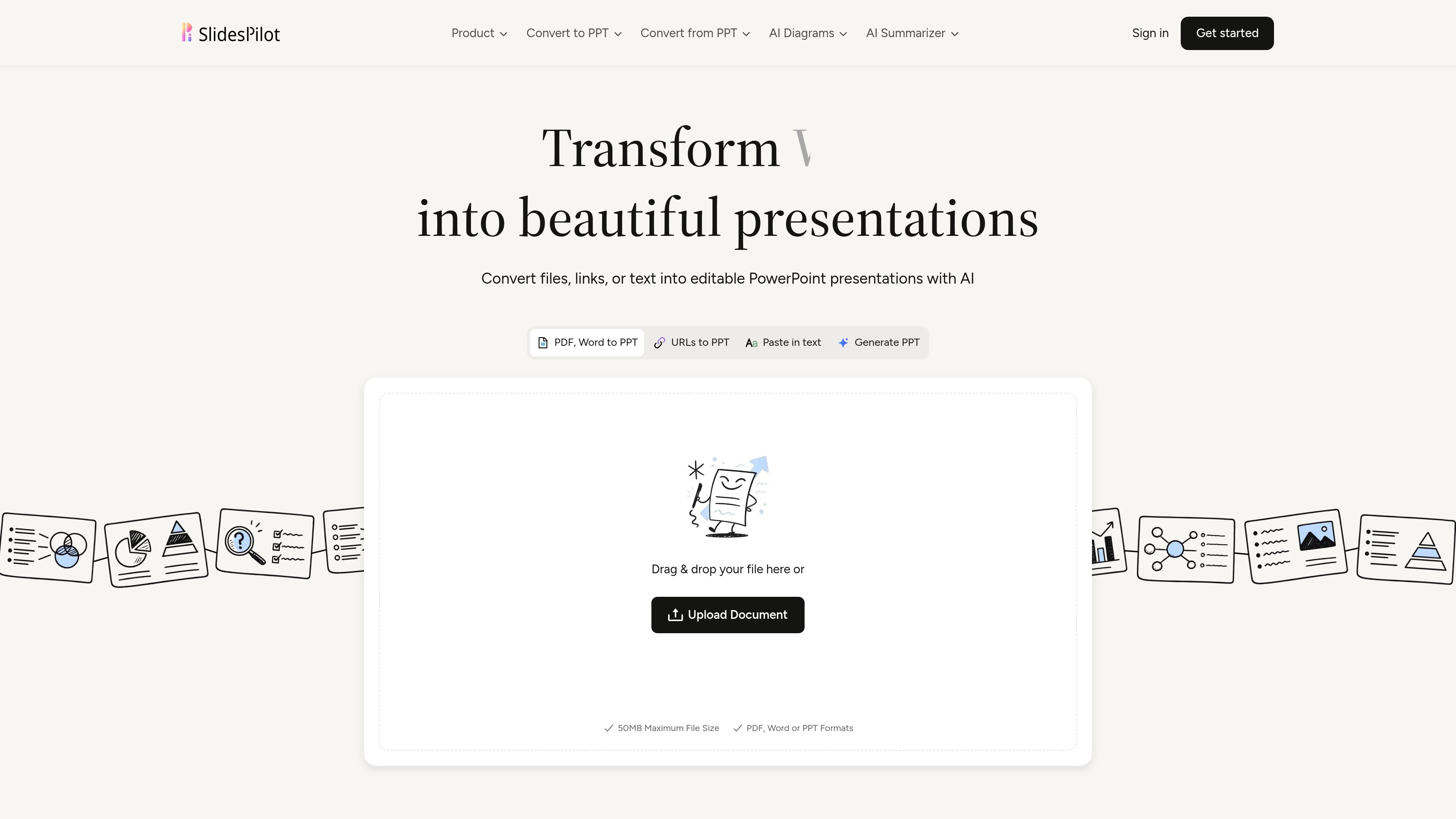
SlidesPilot is an AI presentation generator that converts documents, links, or pasted text into editable presentation decks. The product is positioned as a way to avoid starting from a blank slide and instead turn existing material into a structured PowerPoint-style presentation.
The site emphasizes document summarization, editable PPTX output, and compatibility with common presentation workflows. It also highlights support for PDFs and Word documents, plus the ability to paste a URL, generate slides from plain text, and export the result to formats such as PowerPoint, Google Slides, PDF, and PNG.
Upload PDFs, Word documents, or paste a URL, then have the AI turn the source into a presentation deck without building slides from scratch.
Edit the result as a PowerPoint-friendly deck rather than a static image export, so the content stays usable in downstream workflows.
Convert raw data into charts, graphs, tables, and diagrams to make structured information easier to present.
Use the AI agent and block-based editor to adjust structure, layout, content, and design through direct editing or chat-style guidance.
Apply built-in or custom themes to keep fonts, colors, backgrounds, and logos consistent across slides.
Export or share the presentation in multiple formats, including PowerPoint, Google Slides, PDF, and PNG.
Turn reports, handouts, or reference files into a slide deck when the starting point is already written content.
Upload a PDF or Word document and use the generated deck as a draft that can be edited in PowerPoint or Google Slides.
Use the AI to transform raw numbers or structured notes into charts, graphs, and diagrams for clearer communication.
Paste text or a URL to summarize online or text-based material into a presentation without manually copying content into slides.
Apply themes and branding controls when teams need the deck to keep a consistent look across multiple presentations.
SlidesPilot says presentations are generated from uploaded documents, pasted text, or URLs using its AI pipeline, and the result is editable afterward.
The site describes outputs as fully editable PPTX presentations, and also says presentations can be exported to Google Slides, PDF, and PNG.
Yes. The homepage states that generated presentations are editable and built for PowerPoint workflows.
The homepage says SlidesPilot is free to use and that no credit card is required when signing up, with free AI credits available.
The site lists document safety and presentation privacy as supported, stating uploaded documents remain secure and presentations are private by default.