
Text, PDF, and data to slides
Create presentation drafts from a text prompt, a blog post, an article, a PDF, or source data, then turn that content into a slide deck.

SlidesGPT generates decks from prompts, PDFs and data, with export to PowerPoint, Google Slides and PDF, plus a team ChatGPT app and enterprise API.
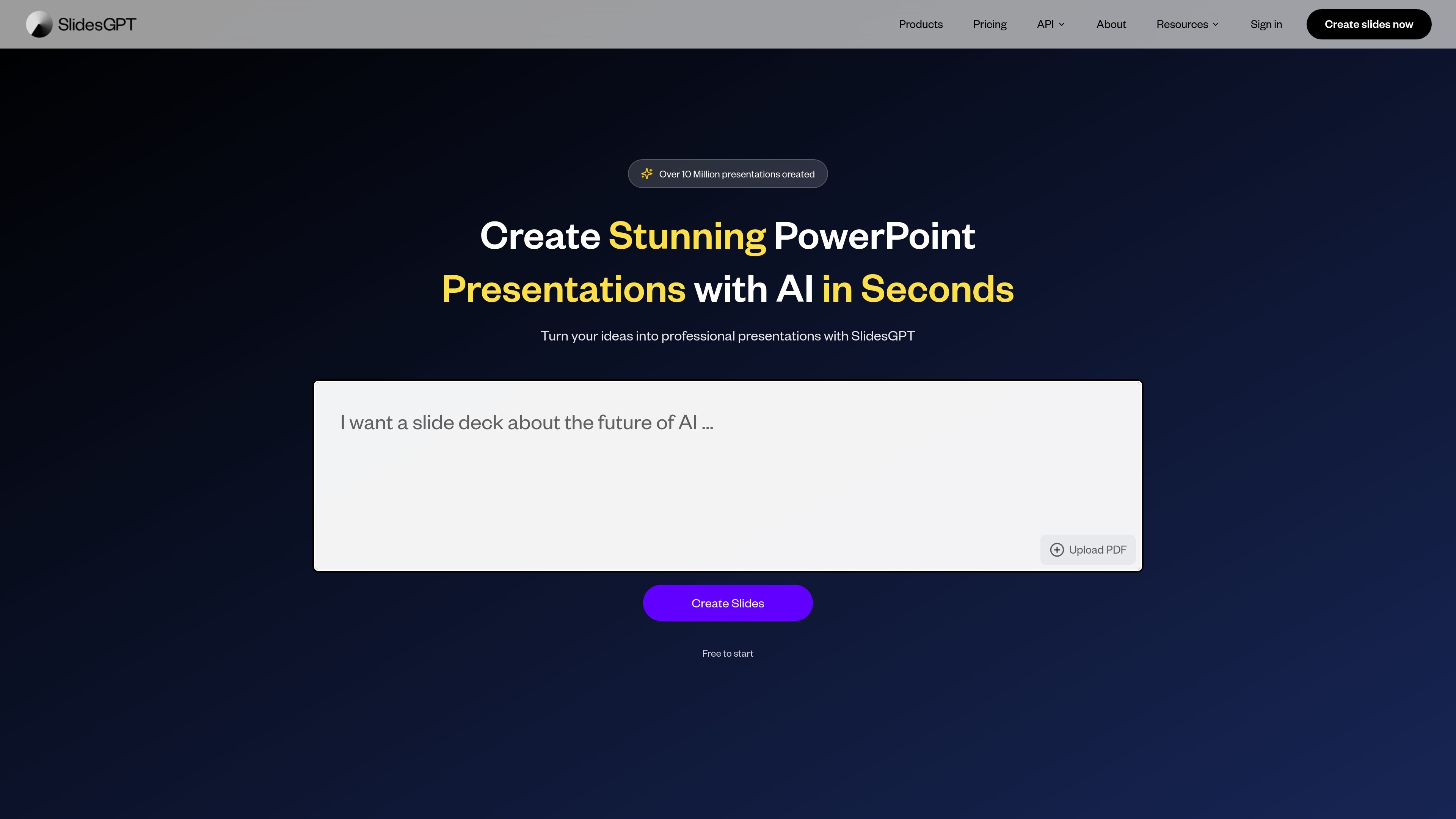
SlidesGPT is an AI presentation generator that turns prompts, PDFs, and other source material into slide decks. The site positions it as a PowerPoint-focused tool powered by the ChatGPT API, with output that can be viewed, exported, and reused in common presentation workflows.
The product is available in several forms: a free starter option for individual users, paid plans for exporting and higher usage, a branded ChatGPT app for teams, and an enterprise API for embedding presentation generation into other systems. That makes it relevant both for people who need quick draft decks and for organizations that want a repeatable presentation workflow.
Create presentation drafts from a text prompt, a blog post, an article, a PDF, or source data, then turn that content into a slide deck.
Export decks to PowerPoint, Google Slides, and PDF, making the output usable for editing, sharing, offline work, or printing.
Use your company master template, fonts, colors, logos, and layouts so the generated deck follows a branded visual system.
Add new slides to an existing deck from the same chat flow instead of starting over from scratch.
Generate AI images, charts, diagrams, and infographics and place them directly into slides.
Offer two delivery models for business use: a ChatGPT workspace app for teams and a REST API for programmatic generation.
A student, teacher, or consultant can paste notes, a blog post, or an article into the tool and get a draft presentation that can be edited before sharing.
A team can upload a PDF report and generate a branded presentation that uses the company’s template, fonts, colors, and logo.
An analyst or operator can feed in spreadsheet data and create slides that summarize the information for meetings or reviews.
A user who already has a deck can add a conclusion, appendix, or other extra slides without rebuilding the original presentation.
A business can integrate the Enterprise API into its own product or workflow to generate presentations programmatically at scale.
SlidesGPT can generate presentations from text prompts, PDFs, and other written source material. The business pages also show team and enterprise offerings that support branded slide creation inside ChatGPT or through an API.
The pricing page lists exports to PowerPoint, PDF, and Google Slides on paid plans, while the home page also says presentations can be exported to PowerPoint, Google Slides, and PDF.
The team app is designed to live inside a ChatGPT workspace, while the Enterprise API is meant to be integrated into an existing application or workflow.
The business pages show a free trial / proof-of-concept path for the Custom ChatGPT App, a free starter tier for individual use, and sales-led contact flows for enterprise and custom business needs.
The source does not provide a complete public list of setup requirements or all product limits. The pricing page does show monthly download limits for individual plans and usage-based pricing for the API.