
Multiple input types
Generate slide decks from prompts, and from videos, websites, files, or documents according to the homepage and generate page.

Slider AI is a web-based AI presentation builder that turns prompts, videos, websites, files, or documents into slide decks. Free plan, PowerPoint and Google Slides export.
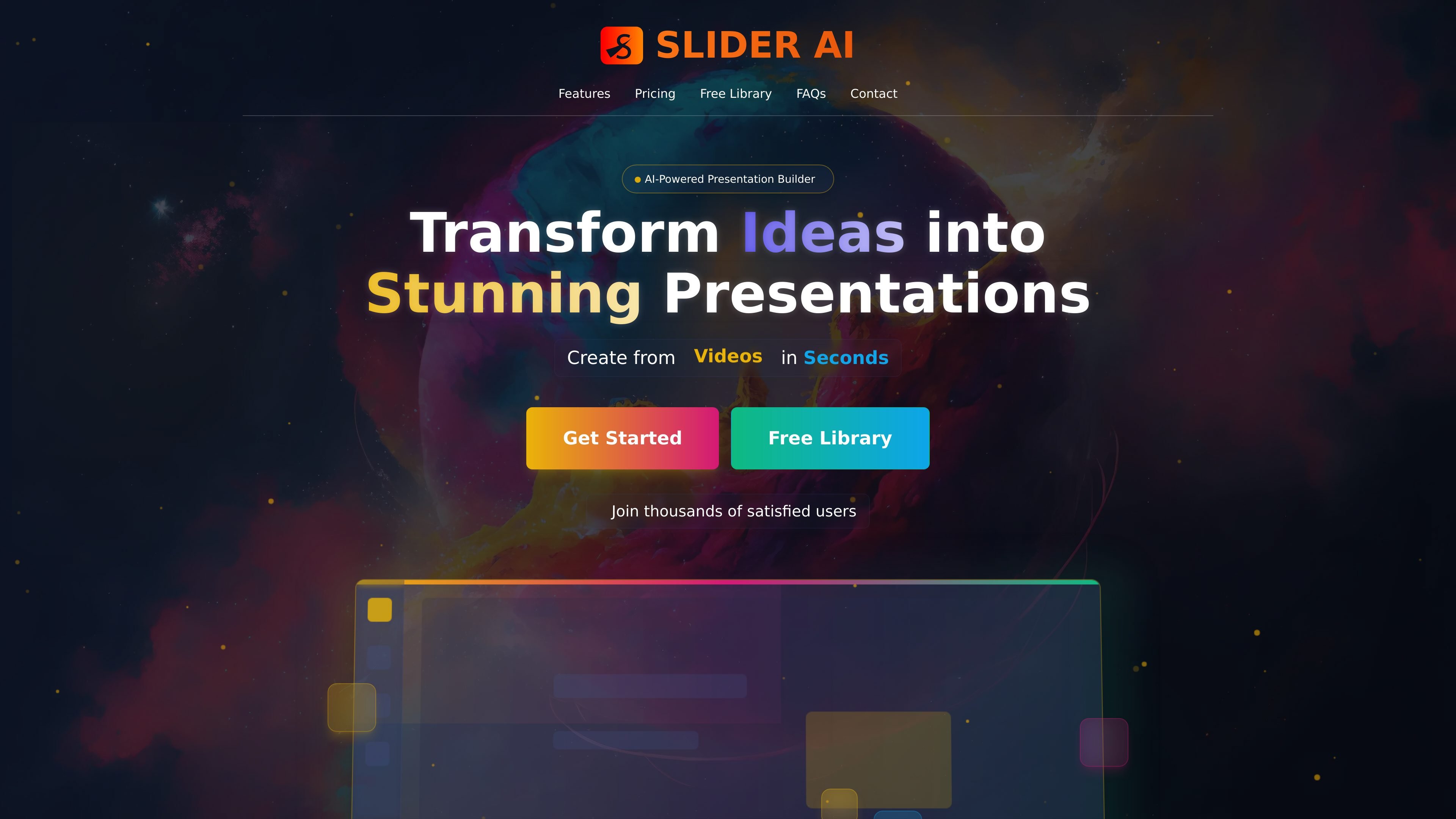
Slider AI is an AI presentation builder that turns prompts and other source materials into slide decks. The product pages describe a workflow for generating presentations from text prompts, videos, websites, files, and documents, with output positioned for quick creation and professional-looking slides.
The site also includes a presentation library with free downloadable examples and templates, plus pricing plans for free and paid usage. Public pages indicate export to PowerPoint and Google Slides, multi-language support, and AI-generated visual content, but do not spell out every editing control or integration in the visible text.
Generate slide decks from prompts, and from videos, websites, files, or documents according to the homepage and generate page.
Build presentations in seconds with an AI-driven workflow designed for fast first drafts and rapid iteration.
Use the library to browse and download free AI-generated presentations and templates across many topics and languages.
Choose from plans that include PowerPoint download and export to Google Slides.
Create presentations in multiple languages, with examples shown in English, Ukrainian, Arabic, Russian, and other languages in the library.
Generate charts and use AI-generated images in presentation output, based on homepage pricing and product copy.
Turn a short prompt or outline into a first draft of a presentation when you need slides quickly and do not want to start from a blank deck.
Create slides from a website, document, or video when the source material already exists and needs to be repackaged into presentation form.
Browse the library for free examples and templates when you want a starting point, reference structure, or downloadable deck for a topic.
Produce presentations in different languages for audiences that need localized slide content, as reflected by multilingual examples in the library.
Use the paid plans when you need more credits, larger presentations, image replacement, or Google Slides and PowerPoint export.
Slider AI generates presentations from prompts and can also take input from videos, websites, or files. The source pages also show a dedicated generate flow for text, video, website, and document inputs.
The homepage states that generated presentations can be downloaded and that all plans include PowerPoint download and export to Google Slides.
Yes. The pricing page shows a Free plan, and the homepage says users can get started free. Paid plans are listed as Pro and Business Pro.
The homepage includes a FAQ item about customizing generated presentations, which indicates generated decks are editable. The public source text does not spell out every editing control.
The homepage FAQ includes security and privacy as a supported topic, but the rendered source does not provide the full policy details in the page text.