
AI website generation
Describe a site in plain English and let AI generate layout, copy, images, and code. The homepage also says you can attach references or screenshots and refine the result with visual tools.
ShipFast.ai is an AI website builder for founders and creators, with domains, email, payments, banking, and business registration in one place.
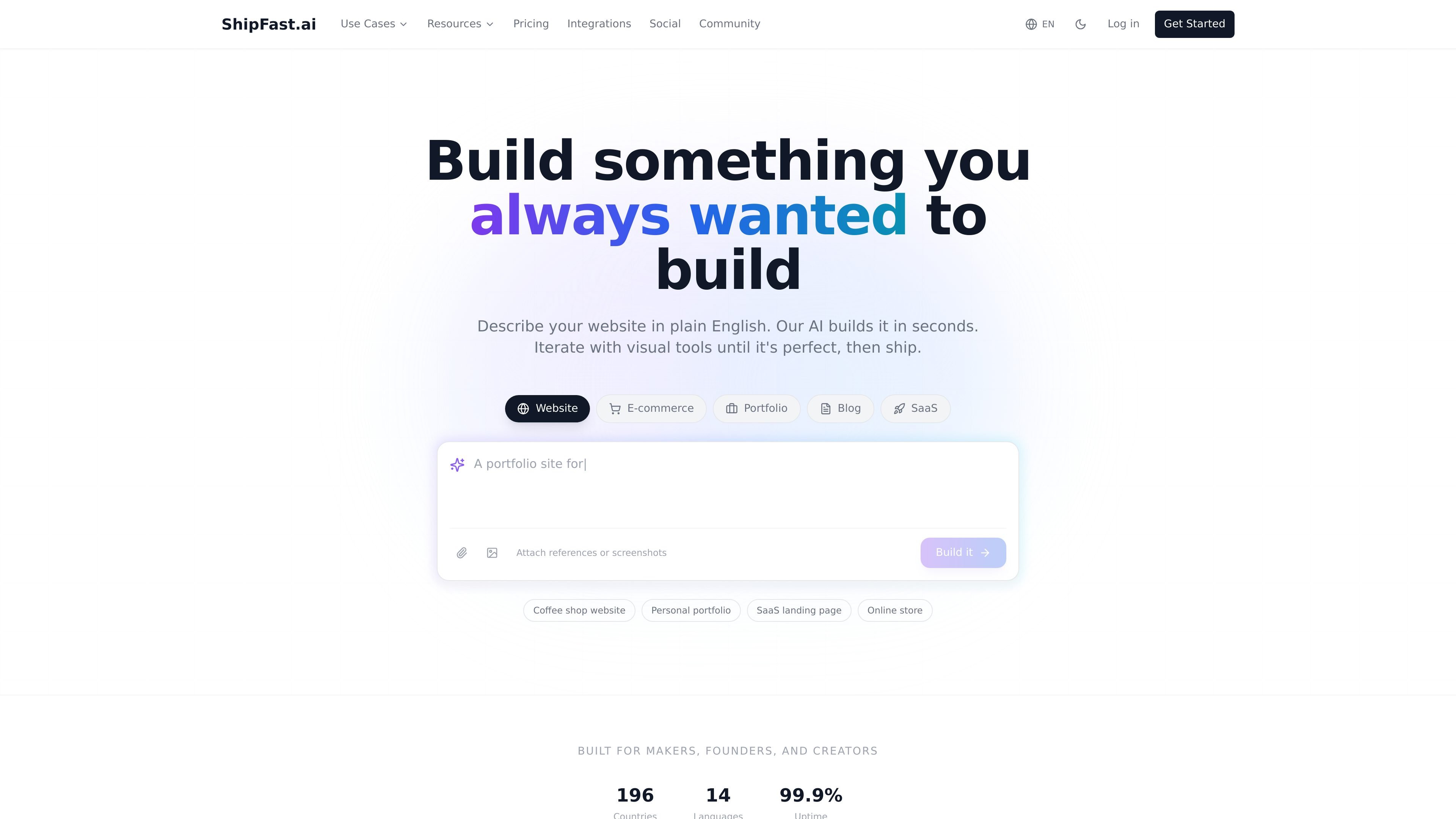
ShipFast.ai is an AI platform for building and launching websites with connected business infrastructure in one place. The site presents it as a way to move from an idea or template to a live site while also handling domains, email, payments, banking, and company registration.
The homepage describes a workflow where users explain what they want in plain English, refine the result with visual controls, connect services such as Stripe, Mercury, and custom domains, and manage the site from a dashboard. Pricing ranges from a free plan for creating and previewing sites to paid plans that add publishing, custom domains, payment integration, and higher usage limits.
Describe a site in plain English and let AI generate layout, copy, images, and code. The homepage also says you can attach references or screenshots and refine the result with visual tools.
Search, register, and connect custom domains in one place. The site says it integrates with Cloudflare and Namecheap and supports free SSL plus a free *.shpfast.com subdomain.
Connect Stripe for payments and use guided steps to register an LLC or Corp and open a business bank account. The homepage also mentions Mercury banking integration.
Create and manage business email through your domain, with inbox-related actions handled through usage credits. The pricing page also lists email support and an email inbox on higher plans.
Use AI agents for operational tasks such as scheduling, follow-ups, spreadsheet work, accounting, taxes, and customer support. The pricing page also lists OpenClaw AI agent on the Business plan.
Start from a plain-English prompt or a template and generate a portfolio, landing page, blog, or storefront without writing code.
Register a custom domain, connect it through Cloudflare and Namecheap, and publish a site with SSL and a subdomain fallback if needed.
Add Stripe, banking, and LLC or Corp registration assistance when you want the site and business setup to move together.
Use the dashboard and AI agents to update content, manage users, monitor analytics, and handle routine back-office tasks.
Free lets you create and preview websites but not publish them. Starter adds publishing for up to 5 sites on *.shpfast.com and includes 500 monthly usage credits.
Yes. You can buy credit packs separately at any time. The page lists 100 credits for $10, 1,000 credits for $90, and 5,000 credits for $250, and purchased credits never expire.
Your published sites stay live, but actions that consume credits, such as AI chat, analytics, security scans, email delivery, and cloud provisioning, are paused until you add more credits or your monthly allowance resets.
Yes. The pricing page says upgrades take effect immediately with prorated pricing, while downgrades take effect at the end of the current billing period.
The source shows template signup entry points such as portfolio and landing pages, but it does not fully document the end-to-end publish workflow beyond describing a describe-and-iterate process with domain, payments, and dashboard steps.