
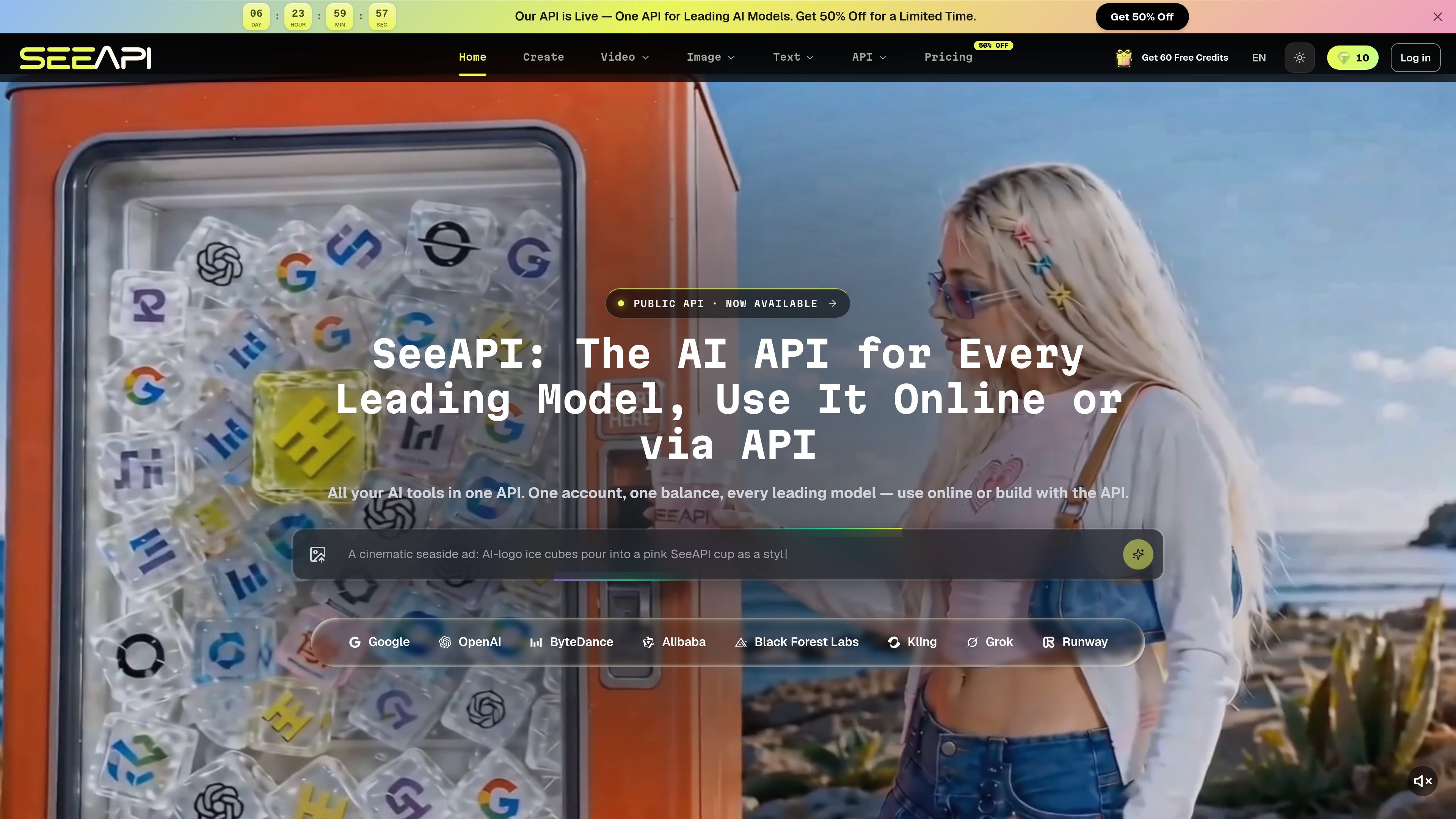
Unified model workspace
Browse and use image, video, and other multimodal models from one SeeAPI account instead of maintaining separate provider workflows.

SEEAPI is a unified platform for creating and integrating image, video, and other multimodal AI workflows across leading models. It supports browser-based experimentation and a public API for developers building creative tools, automations, and content systems.
SEEAPI is a unified multimodal AI platform for generating and editing images and videos, exploring text and other creative workflows, and connecting those capabilities to products through an API. It lets users work with multiple leading models from one account and one credit balance.
The core workflow is to select a model, create or edit an asset online, compare results across models, and then use the same general workflow in an application or automation. The site lists image, video, text, music, voice, background removal, upscaling, enhancement, image editing, and content moderation capabilities, while noting that some music, voice, and premium API features may have availability limitations.
SEEAPI’s provider-routing layer is designed for models available through more than one provider. Users can set a preferred provider order; the platform describes automatic switching when a provider has an issue and normalized results, status, and webhook behavior across routes. The supplied site material does not provide endpoint paths or authentication details, so those implementation specifics require separate documentation.
Browse and use image, video, and other multimodal models from one SeeAPI account instead of maintaining separate provider workflows.
Create images from prompts, edit or transform reference images, and combine product or style references. The image interface includes controls for size, resolution, image count, and visibility where supported.
The listed video capabilities include text-to-video, image-to-video, video editing and restyling, character consistency, and camera or keyframe control.
For supported models, configure provider priority and defaults. SEEAPI describes automatic fallback when an issue occurs and a normalized result, status, and webhook format across providers.
One balance covers supported generations across the platform, and credits do not expire or need to be kept in separate provider accounts. Consumption varies by model and settings such as resolution or duration.
Users can test prompts and compare outputs in the browser before integrating the workflow through the public API. The site positions this for products, automations, creator tools, and internal content systems.
Creators and developers can test the same creative direction across image or video models, then compare quality, speed, and estimated cost before selecting a production workflow.
Marketing or ecommerce teams can use text prompts, product references, and style references to create product variations, social assets, campaign imagery, and other visual concepts.
Product teams can use the unified API approach to add image or video generation to a creator tool, customer-facing product, automation, or internal content system without wiring every listed provider separately.
Teams using models exposed through multiple providers can set a preferred order and retain fallback routes when availability, latency, or provider conditions change.
The site lists image generation and editing, video generation and editing, text workflows, background removal, upscaling and enhancement, reference and consistency workflows, and NSFW detection for text, images, and video. Music and voice capabilities are also described, with some access marked as coming soon.
Yes. SEEAPI provides browser-based creation for testing prompts, uploading references, generating assets, and comparing models before moving a workflow into an application.
The site presents a public API and a unified API gateway. It describes requests using a model ID and parameters, provider priority, automatic fallback, and normalized results, but the supplied pages do not specify endpoint paths, authentication, or SDK details.
SEEAPI uses credits for supported creation workflows. Credits do not expire and stack into one balance. The pricing page shows a free tier with 10 trial credits and paid Starter, Pro, and Studio options; access and capacity vary by plan, and model settings such as image resolution or video duration can change consumption.

lumalabs.ai
Luma APIs provide image and video generation models for creative products, workflows, and production pipelines. They expose Uni-1.1 for image generation and Ray3.2 for controllable video generation, including editing and reframing workflows.

openai.com
ChatGPT Images 2.5 is an image-generation and editing model for turning ideas, sketches, prompts, and reference photos into more personalized images. It supports iterative creative work in ChatGPT and production image workflows through the API.

kling.ai
Kling AI is a multimodal creative studio for generating images and videos from text, images, and reference inputs. It also provides APIs for developers and enterprises that need image and video generation in products or workflows.

runweave.app
RunWeave is a unified inference API for developers building with image, video, audio, 3D, and related AI models. It provides access to 1,000+ models through one REST endpoint and one API key.

modelslab.com
ModelsLab is a developer platform that provides APIs for image, video, audio, 3D, and LLM generation through a unified service. It supports teams building generative media features without integrating each model provider separately.

apiframe.ai
Apiframe is a unified REST API for generating AI images, videos, and music. It helps developers and automation teams add media generation through one API, with asynchronous jobs, webhooks, SDKs, and CDN-hosted outputs.