
Documentation authoring
Write product guides and API documentation in Markdown or MDX, mix in custom HTML/CSS/JS, and serve the result as hosted docs or through the CLI.

Scalar is a developer platform for API docs, SDK generation, API testing, and registry workflows built on open standards like OpenAPI.
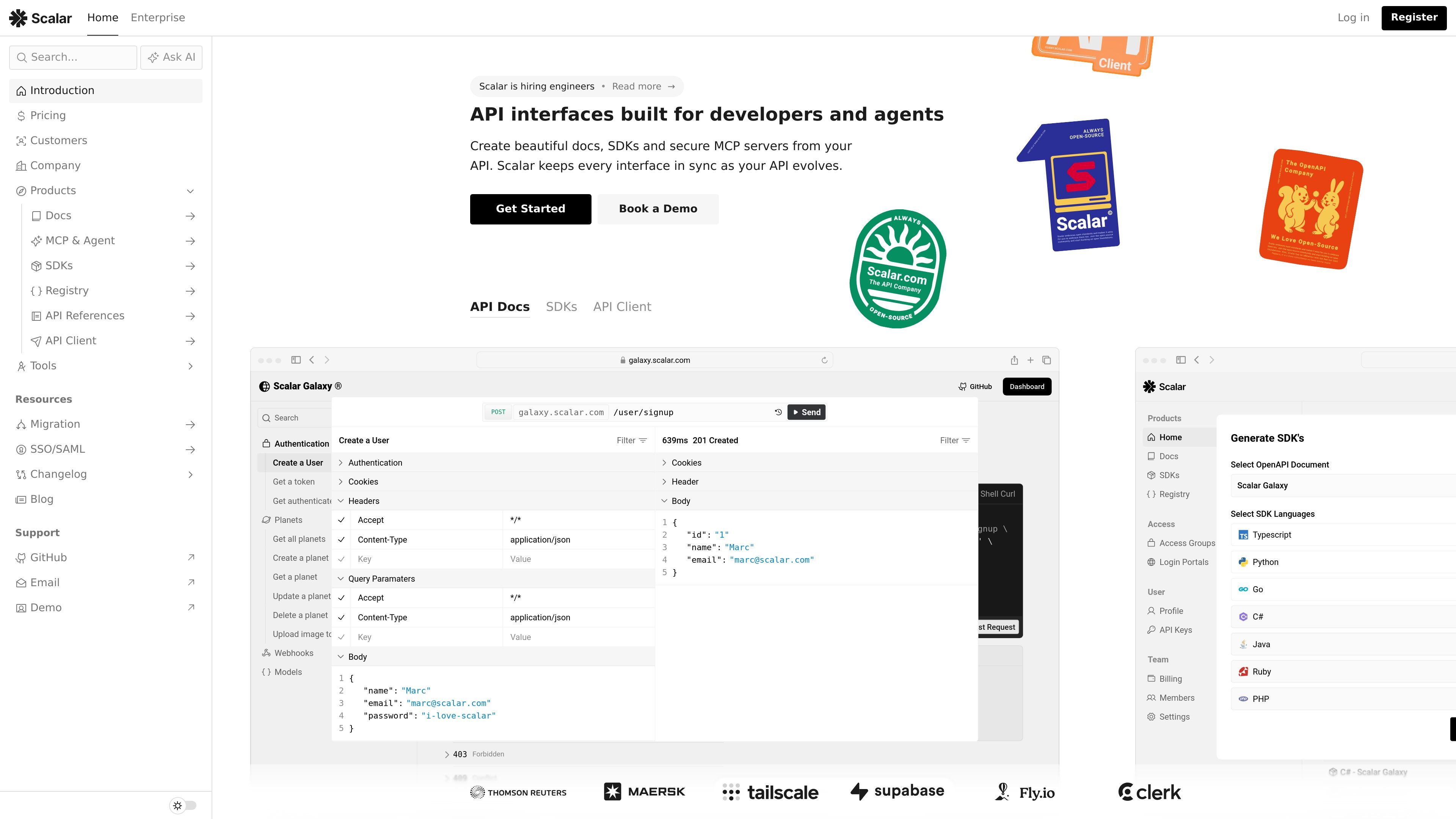
Scalar is a developer platform for API documentation, SDK generation, API testing, and API registry workflows. The site presents it as “The API Company” and centers the product around open standards, especially OpenAPI, with support also shown for AsyncAPI and JSON Schema in relevant products.
Across the product pages, Scalar positions its tools as a connected set: write docs, generate SDKs and clients, test APIs in an offline-first client, and keep outputs in sync with Git and the source API description. The platform is available through hosted experiences, the CLI, and desktop or browser-based client access depending on the product.
Write product guides and API documentation in Markdown or MDX, mix in custom HTML/CSS/JS, and serve the result as hosted docs or through the CLI.
Generate interactive API references from OpenAPI and AsyncAPI documents so documentation and API descriptions can stay aligned.
Keep documentation current with two-way Git sync, GitHub Actions, preview deployments, and publish workflows from a repository or the CLI.
Generate type-safe SDKs and CLIs from OpenAPI, with support for custom code, code samples, authentication, and file streaming.
Use an offline-first API client to import OpenAPI descriptions, organize collections, run request scripts, and validate responses.
Manage OpenAPI documents with deep Git integration, CI/CD workflows, and registry-oriented publishing for teams that need versioned API assets.
Use Docs to write guides in Markdown or MDX, combine them with API references, and publish from GitHub or the CLI while keeping the site in sync with the repository.
Use SDK generation to turn an OpenAPI document into type-safe client libraries or CLIs, then manage updates when the API spec changes.
Use API Client to import an OpenAPI description, send requests, organize collections, and add pre-request or post-response scripts for testing.
Use the registry workflow to manage and version OpenAPI documents with Git integration and CI/CD automation for teams maintaining shared API assets.
Use the hosted and browser-based tools to collaborate across teams that need docs, client access, or preview deployments without building each piece separately.
Scalar Docs is used to create and publish developer documentation with Markdown, MDX, OpenAPI, AsyncAPI, and two-way Git sync. It supports previews, GitHub Actions, and publishing from the CLI.
Yes. The pricing page lists a Free plan with hosted OpenAPI docs and a built-in API client, and paid plans for Docs, SDKs, MCP servers, and developer portals.
Scalar SDKs generate type-safe client libraries from OpenAPI documents. The getting started page mentions TypeScript, Python, CLI targets, and more supported languages.
Scalar API Client is available in the browser and as desktop apps for macOS, Windows, and Linux. It is built around OpenAPI imports, collections, environments, and request/response testing.
The source highlights OpenAPI and AsyncAPI support for docs, OpenAPI-based SDK generation, and an OpenAPI-native API client and registry. The pricing page also mentions JSON Schema support in the registry.