
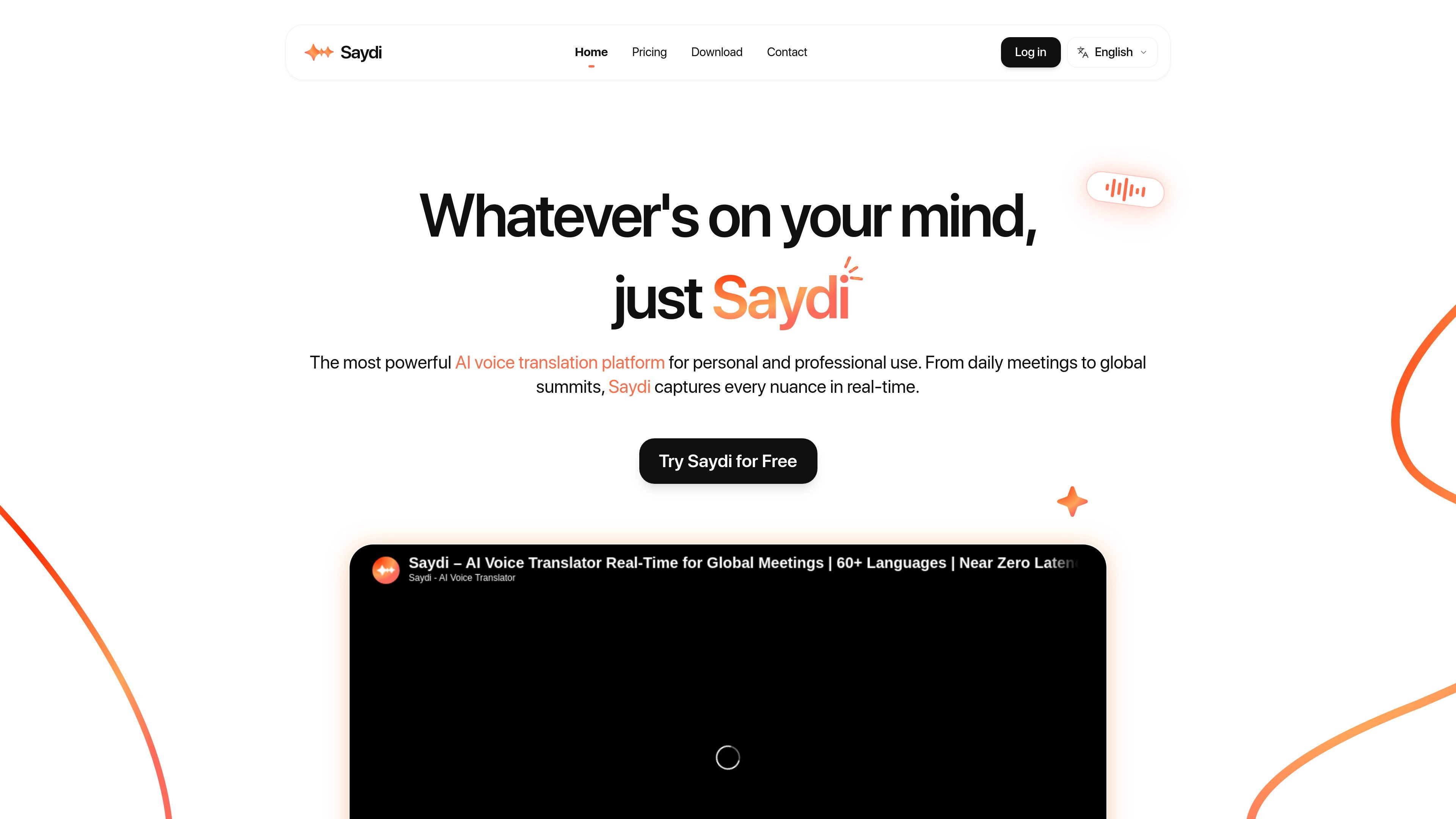
Multiple translation modes
Choose between two-way translation, one-way translation, and transcription depending on whether you need live back-and-forth interpretation or a record of the conversation.

Saydi is an AI voice translation tool for meetings, events, and conferences, offering live interpretation, transcription, and professional meeting workflows.
Saydi is an AI voice translation product focused on meetings, events, and conferences. It is positioned as a tool for live interpretation, transcription, and translation workflows that need to work in professional settings rather than as a general-purpose consumer translator.
The site presents Saydi around real-time communication across languages, with support for two-way translation, one-way translation, and transcription. It also adds meeting-oriented context tools such as keywords, custom terms, speaker labeling, and automatic meeting minutes, plus event-specific features like QR code access and document translation.
Choose between two-way translation, one-way translation, and transcription depending on whether you need live back-and-forth interpretation or a record of the conversation.
Saydi automatically detects the speaker's language, reducing the need for manual button switching during a conversation.
The product includes speaker diarization and can automatically generate meeting minutes, which helps turn live discussions into usable notes.
Users can add meeting details, names, keywords, and a custom dictionary of up to 50 specialized terms to guide translation in context.
The pricing page lists a Chrome extension for Google Meet, Zoom, Teams, and Webex, and the home page also describes web and mobile app access.
For event workflows, Saydi adds DocTranslate and QR code entry for sessions, extending the product beyond ordinary meeting translation.
Run bilingual or multilingual meetings with live, back-and-forth interpretation while keeping the conversation moving in real time.
Support conferences and event sessions where attendees can join through QR code entry and receive translation during the session.
Translate event handouts or other supporting materials with DocTranslate so the spoken session and written material stay aligned.
Capture spoken discussion as transcription or translated notes when the goal is documentation rather than live interpretation.
Use the web or mobile app to work across devices when a meeting is not happening inside one of the supported browser-based platforms.
Saydi supports two-way translation, one-way translation, and transcription, so the same product can be used for live interpretation or for turning speech into notes.
The pricing page says Saydi works with Google Meet, Zoom, Teams, and Webex through a Chrome extension, and it also lists web and mobile app access on the home page.
Saydi's pricing page says unused monthly minutes do not roll over to the next billing cycle. It also says credit top-ups never expire, but they are only available to Pro or Team members with an active membership.
Saydi supports 60+ languages, automatically detects the speaker's language, and can generate meeting minutes and handle up to 50 custom terms in a vocabulary list.
The site positions Saydi for meetings, events, conferences, enterprise communication, and document translation, with QR code access for event sessions and DocTranslate for event documents.
Traffic data is for reference only.

cuckoo.so
Real-time AI translation for global teams across meetings and events.

teameet.cc
Video meetings with AI translation, captions, transcription, recording, and host controls

vocol.ai
Voice collaboration platform for transcription, summaries, action items, and translation

dicte.ai
AI meeting and voice-note app for transcription and reports

meetstream.ai
MeetStream provides a single API for building meeting bots that can join, record, stream, and transcribe meetings on Zoom, Google Meet, and Microsoft Teams. It is aimed at developers and teams building AI meeting products, automation, and analytics workflows.
mosmos.io
MosMos is a voice-to-text desktop app that adapts spoken input to the current context and turns it into usable text. It supports in-app voice typing, custom keywords, and meeting transcription with summaries and to-do items.