

Pipeline and deal tracking
Manage leads, contacts, and deals in Momentum, which is the CRM layer the product centers on for day-to-day pipeline work.
Salestrics is an AI-native CRM and revenue platform for startups with pipeline, files, finance, analytics, automations, and team communication in one system.
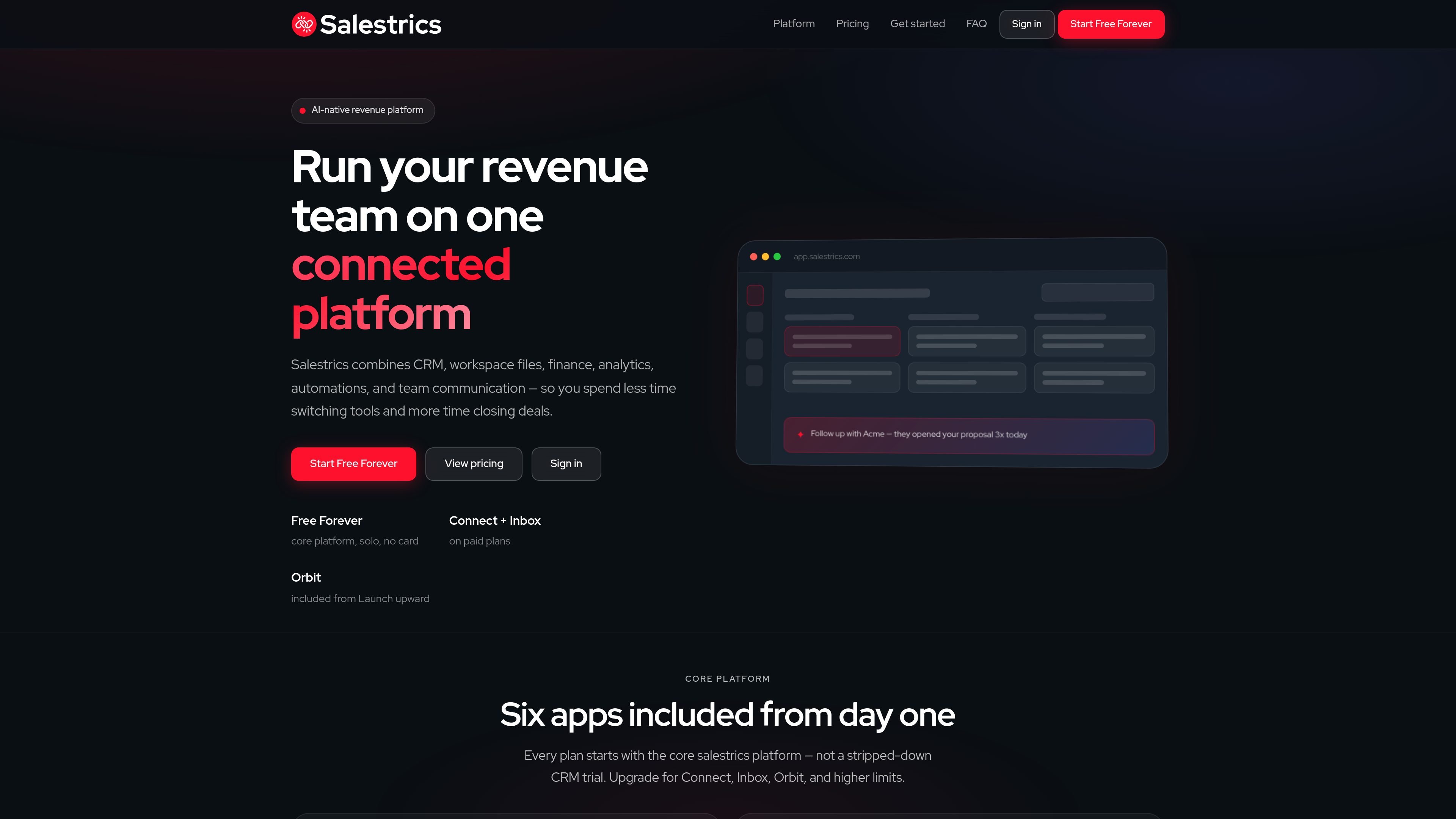
Salestrics is an AI-native CRM and revenue platform for startups that combines pipeline management, workspace files, finance, analytics, automations, and team communication in one system. The product is designed to reduce tool switching by keeping CRM data, follow-up work, and supporting records connected in the same workspace.
The core platform includes Momentum, Workspace, Assistant, Ledger, Insight, and Auto. Paid plans add Connect for chat and video, Inbox for shared email, Orbit on Launch and above, and higher usage limits, while Free Forever lets one user start with the core platform at no cost.
Manage leads, contacts, and deals in Momentum, which is the CRM layer the product centers on for day-to-day pipeline work.
Keep docs, sheets, slides, calendars, and files in one workspace so revenue work and supporting materials live alongside the CRM records.
Use Assistant to prioritize deals, draft follow-ups, and surface next steps from live CRM data instead of manual review.
Track revenue, expenses, invoices, and bank transactions in Ledger on paid plans, with bank sync available where supported by the plan.
Build dashboards and KPI reports from CRM data in Insight without exporting records into another analytics tool.
Run bulk automations in Auto to qualify leads, reassign owners, and move pipeline stages at scale.
Start with a single-user CRM setup, add pipeline stages and records in Momentum, and use the free core platform before deciding whether the team needs paid communication or finance features.
Keep deal records, files, scheduling, and internal discussion in one place so a small team can follow the same account history without juggling separate tools.
Use Assistant to flag deals that need attention, draft follow-ups, and identify next steps based on live CRM data when the pipeline gets busy.
Add Inbox and Connect on paid plans to handle sales email, internal chat, and browser-based calls alongside the same contacts and deals.
Track revenue, expenses, invoices, and bank transactions in the same workspace as CRM data when a team wants basic financial visibility tied to the sales process.
Yes. Salestrics offers a Free Forever plan for one user with the core platform, and the site says no credit card is required to start. Paid plans add team features, higher limits, and additional modules.
Free Forever and Startup include the core platform: Momentum, Workspace, Assistant, Ledger, Insight, and Auto. Launch, Runway, and Scale add the full platform with Orbit, and paid plans also include Connect, Inbox, custom CRM fields, and bank connections in Ledger.
Connect is the built-in team communication layer on paid plans. It includes channels, direct messages, browser video meetings, meeting threads, and scheduling from Workspace Calendar.
Inbox is the shared organization email workspace on paid plans. It is positioned for sales conversations, follow-ups, and customer communication inside Salestrics.
No. The pricing page says paid plans include browser-based video meetings, including screen sharing and meeting chat, so a separate Zoom-style subscription is not required for those included use cases.
Traffic data is for reference only.
Traffic analytics are not available yet.

Distribute is an AI sales follow-up tool that turns calls into shareable deal pages with recordings, pricing, next steps, and follow-up emails.

OneText helps merchants turn SMS conversations into orders with campaign messaging, cart recovery, conversational replies, and order sync.

Hurree is an AI-powered reporting and analytics platform that centralizes company data, shared dashboards, and Riva summaries, recommendations, and forecasts.

北极九章 is an enterprise AI data insight engine for natural-language data analysis. Ask by typing or voice and get charted results in workflows.

Postfity is a social media management tool for scheduling, planning, publishing, and tracking posts across connected accounts. Includes analytics, inbox management, AI tools, team workflows, and Free and paid plans.

Botsplash is an all-in-one customer engagement platform for SMS, chat, voice and scheduling, with AI assistance, CRM integrations and compliance controls.